System Status: Checking...
Core:
SQL
NoSQL
RT
Batch
Analysis:
Brand
Camel
Cat
Clarity
Avail
Common
Mem
Rhyme
SEO
SEO-
Sent
Syll
TLD
Tone
TM
Whois
Rank

Help Center

Getting Started

How do I create an account?

Creating an account is simple and free:

  1. Click "Sign Up" in the top navigation
  2. Enter your email address and create a password
  3. Verify your email address
  4. Complete your profile setup

Once your account is verified, pick the plan that fits your portfolio and you're ready to run your first appraisals.

552 views 0 helpful

What is a domain appraisal?

A domain appraisal is a professional assessment of a domain name's market value. Our AI-powered system analyzes over 50 factors including:

  • Domain length and memorability
  • Keyword strength and search volume
  • Extension (.com, .net, etc.) and brandability
  • Comparable sales data
  • Market trends and industry relevance
501 views 0 helpful

What sets Appraise.net apart from other domain appraisal systems?

The domain appraisal industry has several excellent services, and we respect the work being done across the board. What makes Appraise.net unique is our deep linguistic analysis and word disambiguation approach that goes beyond surface-level valuation.

Our Core Differentiator: Disambiguation-First Analysis

Most appraisal systems evaluate domains at face value. We go deeper by analyzing multiple possible interpretations of a domain name and identifying which meaning has the highest commercial value.

Word Disambiguation

We analyze how words can be parsed, understood, and interpreted across different contexts. For example, "sunrise" could be Sunrise the event, Sun Rise the action, or a brand name - each with different commercial value.

Cultural Impact Assessment

We evaluate how different interpretations resonate across demographics, geographies, and cultural contexts to identify maximum market appeal.

Industry Applicability Scoring

We identify which industries would find each interpretation most valuable and rank them by market size and monetization potential.

Commercial Value Prioritization

We select the interpretation with the strongest revenue potential and budget expectations in real-world business scenarios.

Comprehensive Analysis Services

Beyond basic valuation, we provide:

  • Linguistic Analysis: Sentiment, tone, part-of-speech, and semantic relationships
  • Brandability & Memorability: Pronunciation ease, phonetic appeal, recall metrics
  • Market Intelligence: Comparable sales data, pricing strategies, deal analyzer
  • SEO & Search Value: Keyword strength, search volume, organic traffic potential
  • Trademark Scanning: Potential conflicts across multiple jurisdictions
  • Certificate Generation: Professional PDF appraisals with QR verification

The Bottom Line

While other services might tell you a domain is worth $X, we explain why it is worth that amount by showing you:

  • Which interpretation drives the value
  • Which industries will pay for it
  • What budget range those buyers typically work within

This disambiguation-first approach ensures you are not just getting a number; you are getting actionable intelligence to price, market, and sell your domains effectively.

We believe the future of domain appraisal is not just about valuation; it is about understanding the full commercial potential of every possible interpretation and guiding you to the most valuable outcome.

463 views 0 helpful

Why do I get a value range instead of one specific amount?

Domain values can vary significantly depending on the sales context and buyer. Our AI analyzes multiple pricing scenarios:

  • Liquidation Price: Quick sale, below-market value
  • Auction Price: Competitive bidding environment
  • Wholesale Price: Bulk or investor transactions
  • Retail Price: End-user market value
  • Best Use Case: Perfect buyer with specific needs

The Estimated Retail Value we report is a range — a Conservative retail value on the low end and an Optimistic retail value on the high end — representing what an end-user might reasonably pay. This gives you realistic expectations for different selling scenarios.

479 views 0 helpful

How accurate are the appraisals?

We do not quote a single accuracy percentage, because a domain does not have one true price. The same name sells for very different amounts depending on who buys it: a domain investor pays wholesale, the business that needs the name pays retail. Our appraisal is a retail range, what a motivated end user would reasonably pay in a well-run sale, and the honest measure of accuracy is where real sales land relative to that range.

The evidence, on the record

We publish two tests, with the misses left in:

  • Proven accuracy: publicly reported sales shown next to the full report we produced before each sale, graded in range, near, or miss.
  • A ten-year data study: 1,217 of the largest reported sales, each appraised five times. Adjusted for inflation and market growth, 74.8% closed within a band from 20% of our range low to twice our range high, 12.5% inside the range itself, 42.7% below it in the wholesale zone, and 34.5% above it.

Read that as the market distributing around the range rather than landing on it, with the centre of mass below retail because most reported sales are wholesale and most end-user sales are never reported.

What makes a valuation reliable

  • Consensus. A single valuation varies between runs; on more than 1,200 domains appraised five times each, the typical spread between a name's highest and lowest run was 29%. A consensus appraisal runs five, drops the highest and lowest, and converges the middle three. Every $19.99 guest report is a consensus.
  • Calibration. We calibrate each extension's valuation curve against publicly reported comparable sales, and the report shows the comparable sales we consider relevant so you can judge them yourself.
  • Reasoning you can check. Strengths, weaknesses, who the likely buyer is, and the trademark exposure are stated, not hidden behind a number.

Domain values are subjective and markets move, so treat an appraisal as professional guidance and a negotiating compass, not a guaranteed price. More on the method: how we value domains and are online domain appraisals accurate?

391 views 0 helpful

How Appraise.net Values Domains

The short version: we estimate what an ideal end-user buyer would pay in an optimal sale. That number is your compass, not your price tag.

What the number means

Every Appraise.net valuation is a retail estimate: what a motivated end user, the business or individual for whom this domain is the perfect fit, would reasonably pay in a well-executed sale. It is not a promise, not a guaranteed exit, and not what a domainer would pay you tomorrow.

Domains, like real estate, trade at different prices depending on who is buying and how fast you need to sell:

  • Retail is the end-user price. The startup that needs exactly this name. Highest value, lowest probability in any given month, because that buyer has to show up.
  • Wholesale is the investor-to-investor price, typically a fraction of retail. This is what you see at auction and in domainer-to-domainer deals. Faster, but you're selling to someone who buys to resell.
  • Liquidation is the "I need cash this week" price. Lowest of all, and the price many quick-sale platforms are built around.

When someone says a retail appraisal is "wrong" because a similar name closed at auction for far less, they're comparing a retail estimate to a wholesale transaction. Both numbers are real. They answer different questions.

Why we show a range, not a single number

A single number implies precision that no honest appraiser, human or AI, can deliver. Domain sales for comparable names routinely close at prices that differ by 2x to 5x based on buyer circumstances, negotiation, and timing. Our low-to-high range reflects that reality. The high end assumes a strong-fit buyer and patient, well-run negotiation. The low end assumes a decent but not perfect match. Confidence indicators tell you how much comparable evidence supports the range.

How the valuation is built

Each appraisal weighs the factors experienced investors will recognize: length, keyword strength and commercial intent, TLD, brandability and memorability, and market trends for the niche. We also run word segmentation to understand what a name actually says (VisualSocial reads as Visual + Social) and assess multilingual appeal where a name carries meaning across markets.

What matters more than any single factor is that the reasoning is visible. Every appraisal shows you the analysis behind the range: the strengths, the weaknesses, and relevant comparable sales where they exist, drawn from the public sales record. A number you can't interrogate is a guess with confidence. A valuation you can check against the market's own history is a tool.

The compass, not the price tag

The appraisal is your pricing anchor. Your actual asking price is a strategy decision that only you can make, and it depends on things no appraisal tool knows: your cash-flow needs, your holding costs, the size and shape of your portfolio, and how patient you can afford to be.

A collector with deep reserves might price at or above the high end and wait years. An investor who needs velocity might price at 40 to 60 percent of the high value to move inventory. Neither is wrong. Same compass, different journeys. That's why Appraise.net lets you set My Price as a percentage of the high value in your profile, so your whole portfolio prices to your strategy automatically.

What we don't do

We don't inflate valuations to flatter you into a subscription; a tool you stop trusting is a tool you stop paying for. We don't claim to predict individual sales. We don't treat wholesale auction results as proof that retail estimates are wrong, or the reverse. And when a domain is weak, the appraisal says so.

Check our work

The best test of an appraisal methodology is how it tracks real market outcomes, so we publish ours.

  • Ten Years of Biggest Sales — We appraised a decade of the top 100 annual sales as reported by DNJournal, the industry's sale-of-record, and published how our valuations compare against what the market actually paid.
  • Proven: Blind Appraisals vs. Real Outcomes — Appraisals made before the outcome was known, published as they occurred: the accurate ones, the ones that ran under, and the ones that ran over. No cherry-picking.

Or skip our evidence and make your own: run a domain you know well and judge the reasoning for yourself.

For the full write-up, see our methodology page.

163 views 0 helpful

Engine v3: what changed and what it means for your appraisals

Engine v3 is the next step in how we value domains, and it is now rolling out across the site. It builds on Engine v2.5, keeps the same strengths, and fixes the one thing we heard most often from the community: not every extension deserves the same treatment.

What changed

  • Every extension is valued on its own market. We calibrate each extension's valuation curve against publicly reported comparable sales: whether that market is growing, holding, or fading, and whether the extension is even generally available yet. Extensions with a deep, active market keep their room to run. Extensions with a thin or fading record are valued more conservatively.
  • Valuations stay tied to what an extension has actually sold for. A strong name can still be valued above the best recorded sale on its extension, because markets move forward, but not many times above it. Where Engine v2.5 was too generous at the top end of some extensions, v3 brings those figures back within reach of the real market.
  • Extensions with no sales record get cautious values. If an extension has little or no recorded aftermarket, v3 says so in the report and keeps the number modest until real sales arrive. Blockchain-only names that are not part of the DNS are no longer valued as domains.
  • .com and most other extensions carry over unchanged. The .com curve, and the curves of most extensions with healthy markets, are exactly what they were under Engine v2.5.
  • Older appraisals now show current figures. When Engine v2.5 launched, some appraisals kept displaying their earlier Engine v2 figure where it was higher. Engine v3 retires that: every appraisal now shows its current value. For some names, most of them brandable .com names, this is a noticeable step down from the figure you were seeing. The underlying valuation had not changed; the display had been holding on to the old one.

What to expect by extension

For extensions with at least twenty appraisals on our books. "Top end down" means typical names are unchanged and only the strongest names come down. Extensions with little or no sales record are valued cautiously regardless of row. Appraisals that were still showing an Engine v2 figure change on any extension, including .com.

What to expectExtensions
Unchanged.com, .ai, .xyz, .us, .ca, .bet, .top, .nl, .es
Top end down, typical names unchanged.org, .net, .io, .me, .live, .win, .ml
Slightly down.co, .de, .app, .si, .now, .uk, .club, .chat, .in, .eu, .cash, .fr, .link, .it, .at
Down.gg, .so, .casino, .ag, .info, .vc, .fi, .finance, .ae, .digital, .mx, .tv, .cc, .bio, .financial, .one, .network, .ws, .dev, .ly, .art, .bot, .global, .money, .is, .capital, .pt, .pay, .health, .br, .group, .energy, .shop, .id, .to, .pro, .markets, .ch, .quest, .games, .online, .tech, .vip, .au, .buzz, .cloud, .world, .news, .domains
Upnone

What you need to do

Nothing. We are updating all Engine v2.5 valuations to v3 free of charge, automatically, whether or not you subscribe. There is nothing to refresh. Certificates already issued remain valid as issued; they are dated and carry the engine version they were produced with. New certificates carry Engine v3. If you need a v2.5 certificate and appraisal restored, contact us and we will do it. Appraisals produced before Engine v2.5 are considered obsolete: they stay on your account, and you may refresh any of them at the normal reduced refresh rate, which values them directly on Engine v3.

Update, September 7: short .com names

Engine v3 now values short .com names, up to three letters or digits and all-digit names of any length, on their own pattern curve. Letter names are graded on the letter tiers the market actually pays for, including the premium Western and Chinese-market letters and the ending letter, and numeric names on the digit rules that drive their prices, such as 8s, 4s, leading and trailing zeros, repeats and sequences. Each pattern is anchored to what that pattern has sold for, with our usual retail premium above clearing prices, and blended with the engine's own read of the specific name. Dictionary words and category terms keep their full analysis.

Existing short .com appraisals were updated in place, free and automatically. Most three-letter names built from premium letters moved up, mixed letter-and-digit names and some numeric names moved down, and a few famous acronyms now sit closer to their market. Your account page lists which of your appraisals changed.

What happens next

Markets change, and Engine v3 is built to follow them. As new sales are recorded on an extension, or as it falls out of favor, we re-evaluate it, and when that materially changes an existing appraisal we update it and let subscribers know. Engine v3 is our stable baseline from here: improving by evidence, never by surprise.

Questions about a specific appraisal? Reply to any of our emails or write to support@appraise.net.

See also: Roadmap for the full timeline of engine and platform updates.

238 views 1 helpful

What are GoDaddy Closeout Alerts?

Overview

GoDaddy Closeout Alerts is a free email notification service that sends you lists of GoDaddy Closeout auction domains, enriched with AI-powered valuations from Appraise.net.

What Are Closeout Domains?

Closeout domains are expired domains available with Buy Now prices as low as $5.00 USD. A closeout begins after the 10-day Expired Auction has ended without receiving a bid, and lasts 5 days. It functions as a reverse auction where the price decreases daily. This is the last chance to capture expired domains before they are returned to the registry.

How Our Alerts Work

  1. GoDaddy sends their Closeout newsletter - Listing domains entering the closeout phase
  2. We automatically appraise every domain - Our AI analyzes each domain and assigns a valuation
  3. You receive an enriched email - Domains are sorted by our estimated value, highlighting the best opportunities first

What You Get

  • Sorted by Value: Domains are ranked by Appraise.net valuation (highest first), so you see the best opportunities at the top
  • Color-Coded Values: Green = $4,000+, Blue = $2,500+, making high-value domains easy to spot
  • Side-by-Side Comparison: See closeout price, GoDaddy's estimate, and our AI valuation together
  • Quick Links: Click any domain to view the GoDaddy auction page, or click "view" to see our full appraisal

How to Subscribe

  1. Go to your Profile page
  2. Scroll to the "Email Preferences" section
  3. Check the GoDaddy Closeout Alerts option
  4. Click "Save Preferences"

You'll start receiving alerts with the next Closeout newsletter.

Requirements

  • Free for all registered users with verified email addresses
  • No credits required to receive the email
  • Viewing full appraisal reports costs 1 credit each

Tips for Using Closeout Alerts

  • Look for undervalued domains: Compare closeout prices to our valuations - large gaps may indicate opportunities
  • Act quickly: Closeout prices decrease daily over 5 days, then the domain is gone
  • Check the end times: Listed in Arizona timezone (MST)
2424 views 0 helpful

Using the API

The Appraise.net API lets you integrate domain appraisals directly into your own applications, scripts, and workflows. This guide covers everything you need to get started.

Who Can Use the API

API access is available on Business, Enterprise, Partner subscription plans, and Lifetime Access + API ($599). You can generate API keys from your subscription dashboard once you are on an eligible plan.

Authentication

Every API request requires two credentials, passed as HTTP headers:

  • X-API-Key — Your API key (starts with ak_live_). You can reveal it on your Profile page after confirming your password.
  • X-API-Secret — A 64-character hex string shown only once when you create it. You can regenerate it on your Profile page (requires password confirmation), but doing so immediately invalidates the previous secret.

Security warning: These credentials grant full access to your credits. Never share them, commit them to source control, or expose them in client-side code.

Your First API Call

The simplest call is a single domain appraisal:

curl -X POST https://appraise.net/api/v1/appraisal -H "Content-Type: application/json" -H "X-API-Key: ak_live_your_key_here" -H "X-API-Secret: your_secret_here" -d "{\"domain\": \"example.com\"}"

The API returns a JSON response. For the full response schema and all available endpoints, refer to the interactive API documentation at /api/docs.

Batch Appraisals

To appraise many domains at once, use the batch endpoint:

curl -X POST https://appraise.net/api/v1/appraisal/batch -H "Content-Type: application/json" -H "X-API-Key: ak_live_your_key_here" -H "X-API-Secret: your_secret_here" -d "{\"domains\": [\"domain1.com\", \"domain2.com\", \"domain3.com\"]}"

Batch job progress and results can be tracked on the API Activity page.

Duplicate Protection

The API automatically prevents duplicate submissions. If you submit a domain that is already being processed in a pending job, the API will return the existing job details instead of creating a new one. For batch requests, any domains already in-flight are skipped and reported in the skipped_domains field of the response. This protects you from being charged twice for the same appraisal.

Credit Pricing

API calls consume credits from your account balance at these rates:

  • New appraisal (real-time) — 3 credits
  • New appraisal (batch) — 2 credits
  • Cached appraisal (previously appraised by another user) — 1 credit
  • Your own appraisal (you already appraised this domain) — 0 credits

Rate Limits

You can make API calls from any number of clients with no device or IP restrictions. Rate limits vary by plan:

  • Business — 30 requests/minute, 5,000 requests/day
  • Enterprise — 60 requests/minute, 10,000 requests/day
  • Partner — 100 requests/minute, 30,000 requests/day

Viewing Results in the Web UI

All appraisals created via the API are automatically available in the web interface. You can find them in My Appraisals, or view any individual appraisal at /appraisal?domain=example.com.

API Activity Page

The API Activity page (visible in the navigation menu once you have an API key) provides a complete overview of your API usage:

  • Summary stats — Total requests, domains processed, credits used, and success rate.
  • Batch Jobs table — Shows all batch jobs with status, domain count, and credits charged. Expand any job to see the individual domains and click through to their appraisals.
  • Recent API Requests table — Lists the last 50 API requests with endpoint, method, status code, response time, and credits charged.
380 views 1 helpful

Roadmap

Appraise.net — Service Timeline

Major updates to the appraisal engine, platform, API, and pricing. Sections tagged ENGINE tell you whether a refresh of older appraisals is worth the credits.

Prefer a visual timeline? This roadmap is also available as an interactive timeline at appraise.net/roadmap.


2025-10-30 — Bug bounty program FEATURE

Public bug reporting launched at /bugs, advertised from the dashboard, batch, and lists pages. Every confirmed bug is rewarded with 50 credits. The first reporter received the inaugural reward.

2025-11-07 — Public API documentation API

API documentation went public at appraise.net/api/docs, so partners can integrate domain valuations directly into their own platforms and workflows.

2025-11-14 — A+ security rating PLATFORM

Appraise.net scored A+ (105/100) on the Mozilla HTTP Observatory. Spot-checks of a dozen marketplaces, registrars and competitor sites showed Sedo at C+ (60/100), Aternic at D (30/100), and GoDaddy at D– (25/100).

2026-01-12 — Discord bot FEATURE

The Appraise.net Discord bot launched. /appraise domain.com returns instant AI valuations privately to the requester, with estimated value, strengths, weaknesses and market analysis. At launch, new users received 18 free credits on registration (signup credits retired July 2026).

2026-02-19 — Engine baseline (v5) ENGINE

The reference appraisal algorithm. Established the brand-score → price tiers, the .com-equivalent ceiling rule, and per-TLD base percentages. This is the point all engine changes below are measured against.

2026-02-22 — Confidentiality & ccTLD recalibration ENGINE

  • The service was hardened so internal scoring mechanics never leak into the user-facing market commentary.
  • .CO bumped up — recognised as a real aftermarket rather than a thin one. Meaningful uplift on .CO valuations, especially short and keyword-aligned ones.
  • .XYZ bumped down slightly (crypto, tech, and ultra-short modifiers reduced).
  • Established compound words (landmark, sunflower, notebook…) are now kept as a single component instead of being split.

Refresh recommended for: .CO domains, .XYZ domains, and compound-word generics.

2026-02-25 — Brandable recalibration ENGINE

Brandable and coined one-word valuations recalibrated downward across all tiers to better reflect current marketplace comparables. Elite tier dropped from $100K–$1M to $60K–$250K, with proportional drops below.

Refresh strongly recommended for: pure-brandable and dictionary-brand domains across all TLDs.

2026-03-02 — Industry categories & .IO/.CO uplift ENGINE

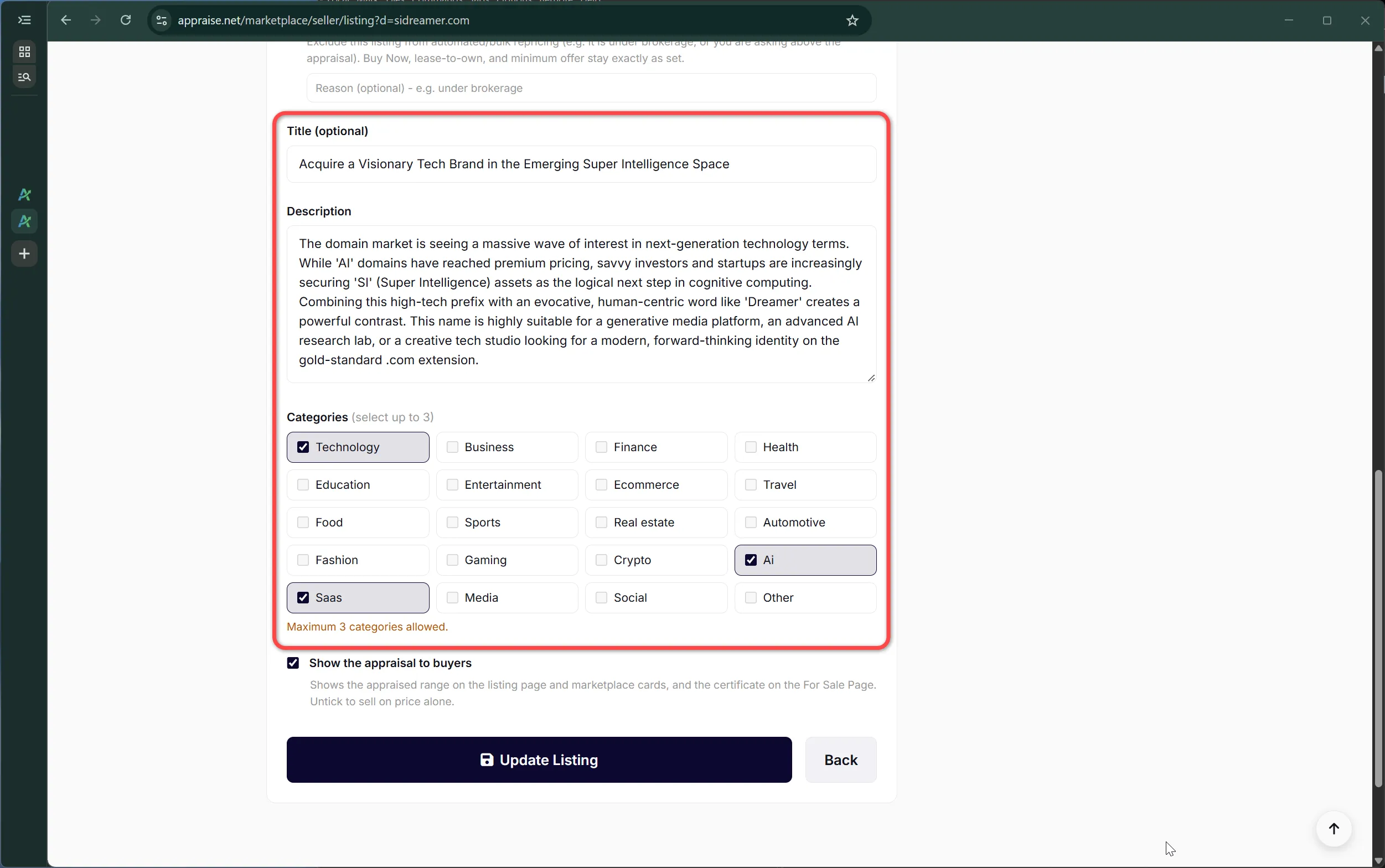
  • New applicable categories field — every appraisal now tags up to three industry categories (technology, finance, health, AI, SaaS, crypto, and more). Powers filtering and discovery.
  • .IO and .CO base percentages raised again to reflect continued strength of the developer and startup aftermarket.

Refresh recommended for: .IO and .CO domains. All earlier appraisals gained category tags automatically where possible.

2026-03-07 — Segmentation consistency & listing titles ENGINE

  • New listing title field — every appraisal now includes a one-line marketing call-to-action for marketplace display.
  • Segmentation made deterministic across TLDs: yaber.ai and yaber.net now segment identically.
  • Suffix handling (-ify, -ly, -able, -less, -tion…) standardised.

Refresh recommended for: coined and brandable domains where prior segmentation looked inconsistent or over-split.

2026-03-07 — Doma briefs & "more than a price lookup" FEATURE API

Launched the automatic Doma brief view, a different way to expose existing appraisal data for a specific portfolio (example: /doma/tokencobra.com). Published a companion piece, Appraise.net Is Much More Than a Price Lookup Tool, spelling out what the API actually returns: semantics, brand scores, buyer profiles and market analysis — not just a price.

2026-03-14 — Tighter ranges, deeper analysis, batch consistency ENGINE

  • Tighter valuation ranges. Typical low–high spread compressed from roughly 3× down to about 2.3× — a narrower, more defensible band instead of a wide guess.
  • Deeper market commentary. Expanded comparable-sales reasoning and market analysis in every appraisal.
  • Batch consistency. The same domain run multiple times — or alongside siblings in a batch — now produces materially more stable results.

Refresh recommended for: any appraisal from before this date where the range felt too wide to act on, and any batch where sibling results looked inconsistent.

2026-03-24 — Lifetime Membership & Pricing Wizard PRICING FEATURE

  • Lifetime Membership — by popular request, lifetime platform access is now offered at $399 (without API) and $599 (with API). No monthly credits included, but purchased credits (which never expire) can be used at any time without an active subscription. Previously, a minimum $29.99/month plan was required just to spend an existing balance.
  • Pricing Wizard — new interactive tool at /pricing-wizard with a recommendation flow plus static comparison tables. It calculates the exact break-even point between a lifetime membership and a recurring plan based on projected appraisal volume.

2026-03-28 — Lifetime affiliate commissions PRICING

Lifetime Memberships were added to the affiliate program. Affiliates now earn $79.80 on a Lifetime ($399) referral and $119.80 on a Lifetime + API ($599) referral, on top of the recurring commissions already paid on subscription referrals. Apply at /affiliate/apply.

2026-04-02 — Engine Enhancements ENGINE

The appraisal context enforces stricter validation and several new rules:

  • Literal-spelling enforcement. Misspellings (for example, brigthr) are now flagged as a primary weakness and substantially reduce value, instead of being credited as "creative branding."
  • Pronounceability test. Unpronounceable consonant clusters are detected and penalised.
  • Pattern validation. CVCV / LLL / NNN classification is checked letter-by-letter — fixes prior cases where non-CVCV strings were misclassified and over-valued.
  • Compound-word boundary rule. Doubled letters at legitimate word boundaries (sentinellink, bookkeeper) are correctly recognised instead of being flagged as typos.
  • SLD vs TLD discipline. Segmentation now strictly applies to the second-level domain only — fixes appraisals like ai.kitchen where the wrong half was being analysed.
  • Segmentation integrity check. Components must reassemble to the exact original string — eliminates a class of bugs where the service silently "corrected" the input.
  • .SO added to the TLD framework, with a tech / developer "solution" association.
  • Tighter category enforcement.

Refresh strongly recommended for:

  • Any domain containing a likely misspelling or unusual letter cluster.
  • Any domain erroneously classified as a CVCV, LLL, or NNN pattern.
  • Compound-word domains with doubled boundary letters.
  • Domains where the SLD is very short and the TLD is itself a dictionary word (.kitchen, .studio, .legal…).
  • All .SO domains.
  • Any prior appraisal whose value looked surprisingly high for a borderline-pronounceable string.

2026-06-20 — Engine v2 ENGINE FEATURE

Our biggest engine upgrade yet. Engine v2 is now live for every new appraisal:

  • Faster appraisals. Real-time appraisals now return in about 10 seconds, down from roughly 40. Batch appraisals are dramatically faster too — we recently processed 5,000 domains in about 16 minutes, so large portfolios can be valued as fast as thousands of domains in minutes. Every batch is still backed by our firm 24-hour completion guarantee; the minutes are the typical speed you can expect.
  • Deepest analysis yet. The most thorough valuation analysis we have ever offered, with richer reasoning behind every estimate.
  • Detailed calibration. Valuations are carefully calibrated against real-world domain sales data for sharper, more reliable estimates.
  • Comparable sales. Supporting real-world comparable sales (comps) are now surfaced alongside the appraisal when available, so you can see the market evidence behind the number.
  • Distinctive certificate. Engine v2 appraisals come with a refreshed, visually distinct certificate design, so an Engine v2 valuation is instantly recognisable at a glance.

Refresh strongly recommended for: any appraisal created before this date. Engine v2 reflects the deepest, best-calibrated valuations we have shipped, and a refresh is the only way to bring older appraisals up to the current engine.

2026-06-27 — Engine v2.5 ENGINE FEATURE

Engine v2.5 is a calibration upgrade to Engine v2 — the same engine family, not a new major version — now live for every new appraisal. It sharpens accuracy where it matters most and adds a new fit signal to every appraisal:

  • Sharper premium .com valuations. Top-tier and category-defining .com names are valued more accurately.
  • Per-extension calibration. .com, .ai, .org / .net, .io / .co and more are each graded on their own market, rather than being measured against a .com yardstick.
  • New field: SLD–TLD Synergy. Every appraisal now rates how well a name fits its extension. .com is always "King"; other extensions are scored on semantic fit as Perfect → Strong → Moderate → Weak → None.
  • Short-pattern recognition. One-to-three letter (L / LL / LLL) and one-to-three number (N / NN / NNN) .coms are now graded at their true premium tier.
  • Cleaner value ranges. Estimates display as tidy, rounded figures that are easier to read and quote.
  • Stronger public-sales grounding. Valuations are anchored to real, recent public sales.

Refresh recommended for: premium and short .com names, anything outside .com (each extension is now graded on its own market), and any appraisal where you want the new SLD–TLD Synergy rating. Appraisals created before this date pre-date Engine v2.5.

2026-07-13 — New pricing PRICING

Simplified plans and appraisal pricing: appraisals from $19.99 one-off or $29.99/month on the Investor plan, with volume tiers above. Free signup credits were retired on 2026-07-20; every appraisal now runs on the same paid, fully supported footing.

2026-07-13 — Brand assets page FEATURE

/brand publishes our official logos (SVG, WebP and PNG), wordmark colors including Appraise Navy #0D0830, and usage guidelines for partners and press. Linked from the footer.

2026-07-14 — Consensus valuations on guest reports FEATURE

Consensus valuations on guest reports — every $19.99 guest Domain Value Report is now produced by running five independent valuations of the domain, discarding the highest and the lowest, and averaging the middle three. A single appraisal carries noise; a trimmed consensus of five is far more stable. The five opinions run concurrently, so reports still arrive in seconds.

2026-07-14 — Proven Accuracy gallery FEATURE

/proven publishes reported domain sales next to the complete report each received, on the exact template subscribers get. Misses stay on the board; nothing is edited after publication.

2026-07-14 — API upgrades API

A round of partner-requested API improvements:

  • GET /appraisal/{domain} now returns the certificate ID and verification URL.
  • New endpoints list your batches and fetch batch results by ID — web and refresh batches included.
  • Refresh-all batches, with preview and confirm.
  • Signed webhooks for batch completed / failed events, with a test endpoint.

All documented at appraise.net/api/docs.

2026-07-19 — Ten-year market study published FEATURE

We appraised every entry of DNJournal's year-end Top 100 charts, 2015–2025 (1,217 sales), and published the findings: about three quarters of top-chart sales transact within a wholesale-to-moonshot band around retail appraisal. Read it on the blog.

2026-07-24 — Consensus appraisals for subscribers FEATURE

The five-opinion consensus method is now available on demand: 9 credits for a new consensus appraisal, 6 to upgrade an existing appraisal (your prior appraisal counts as opinion #1), and 6 per domain in batch. Measured run-to-run variance is exactly why this exists.

2026-07-25 — Batch reliability: automatic retry FEATURE

Failed batch appraisals now retry automatically before any refund is issued. Stuck API jobs are also detected and requeued. Fewer refunds, more results.

2026-07-26 — The Year's Biggest Sales, Appraised FEATURE

/biggest-sales: a decade of DNJournal Top 100 charts, every entry consensus-appraised and shown against its reported sale — cited, archived, filterable, including the charts' own resale ledger.

2026-07-28 — NameBio partnership PARTNERSHIP

We partnered with NameBio, the industry's reference for domain sales data, licensing their full retail sales record. Our comparable-sales pool grew from ~23,000 to over 155,000 retail sales, synchronized daily including corrections and removals. Comps on your appraisals now draw from the complete retail record.

2026-07-29 — Smarter, deeper comps ENGINE

Appraisals now show up to ten comparable sales, ordered by name closeness, each within a support window around your valuation range (0.65× low to 1.25× moonshot). New matching lanes include the same name sold under other endings, and past sale prices are time-adjusted with a value-tiered market index built from repeat-sales data. After stress-testing coverage across the full retail dataset, matching was also tuned for brandable and invented names — lower-value domains now find supporting comps far more often. Displayed valuations are unchanged; this improves the evidence beside them, so no refresh is needed.

2026-07-30 — Attestation letters FEATURE

Generate a formal Letter of Appraisal for any consensus appraisal (or a whole list) from the appraisal page: free as a verifiable electronic PDF, or $19 as a hand-signed original embossed with our corporate seal and mailed ($31 via USPS Certified Mail). Built for lenders, escrow, and estate paperwork.

2026-07-30 — Batch performance PLATFORM

Ongoing backend improvements have steadily cut batch turnaround. July's average is about 6 minutes per batch regardless of size, with a current record of 4,984 domains appraised in 7 minutes 16 seconds — under a tenth of a second per appraisal.

2026-07-30 — Self-serve account deletion FEATURE

You can now delete your account yourself from Profile, under Account and Billing: subscription cancelled, personal details anonymized, done in a minute. Built the same day a member pointed out it was missing — feature requests get heard.

2026-08-01 — Scout API

A new lightweight tier: score any domain 0–100 in under a second, built for screening big lists before deciding what deserves a full appraisal — expiring drops, auction lists, incoming offers, portfolio pricing, or name ideas before you register them. Use it at appraise.net/scout (paste or upload a list) or via the API (lists up to 250,000 names, webhooks included). Results are rank-validated against the full engine (81% recall of the true top 5%) and cached for consistency. 0.05 credits per score — one appraisal equals sixty scouts — and every new account starts with 100 free scouts. Scout your list before you appraise it.

2026-08-05 — Payment Methods Expansion MARKETPLACE

Buying a domain now works the way the buyer prefers. The marketplace accepts cards, stablecoins and crypto (USDC and more, with a dedicated "Pay with crypto" option on every listing), and US bank debit (ACH) alongside the existing Escrow.com wire path. Crypto and bank payments skip the 3% card processing fee entirely, and bank buyers save an additional 2% on our own inventory. Alipay is live as well — Chinese buyers on our Chinese-language marketplace can pay natively. Guest appraisal reports accept the new methods too.

2026-08-06 — Fairer Accounting Enhancements PLATFORM

Plan upgrades now credit you precisely for the time you actually use. When you upgrade mid-cycle, your credits are prorated to the day — exactly the way the charge is — so your balance always matches what you paid for, no more and no less. And when an account ever needs a credit adjustment, we handle it gently: you keep what’s already granted and can use it right away, any balancing happens quietly at your next renewal, and if you cancel first, it stays on us. Small, honest touches that keep your credits exactly right.

2026-08-07 — TLD Footprint on Consensus Appraisals FEATURE

Consensus appraisals now show a live “Registered across N TLDs” footprint — how widely a name’s root is already claimed across domain extensions. It’s a quick read on how much the market wants a given string: a common word like “payment” is registered in hundreds of TLDs, while an invented compound sits in a handful. The footprint appears alongside every consensus valuation, including guest reports. It’s market context, shown to inform — not a factor in the valuation itself.

2026-08-07 — Drop Feed FEATURE

A curated daily shortlist of dropping domains worth pursuing, pre-scored 0–100, live at appraise.net/drop-feed. We scan the market once — expiring .com plus .io, .co and more — and serve the shortlist to every subscriber, so you don't burn a scan on names thousands of others are already checking. Filter by TLD, minimum score, or text; sort any column; export to CSV. Any active plan unlocks the feed; the top-scoring band is an Enterprise benefit.

2026-08-28 — Brand images for your domains FEATURE

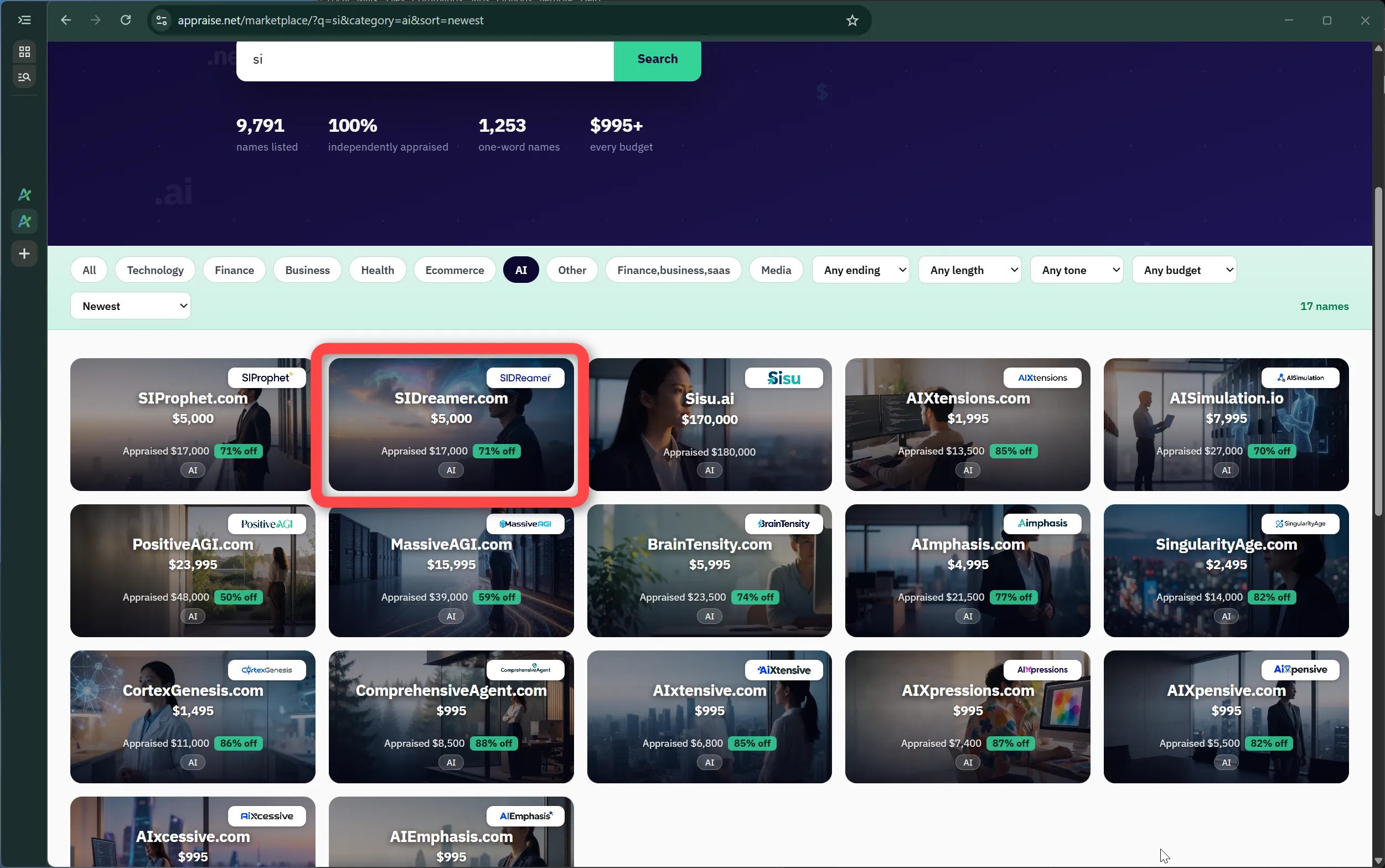
Every appraisal can now generate a custom brand identity - a clean logo and a photorealistic lifestyle image that show how the name could live as a real business. Create them from any appraisal page, carry them onto your marketplace listings and certificates, and re-roll until they feel right. Your first re-roll of each image is free.

2026-08-29 — Branded marketplace cards & social previews FEATURE

Listings with brand images now stand out with a rich visual card in the marketplace grid, and every listing link unfurls a polished branded preview when shared on social or messaging apps - the domain, its price, and its imagery in one card.

2026-08-29 — Marketplace sales, handled end to end FEATURE

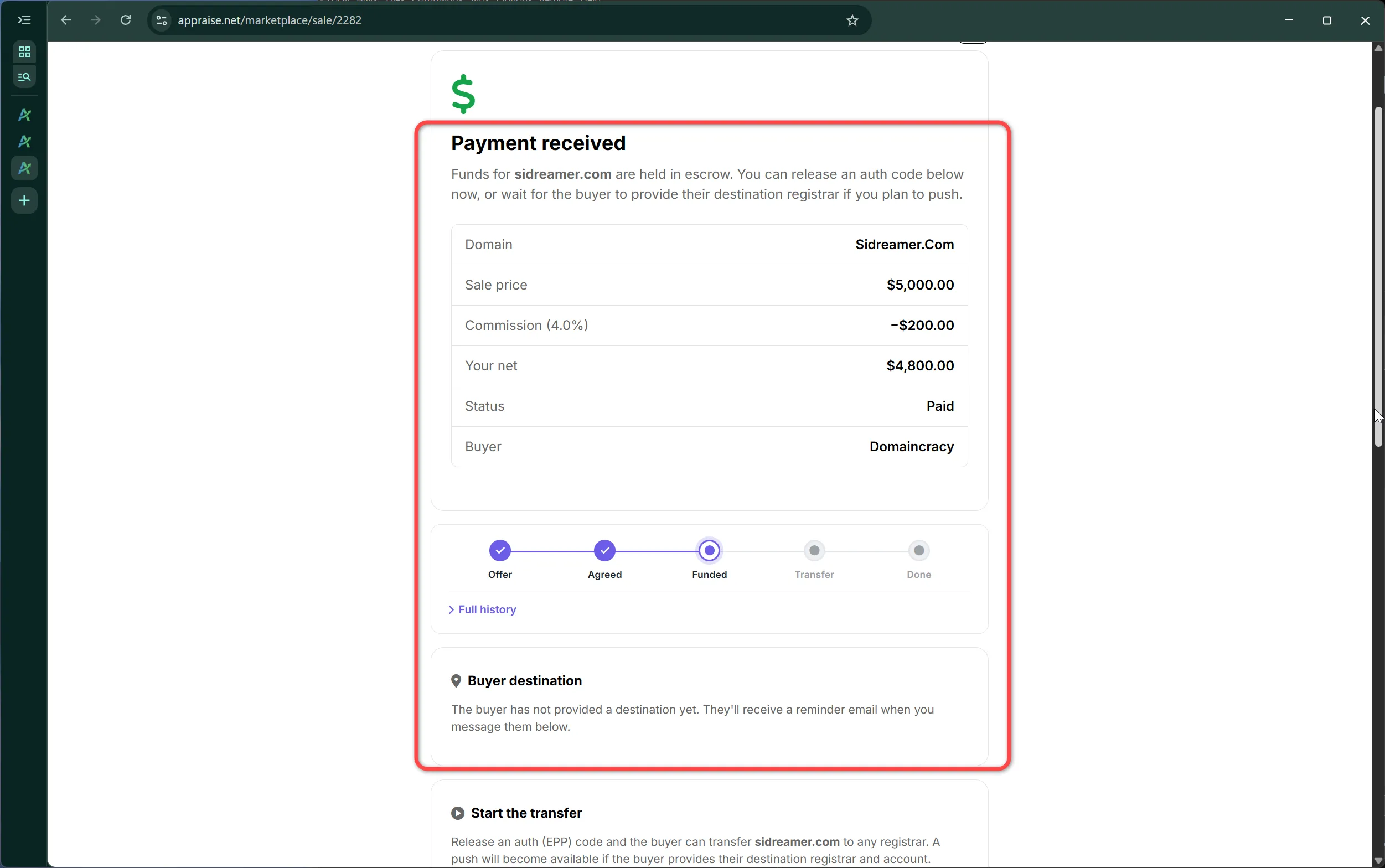
Our marketplace has now handled several completed sales from offer through transfer, with payments processed securely through both Stripe and Escrow.com. Buyers and sellers can transact with confidence - instant checkout for smaller deals, escrow for larger ones.


2026-09-03 — Measured search demand on every appraisal FEATURE

Appraisal pages now show the measured monthly Google search volume and average cost-per-click for the words in a domain, right in the Analysis Factors, with a twelve-month trend line beside it. While our engine has always considered a domain's search demand when valuing it, we now surface the underlying numbers so you can see the market's interest for yourself. The figures are shown for context and do not change the appraised value - where a name has little search volume but a strong appraisal, the other factors on the page carry the explanation.

2026-09-06 — Engine v3 (current) ENGINE

Engine v3 is now live for every appraisal. Every extension's valuation curve is calibrated on its own market: publicly reported comparable sales, momentum, and whether the extension is generally available. Engine v2.5 valuations on .com and most other extensions carry over unchanged. Extensions that were valued too generously at the top end come back within reach of their real market. Extensions with no sales record are valued cautiously until real sales arrive. The earlier Engine v2 display figures are retired, so every appraisal now shows its current value.

What this means for you: existing Engine v2.5 appraisals were updated in place, at no charge and automatically; there is nothing to refresh. The Engine v3 designation replaces Engine v2.5 on every updated appraisal, in lists and batches, and on certificates. Certificates already issued remain valid as issued. If you need a v2.5 certificate and appraisal restored, contact us and we will do it. From here, extensions are re-evaluated as new sales are recorded or as they fall out of favor. Updated 2026-09-07 with a dedicated curve for short .com names (see the entry below). Read what changed in Engine v3, or see which of your appraisals changed.

2026-09-07 — Engine v3 update: short .com names ENGINE

Engine v3 now values short .com names, up to three letters or digits and all-digit names of any length, on their own pattern curve: letter tiers the market pays for, including the premium Western and Chinese-market letters and the ending letter, and the digit rules behind numeric prices, such as 8s, 4s, zeros, repeats and sequences. Each pattern is anchored to what it has actually sold for, with our usual retail premium, and blended with the engine's read of the specific name. Dictionary words and category terms keep their full analysis. Existing short .com appraisals were updated in place, free and automatically; most premium-letter triples moved up, mixed letter-and-digit and some numeric names moved down. Every short .com appraisal now carries a short Why this range note under its Analysis Factors, on the appraisal page, the dashboard, the shared report and the guest report. This patch is part of Engine v3, not a new version. Details in the Engine v3 article.

2026-09-10 — Word Components explain their language codes FEATURE

Word Components now explain their language codes. Hover any code in an appraisal's Word Components block (for example SH, ZH, sa) to see the full language name and its family, such as Serbo-Croatian (Slavic). Works on the appraisal page, dashboard, guest report and shared report pages.

2026-09-14 — Typo guard for domain extensions FEATURE

Type a domain whose extension is not a live internet extension, such as example.comm or example.helath, and the appraisal form now tells you so before you spend credits, with a one-click correction when the intended extension is obvious. Nothing is blocked: an extension that is not yet delegated can still be appraised exactly as typed, which matters for names people are pricing ahead of the next round of new extensions. Going forward, appraisals on extensions that are not live on the internet are also capped at a level that reflects the fact that the name cannot be registered today. The check runs on the homepage report form and the dashboard appraisal form; batch uploads and the API will follow.

2026-09-25 — Pay with Bitcoin on the marketplace FEATURE

Marketplace buyers can now pay for a domain with Bitcoin, with complete buyer privacy: no identity check and no payment processor in the middle, only a verified email so we can send the transfer details. Choose Pay with Bitcoin on a listing or an accepted offer, send the exact amount shown to a fresh address generated for that purchase, and the sale is marked paid once the network confirms it (one confirmation up to $10,000, more for larger amounts). The exchange rate is locked for 30 minutes per invoice and there is no card fee. Bitcoin payments are final by nature, so the domain is released to the buyer only after the seller completes the transfer, exactly as with every other payment method. On-chain Bitcoin today; other coins may follow.

Network confirmations required before a Bitcoin purchase is marked paid:

  • Up to $10,000: 1 confirmation (about 10 minutes)
  • $10,000 to $50,000: 2 confirmations (about 20 minutes)
  • Above $50,000: 6 confirmations (about an hour)

2026-09-26 — Sellers can be paid in Bitcoin FEATURE

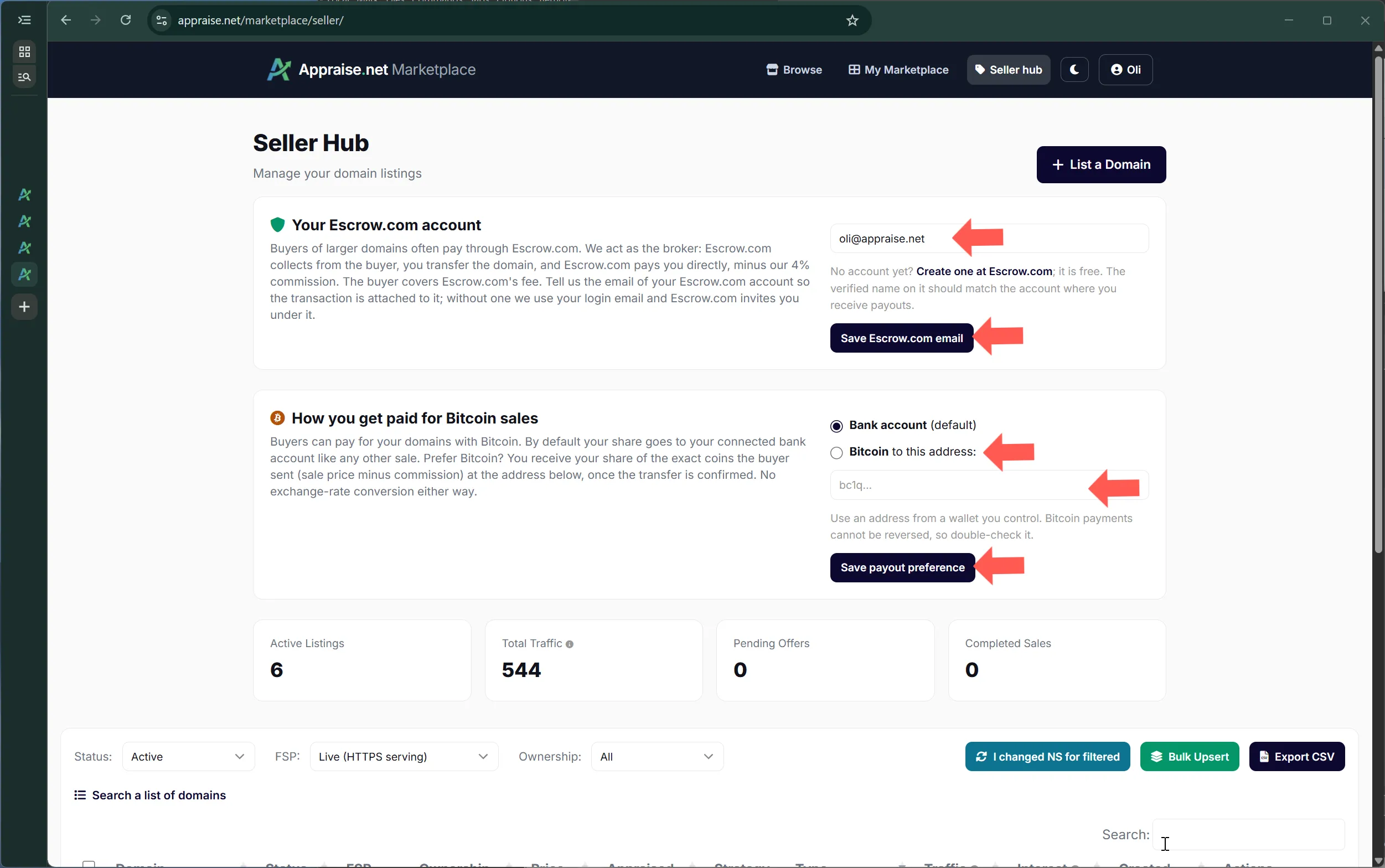
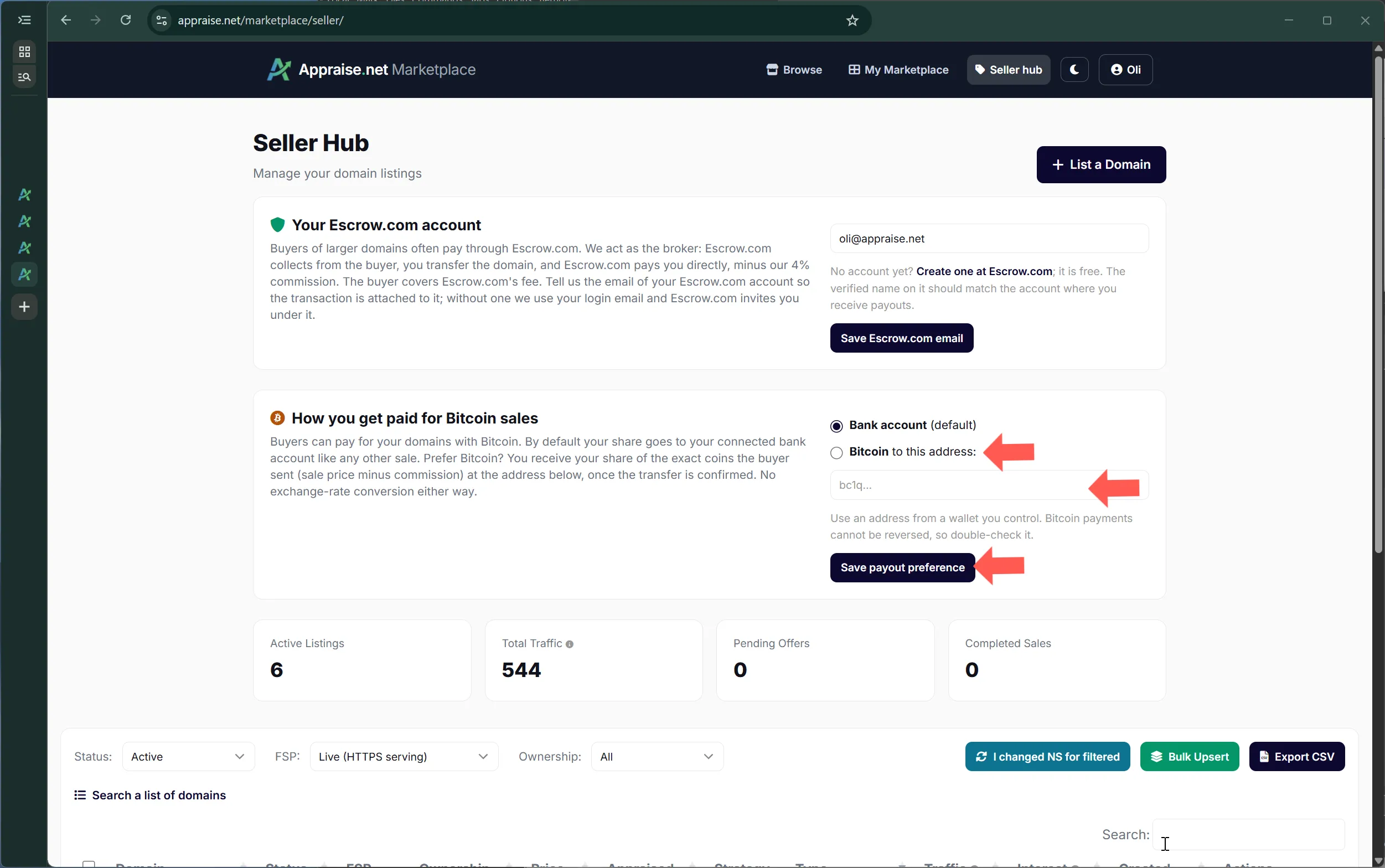
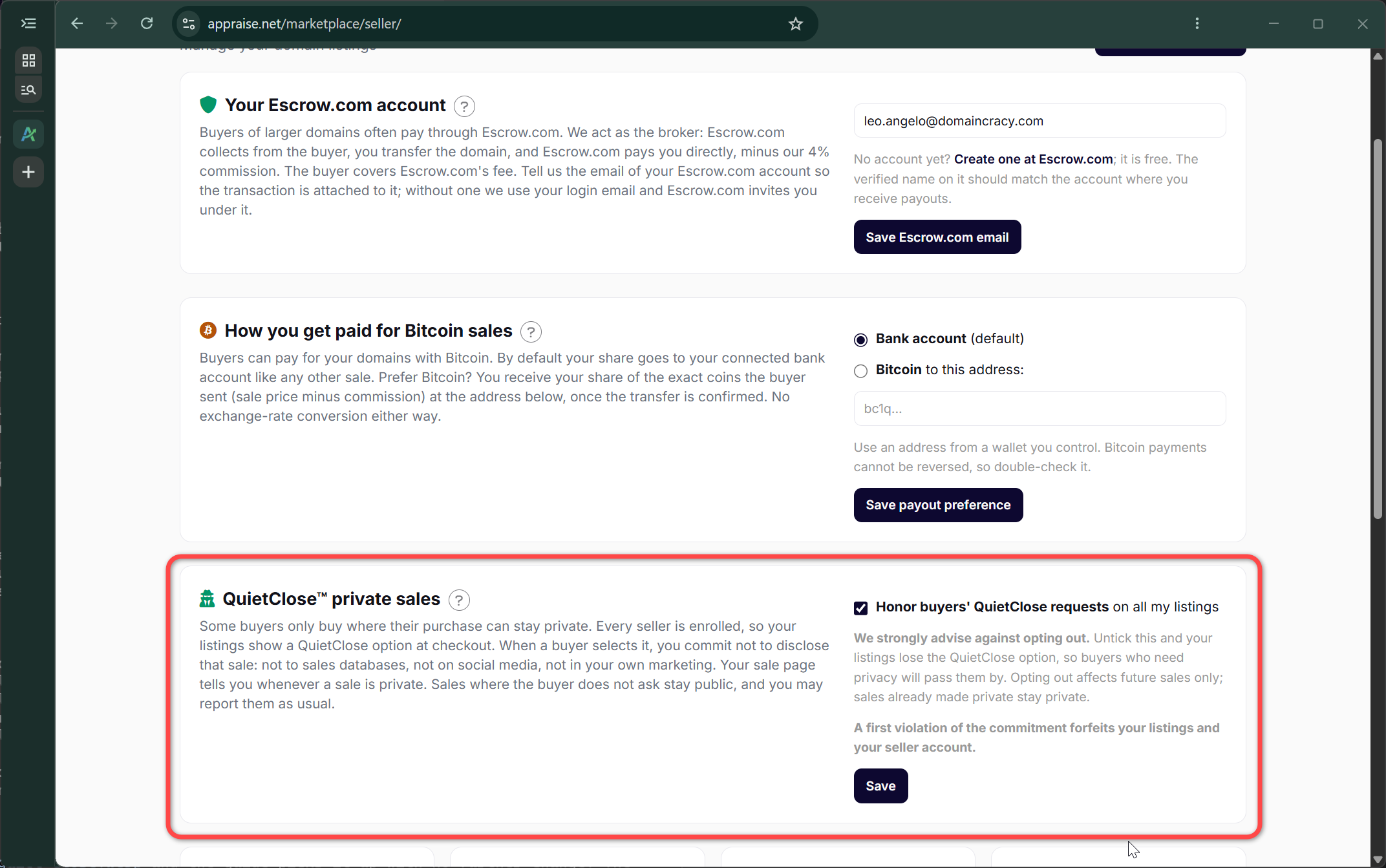
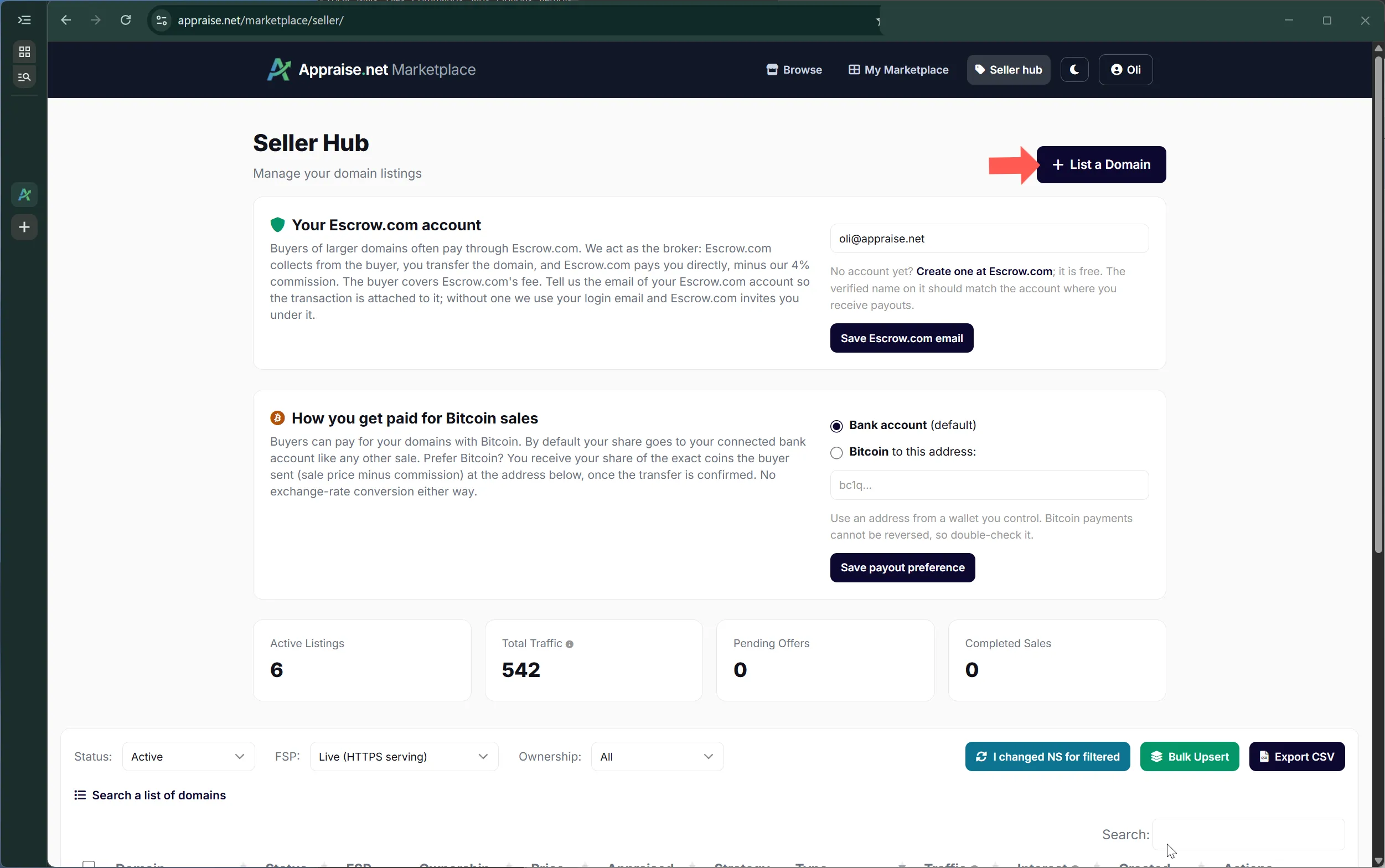
Sellers now choose how they are paid for domains bought with Bitcoin. The default is unchanged: your share arrives in your connected bank account in US dollars, exactly like a card sale. If you prefer Bitcoin, set a Bitcoin address on your seller dashboard and you receive your share of the exact coins the buyer sent, the sale price minus the 4% commission, once the domain transfer is confirmed. No exchange-rate conversion is involved either way, so neither side carries rate risk. The setting can be changed at any time and applies to future sales.

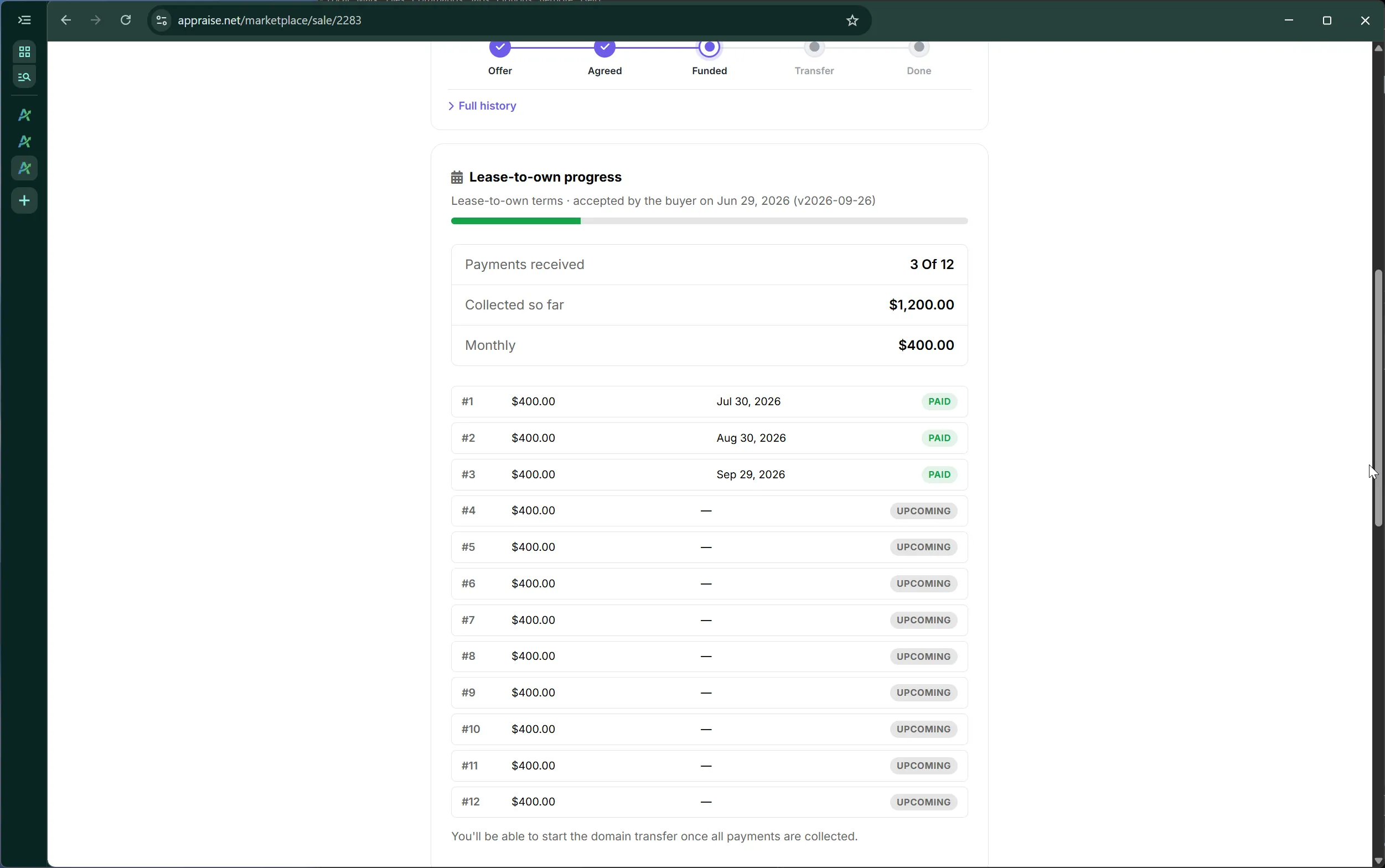
2026-09-26 — Lease-to-own: pay off the balance early, by card or Bitcoin FEATURE

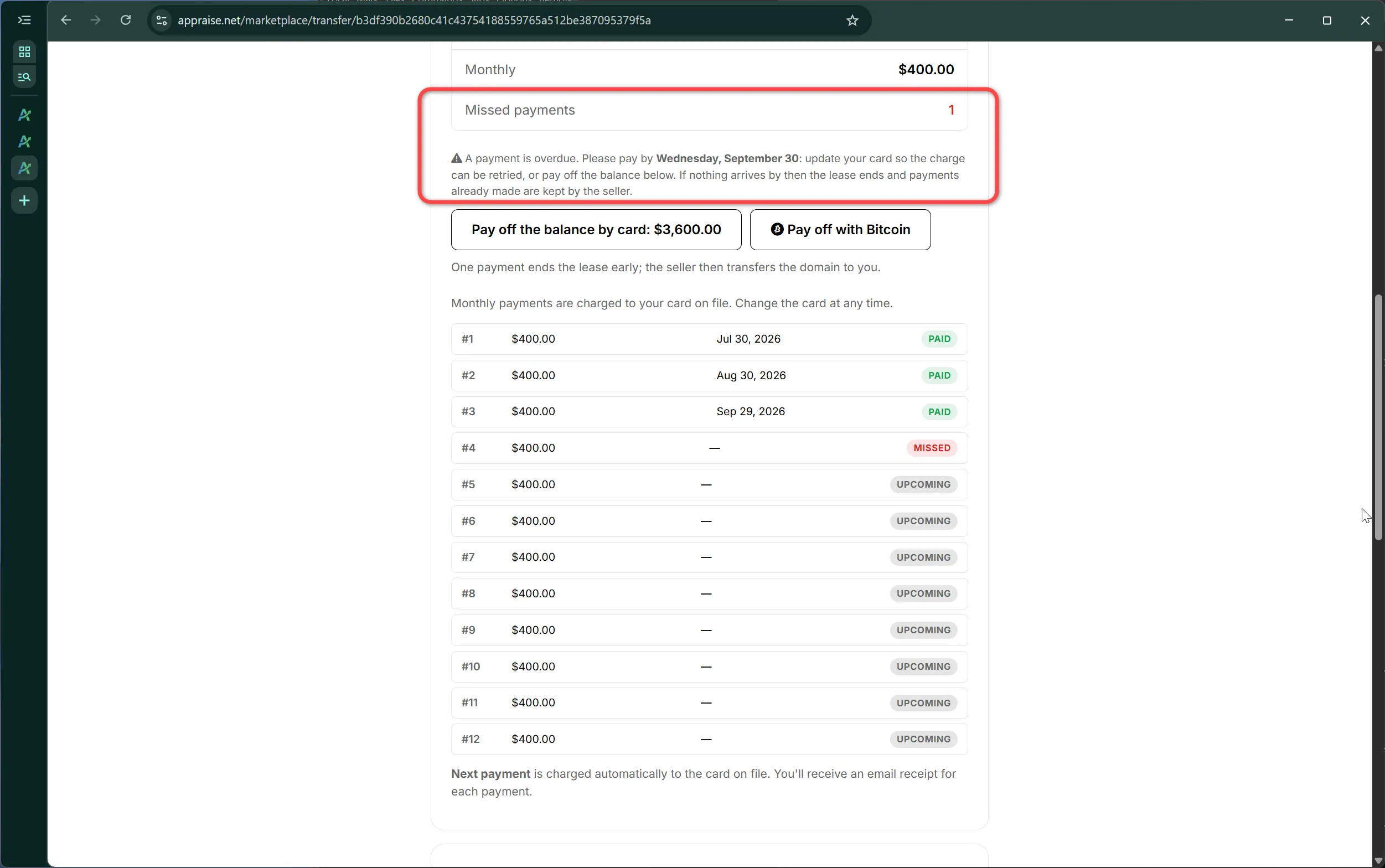
A lease-to-own buyer can now end the lease early by paying the remaining balance in one payment from their lease page. Both rails are available: a card payment, or a Bitcoin invoice with the rate locked for 30 minutes and the same privacy as a Bitcoin purchase. On payment the remaining installments are marked paid, the monthly charges stop, the seller receives their share as one payout, and the domain moves straight to the transfer step. The same page now lets the buyer change the card behind the lease at any time.

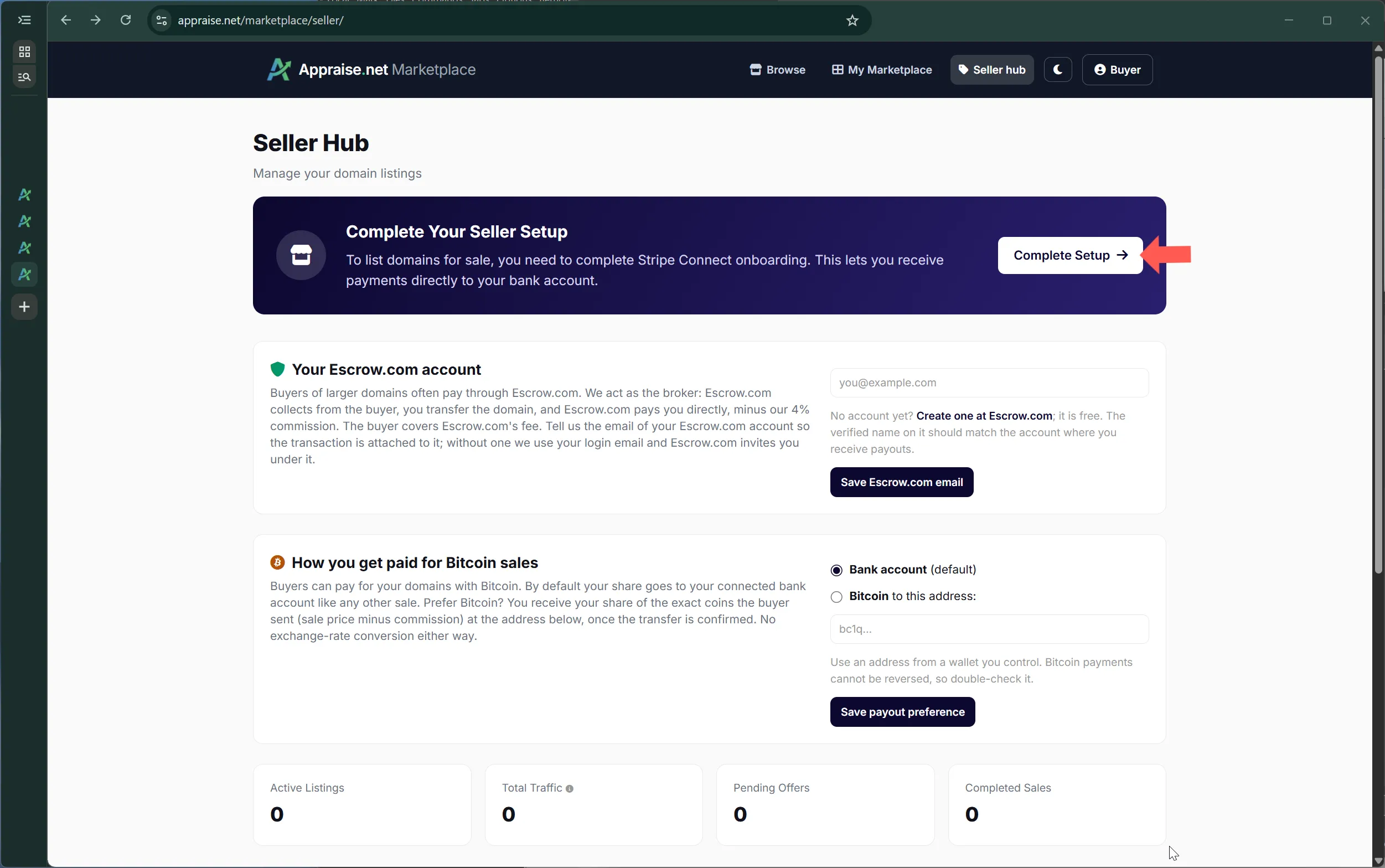
2026-09-26 — Sellers: link your Escrow.com account FEATURE

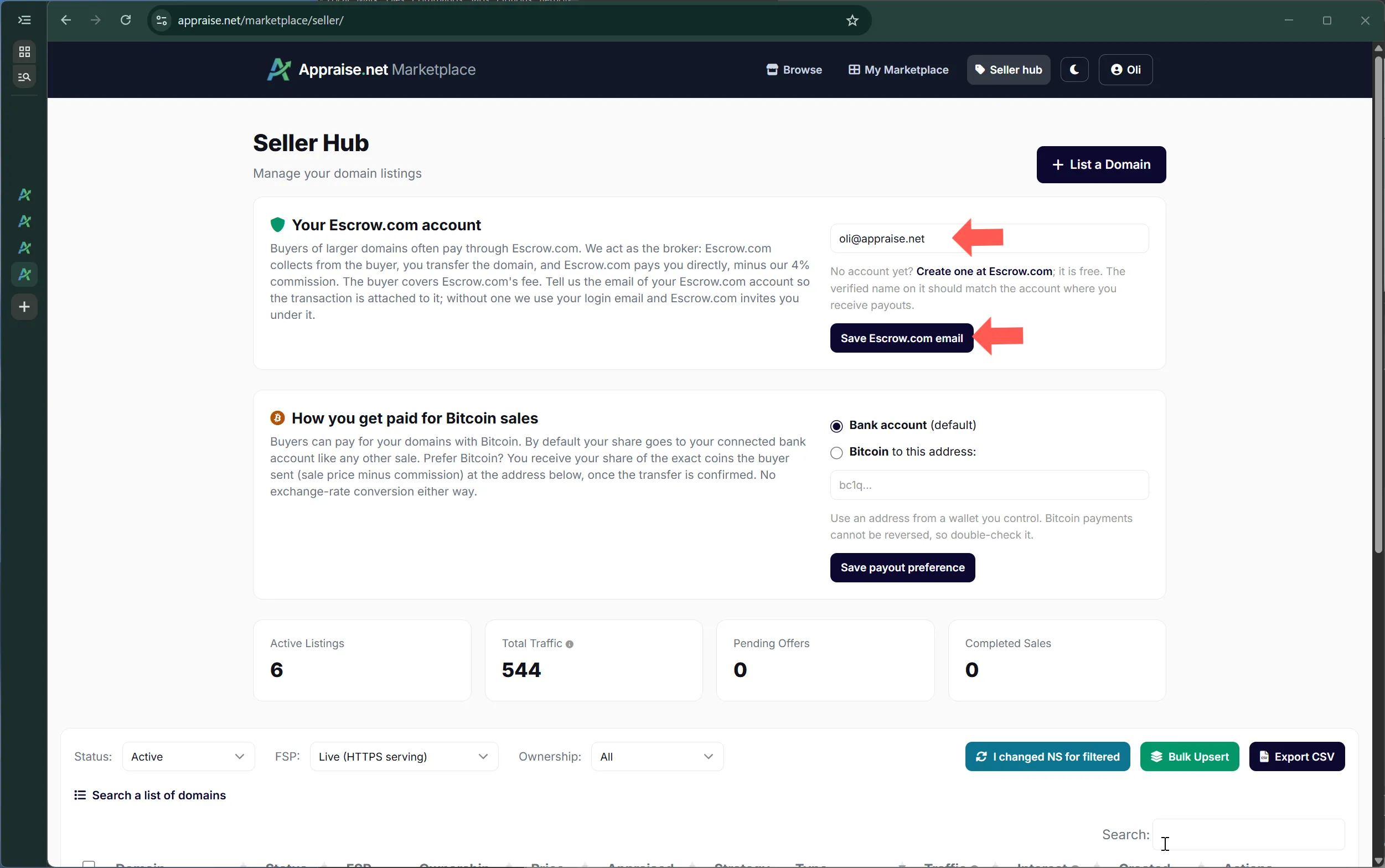
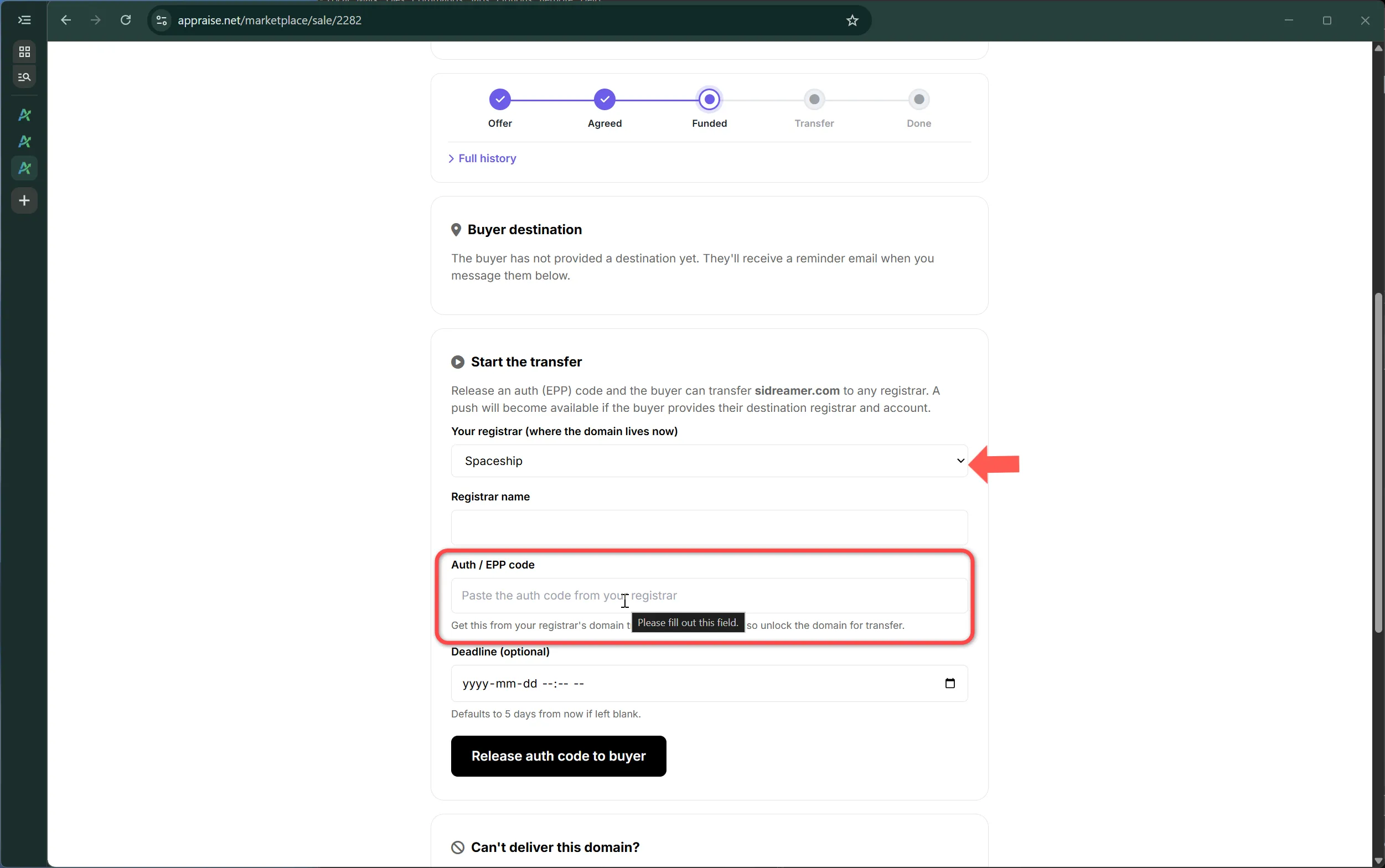
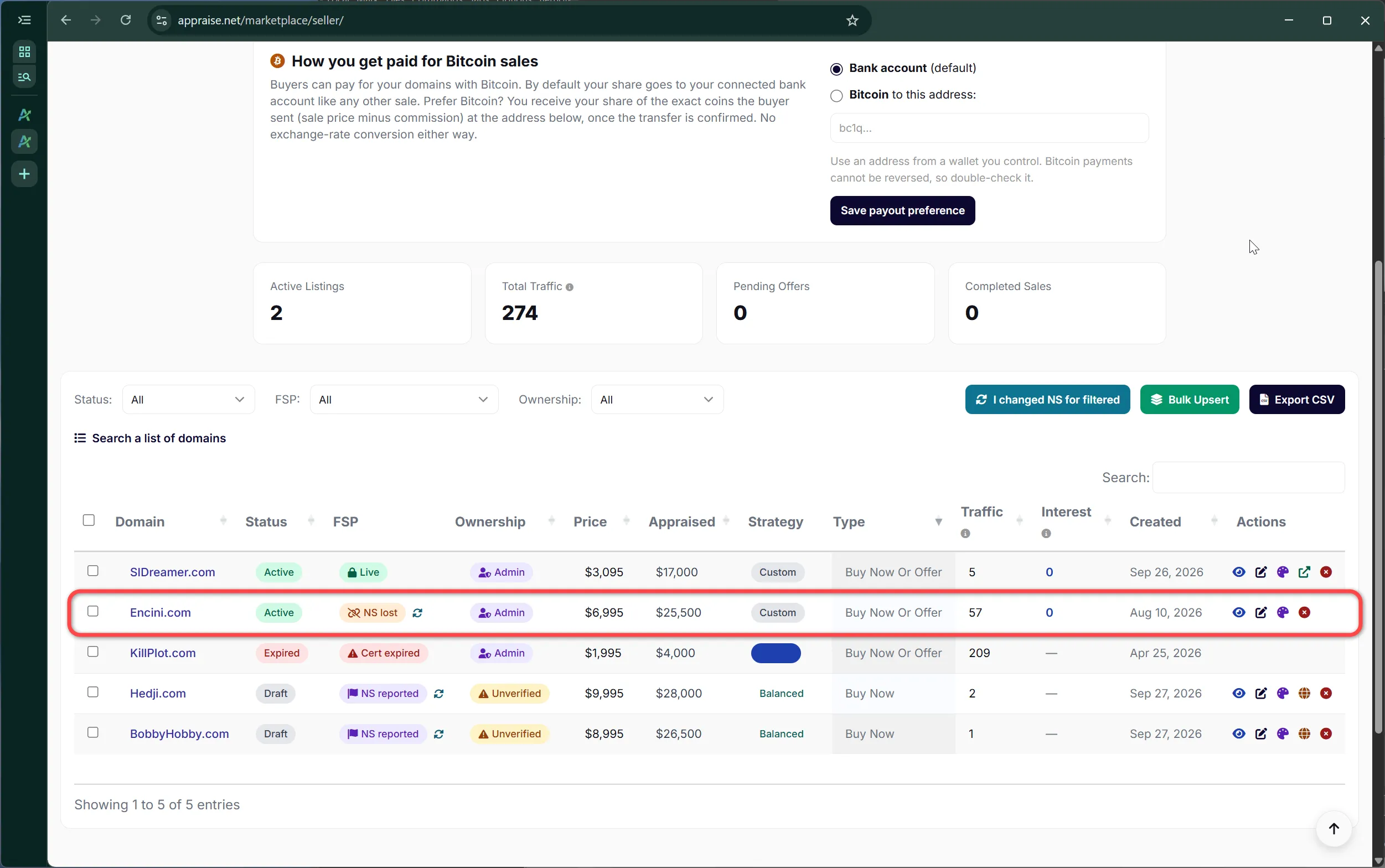
The seller dashboard now has an Escrow.com card. On Escrow.com sales we act as the broker: Escrow.com collects from the buyer, the seller transfers the domain, and Escrow.com pays the seller directly, minus our 4% commission, with the buyer covering Escrow.com's own fee. Enter the email your Escrow.com account uses and every Escrow.com purchase of your domains is attached to that account; leave it blank and we use your login email, under which Escrow.com invites you. Escrow.com is offered on every listing and is the primary option from $10,000.

2026-09-26 — Lease-to-own terms: a published contract both sides accept FEATURE

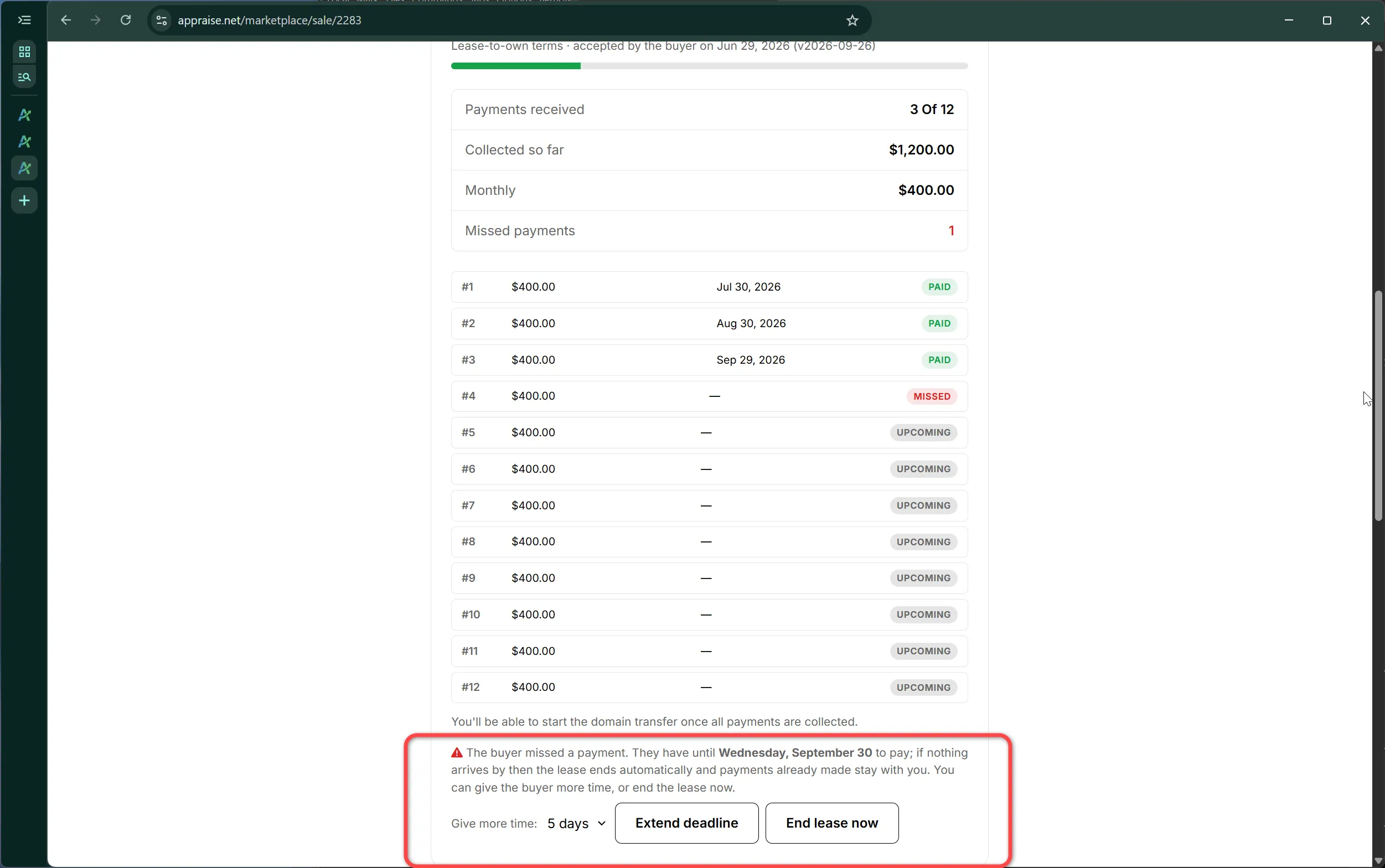
Lease-to-own now runs on a written agreement. The lease-to-own terms set out in plain language what a lease is, how payments work, that the buyer may use the domain while payments are current, and the missed-payment rule: a missed installment forfeits the lease after a three-weekday deadline, which the seller may extend, with paid installments retained. Sellers accept the terms once when they first enable lease-to-own on a listing; buyers accept them, after reading a short summary, before a lease starts. Each acceptance is recorded with its date and version, shown on both parties' deal pages, and both are asked to accept again if the terms change.

2026-09-26 — Extensions re-evaluated in September: .si ENGINE

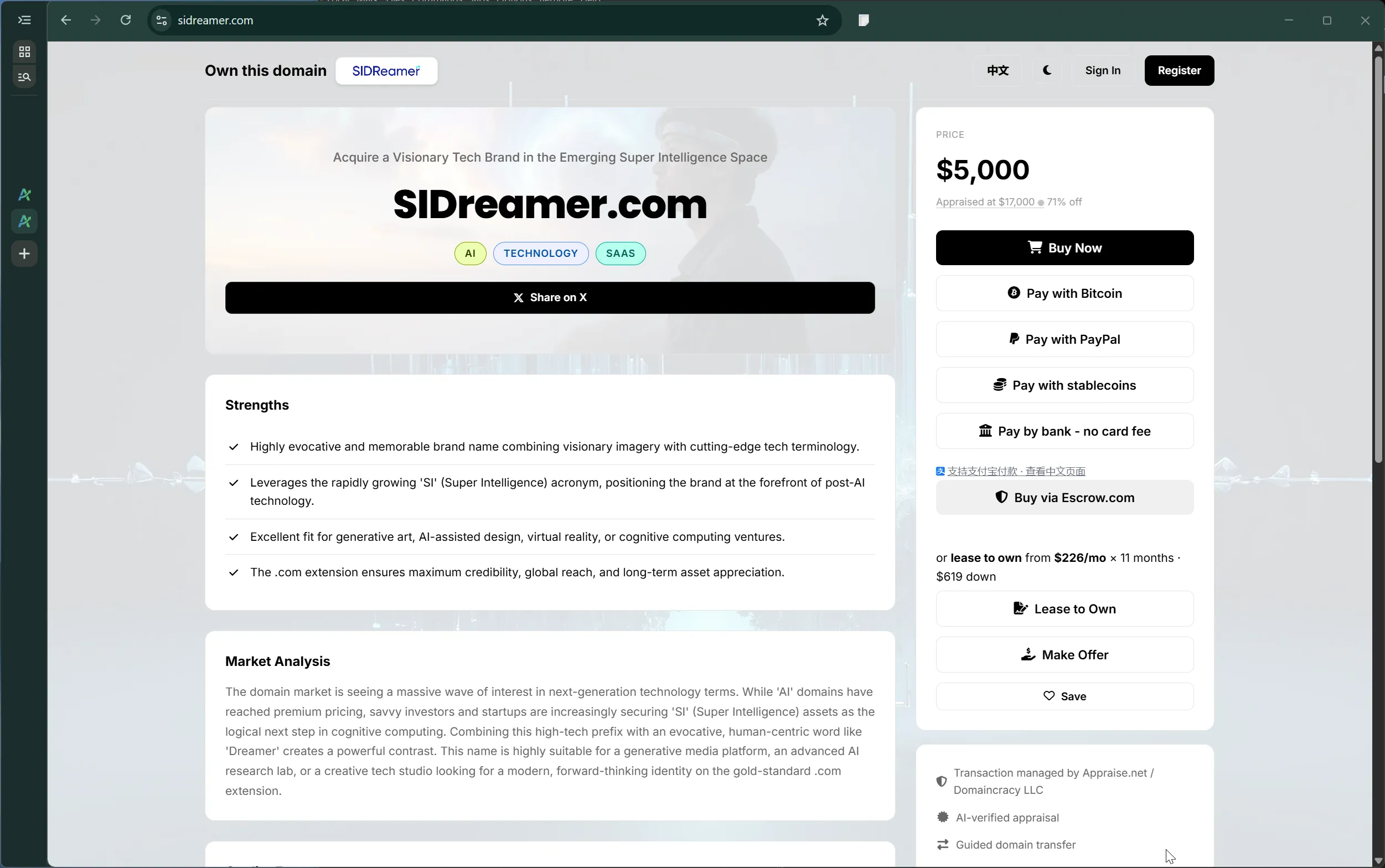
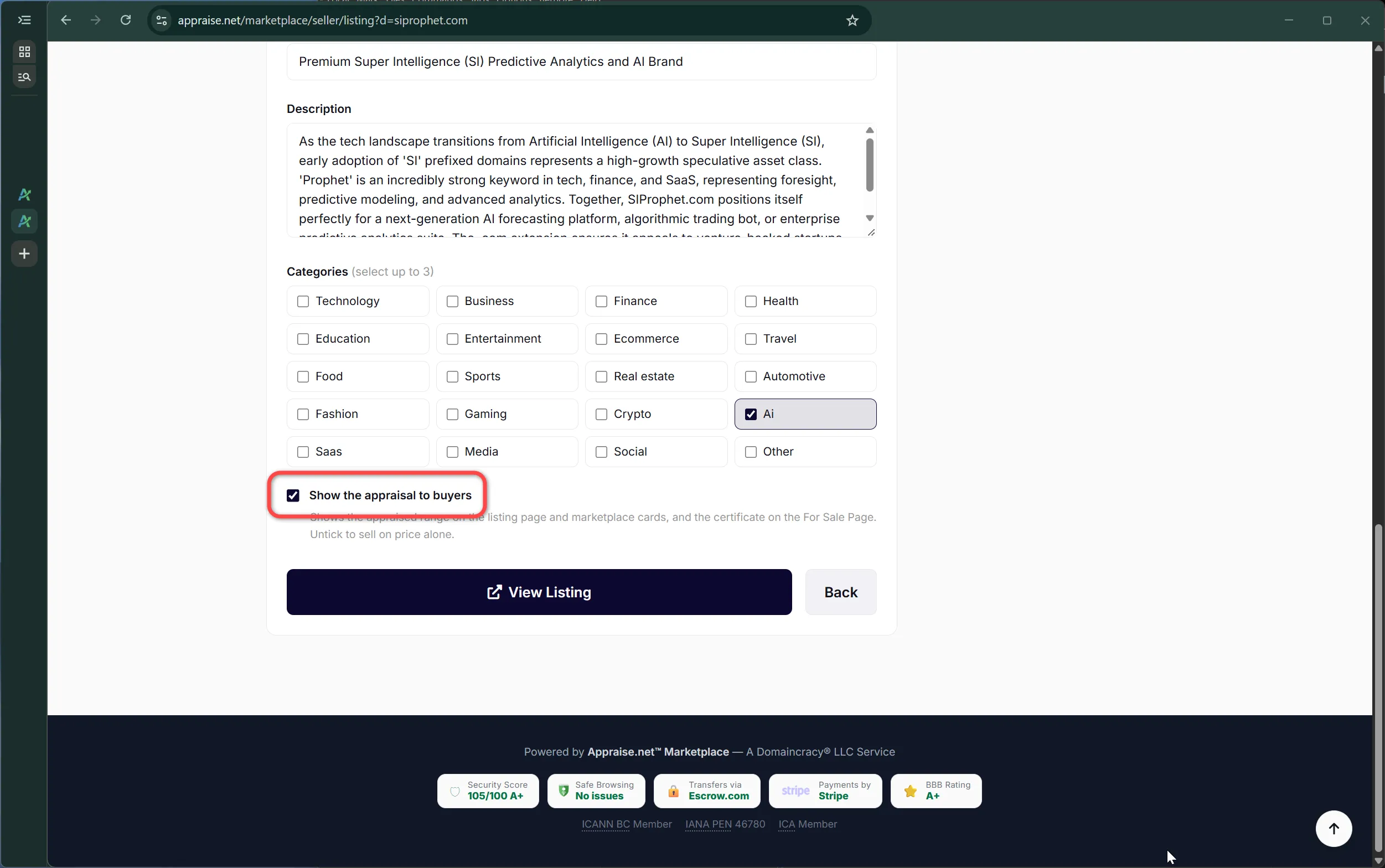
We re-evaluate extensions as their markets move, and at the start of each month this timeline notes which ones changed. September: .si. Slovenia's country-code extension has picked up a second reading in the AI world, "SI" as in Super Intelligence, and asking prices for AI vocabulary on .si have moved well ahead of the extension's older sales history. AI, machine-learning and robotics words on .si are now valued as an emerging AI-adjacent extension with a thin but rising market; ordinary words on .si are valued as a small country-code extension; the .si value ceiling moved from $34,000 to $300,000. The engine also reads "si" next to a real word as the SI acronym, on any extension. Existing .si appraisals were updated in place at no charge, and affected subscribers were notified.

2026-09-27 — Comprehensive Seller Guide MARKETPLACE

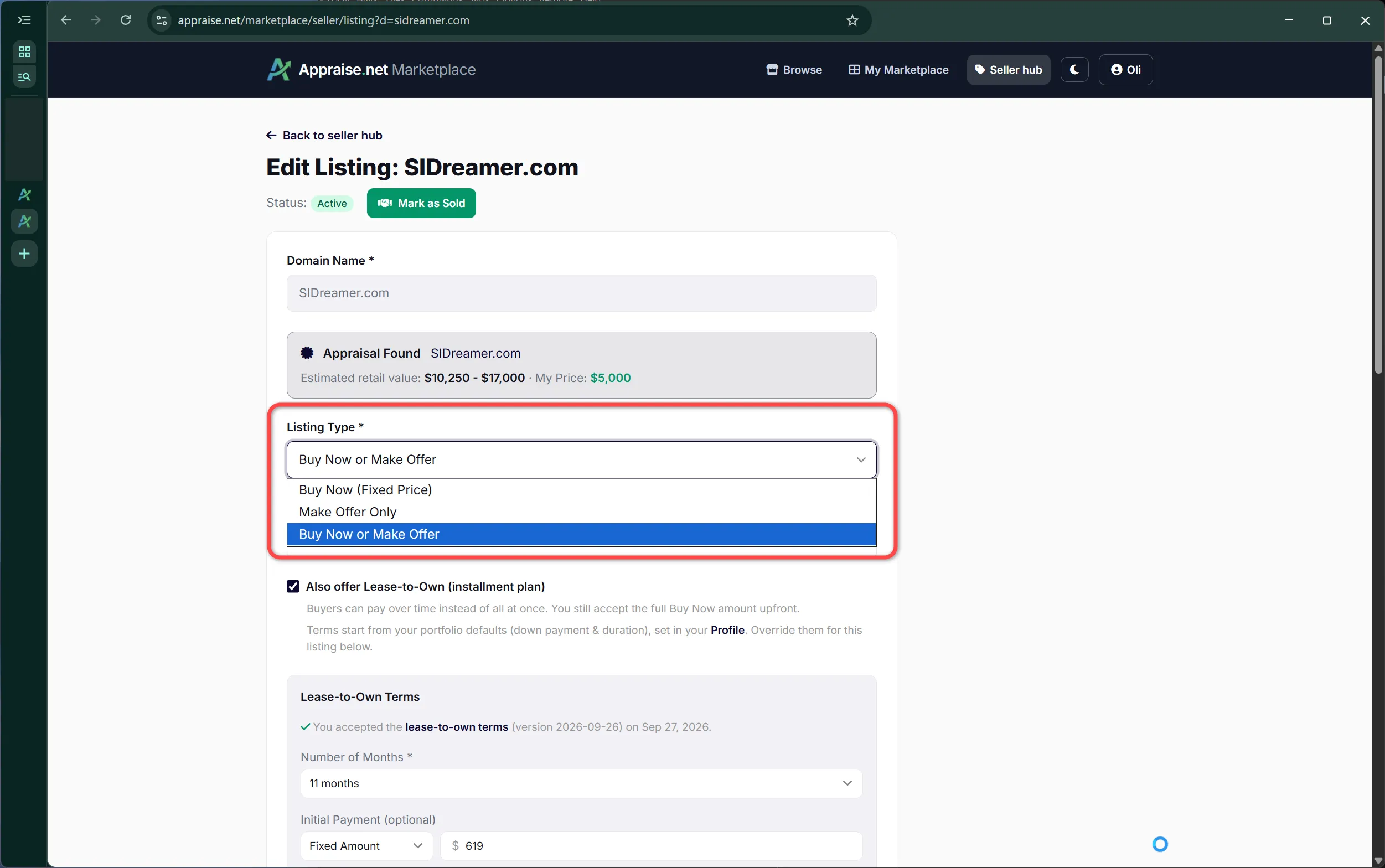
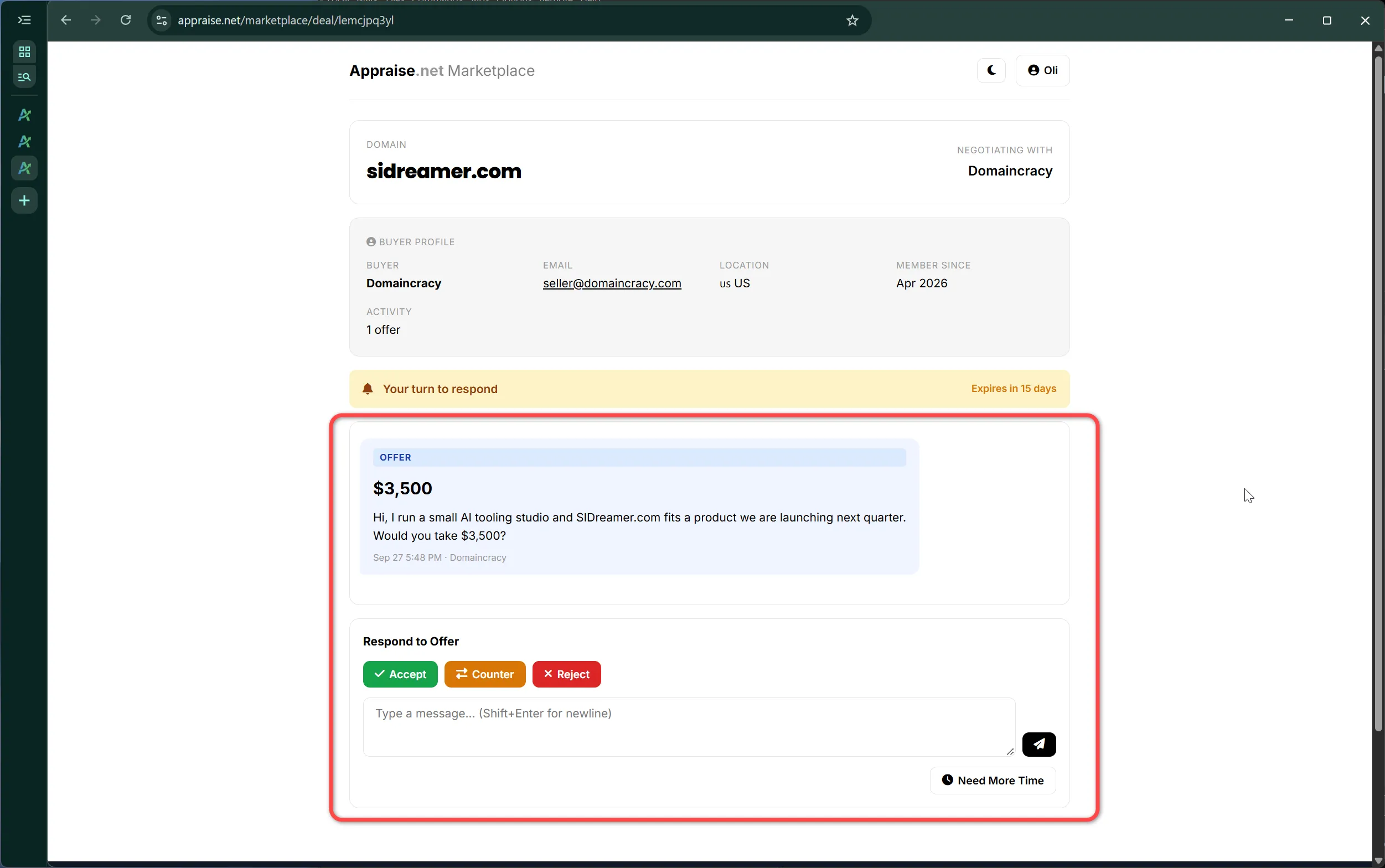
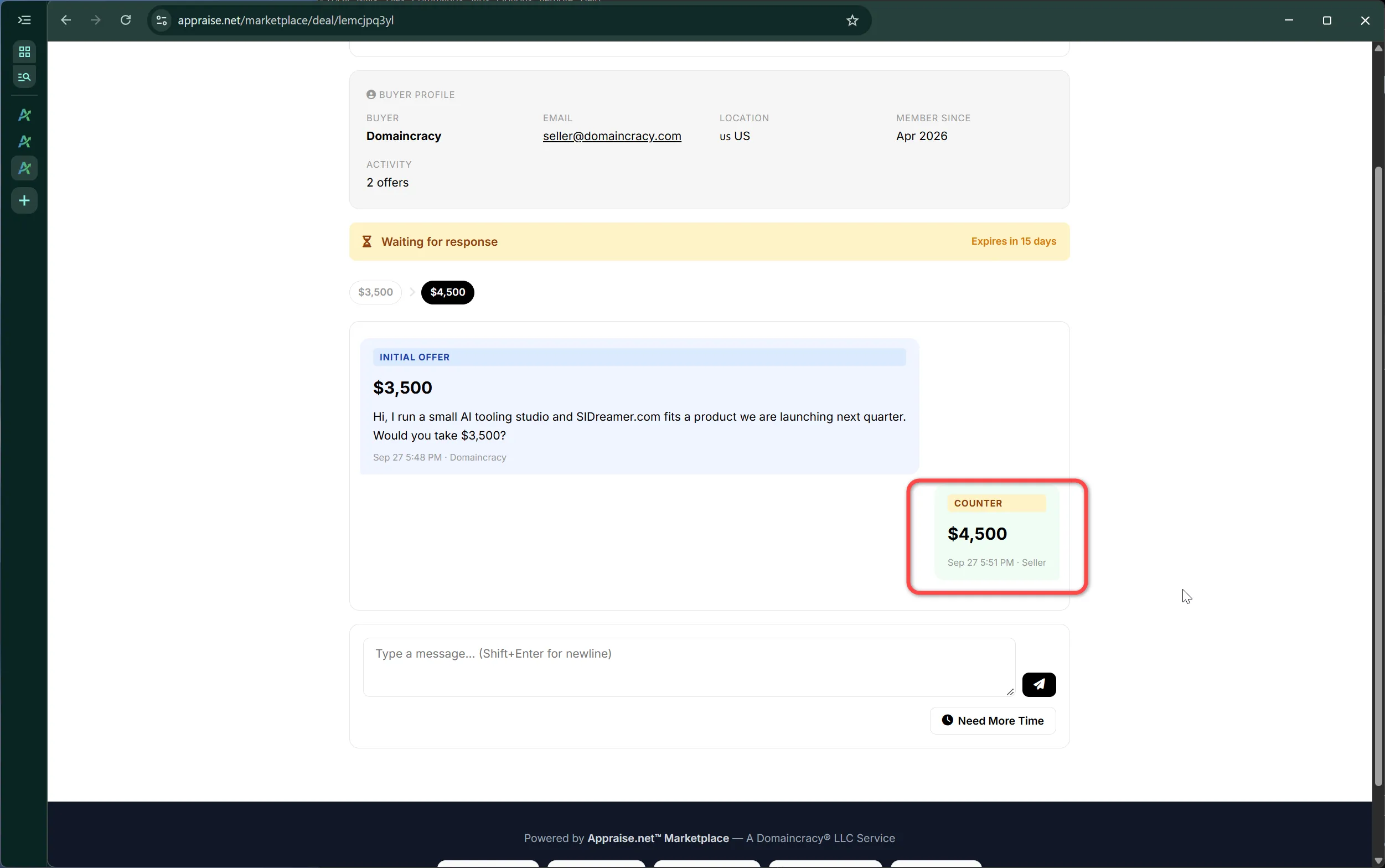
Everything about selling on the marketplace now lives in one place: the Seller Guide. Twelve chapters follow a domain from qualifying to a completed sale: what can be listed, setting up payouts, proving ownership and going live, what a listing contains, the three listing types and the lease-to-own add-on, look and feel, pricing and minimum offers, Buy Now payment and transfer, offers and the deal thread, lease-to-own from the seller side, custody, and disputes, cancellations, refunds and delisting. Each chapter is illustrated with real screenshots and short clips of the seller pages; click any image to view it full size. The seller pages themselves now carry a small ? beside each control that opens the matching section of the guide in a new tab, so help is one click away without leaving a half-finished form.

2026-09-30 — .si re-evaluated again: an emerging AI extension ENGINE

Four days after the first move, .si was re-evaluated a second time. On September 29 a US executive order directed the executive branch to replace the terms "artificial intelligence" and "AI" with "Super Intelligence" and "SI", AI ventures kept adopting .si as the SI extension, and asking prices moved with the news. The engine now values .si the way .ai was valued in its early years: a young but real resale market whose sales history lags demand.

  • AI, machine-learning and robotics words on .si moved up the most, to roughly one fifth of the same word on .ai.
  • Technology, data, business and finance words moved up as well.
  • Ordinary consumer words are largely unchanged.
  • Coined and invented names now show our direct estimate with no extension uplift, so some came down.
  • The .si value ceiling stays at $300,000.
  • Separately, four-letter consonant-vowel-consonant-vowel names now count a final Y as a vowel, so names like Baby and Lady are recognised as the CVCV pattern on every extension.

Stored .si appraisals were updated in place at no charge, and owners on a paid plan were notified with their before and after values. A word of caution we repeat here: reported .si sales remain modest, with a record of $34,000, so these ranges describe where demand and asking prices are heading rather than prices already paid. For .si watchers, every two-character .si is now registered, and the three-letter class is tracked at appraise.net/intel/lll-si for active plan holders.

No refresh needed for: .si appraisals, which already carry the new values.

2026-10-02 — QuietClose™: private purchases on the marketplace MARKETPLACE FEATURE

Buyers can now ask for a marketplace purchase to stay private. Tick Keep this purchase private before paying and the sale becomes a QuietClose sale. It works on Buy Now, accepted offers and lease-to-own, with every payment method, at no extra cost.

  • A quiet exit. The listing is withdrawn without a "Sold" stamp or a sold page, and we do not publish, announce or report the sale.
  • The seller is bound too. Sellers commit to honor the buyer's preference: when you ask for privacy, the seller does not disclose the sale either.
  • Less shared with payment providers. Card, PayPal and Bitcoin payments carry a reference number in place of the domain name.
  • Aggregate use only. A private sale is never used as an individual comparable sale.

We promise only what we control. Registrar, nameserver and DNS changes remain visible to anyone who looks, and they can show that a domain changed hands. The full policy, including when the law requires us to disclose, is in QuietClose: keeping a domain purchase private.

For sellers: every seller is enrolled by default, so your listings already show the option, and your sale page tells you whenever a sale is private. Sales where the buyer does not ask stay public. You can opt out on your seller page, though we advise against it. Details are in the Seller Guide.

2026-10-02 — Sign in with a passkey PLATFORM FEATURE

You can now sign in to Appraise.net with a passkey: Face ID, Touch ID, Windows Hello, your phone, or a hardware security key. One tap, nothing to type, and nothing that can be phished or reused on another site.

  • Set up in a minute. Open Profile → Passkeys, confirm your password, and let your device create the key. Add one per device, or a synced passkey that follows you across devices.
  • Counts as both factors. A passkey proves you hold the device and unlocked it, so a passkey sign-in does not ask for an authenticator code even when two-factor authentication is on.
  • Your password still works. Passkeys are an addition, not a replacement. Password sign-in, two-factor codes, backup codes and password reset are unchanged, so a lost device never locks you out.
  • You stay informed. We email you whenever a passkey is added to your account, and you can rename or remove any passkey from your profile.

On the login page, choose Sign in with a passkey. On a computer without a passkey of its own, your browser can offer the one on your phone by QR code.

2026-10-03 — Sell from anywhere: Escrow.com as a payout method MARKETPLACE FEATURE

Until now a seller needed a payout account with our payment platform, which is offered in about 120 countries but not everywhere. Domain investors in the remaining countries could appraise but not list. From today, sellers in any country can choose Escrow.com as their payout method and list right away.

  • Setup in a minute. On the seller dashboard, enter the email of your free Escrow.com account and confirm. No bank verification with us; Escrow.com verifies you when it pays out.
  • Paid directly, in your country. The buyer pays Escrow.com, you transfer the domain, and Escrow.com pays you minus our 4% commission. We never hold your money. The buyer covers Escrow.com's fee.
  • What buyers see. A single Buy via Escrow.com button, and Escrow.com as the way to pay an accepted offer. Card, PayPal, Bitcoin and lease-to-own are not offered on these listings, since those settle through our payout platform.
  • Everything else unchanged. The appraisal bar, ownership verification, pricing tools, QuietClose and your sale pages work the same. If our payout platform reaches your country later, complete its setup and every payment option opens up.

Details and the list of countries our payout platform covers are in the Seller Guide: Where payouts are available and Escrow.com as your payout method.

2026-10-04 — Reviews from verified buyers MARKETPLACE FEATURE

A marketplace earns trust one completed sale at a time, so we now ask the people best placed to judge it. When a buyer confirms that the domain has arrived, we thank them and invite a short review of the purchase and the transfer.

  • Only real buyers. A review can be written only from the purchase page of a completed sale, one per purchase, so every review is tied to a real transaction.
  • One invitation, no chasing. A single email when the sale completes. No reminders.
  • Published with permission. We read every review, and publish one only if its author agrees. Published reviews show a first name, a last initial and the Verified buyer mark on the marketplace home page and on listing pages.
  • Private stays private. The domain that was bought is never shown next to a review, so QuietClose sales stay quiet.

Also today: buyers who take delivery at GoDaddy are now asked for the email address on their GoDaddy account, which GoDaddy requires to move a domain between accounts; the customer number became optional. Sellers see it on the sale page.

2026-10-09 — Batch Refresh: select from a pasted list FEATURE

Batch Refresh: select from a pasted list - paste the list you already have and only the eligible names are ticked. How cached names and re-checks work: Why were some names in my batch marked cached, and how do I re-check them?

2026-10-10 — Available Drops: appraised names you can still register FEATURE

Every morning our drop pipeline scores the .com and .net names that left the zone about five weeks earlier, appraises the promising ones and registers a few for our own portfolio. The rest used to be discarded. They are now published on a new Market Intelligence page, Available Drops: every appraised name we passed on that is still unregistered, with our appraisal on each, checked against the daily zone file so registered names move to a registered section. Names appraised under $10,000 are open to everyone; any active plan unlocks every band, the trademark screen and a CSV export. The list goes back to the drops of the last 18 months, and the page shows what to expect per day by value band.

Subscribers also receive Daily Drops, a morning email with the day's names and appraisals, sent while the plan is active. Turn it off with one click from the email or under Closeouts, Auctions & Inbound in your profile.

Feedback that moves the engine ENGINE

Engine v3 was shaped by feedback from people who trade domains every day, and the next calibration will be too. The most useful feedback has a specific name, our figure, and the reason you think it is off. The reason is the part we can act on. In rough order of value:

  • A name with a real number we cannot see. You sold it, you declined an offer, you paid a price, a broker quoted a range. Send the name, our range, the actual figure, and the rough date and venue. Private deals never reach the public record, and those are exactly the gaps.
  • A pattern, with two or three examples. One name can be noise. Three names that land the same way point at a curve we can fix for everyone, such as premium-letter three-letter .coms or a specific extension.
  • The range is fine but something else is wrong. The Buy or Hold label, the category, a strength or weakness that does not fit, a trademark we missed or flagged wrongly.
  • An extension you actually trade. Engine v3 values each extension on its own market, so recent sales you know about on an extension move the whole extension, not just one name.

Less useful: the famous eight-figure sales, which are already in the public record, and single-name reactions without a number. Send feedback to support@appraise.net with the domain in the subject line. If it is a real miss, the value moves, and we will tell you.


Looking ahead — stability commitment ENGINE

Engine v3 is the stable baseline for the remainder of 2026. No major recalibrations are planned. Any further improvements will be quiet, incremental refinements that will not reset your existing valuations, and any change material enough to move valuations will be version-bumped and announced here first. In short: stable by default, improving by exception.

General guidance

Extensions are re-evaluated regularly as their markets move: new sales, rising or fading demand, and the ceilings we allow. When an extension's valuation changes materially, existing appraisals on it are updated in place at no charge, owners on a paid plan are notified, and the change is recorded here at the start of the following month under "Extensions re-evaluated".

Appraisals created on Engine v2.5 (2026-06-27 to 2026-09-06) were updated to Engine v3 automatically and need no refresh. Appraisals created before 2026-06-27 pre-date Engine v2.5 and are considered obsolete: they stay on your account and can be refreshed at the normal reduced refresh rate, which values them directly on Engine v3. A refresh is most worthwhile for premium and short .com names, brandables, anything outside .com, and domains with unusual spelling or letter patterns.
477 views 0 helpful

Personal Inbound Email: Appraise Domain Lists by Forwarding

Overview

Personal Inbound Email gives every paying subscriber a private forwarding address. Forward any email that contains a list of domains — such as an auction alert or marketplace newsletter — and you'll get those domains back appraised and sorted by valuation, delivered straight to your account email.

Your private address lives on your Profile page, complete with a copy button so it's easy to grab.

A Paying-Subscriber Feature

Personal Inbound Email is available on active paid plans only. If you're on a free account, you'll see an upgrade prompt in place of your address — simply upgrade to unlock it.

How to Use It

  1. Find your address — Go to your Profile page and locate your Personal Inbound Email address (use the copy button to grab it).
  2. Forward a domain list — Forward any email containing a list of domains to that address. It works with marketplaces like GoDaddy, NameJet, Namecheap, Park.IO, Sedo, and Afternic, as well as generic lists.
  3. Get your results by email — We send the appraised, sorted list back to your account email address.

What You Get Back

  • Sorted by Value: Domains are ranked highest-value first, so the best opportunities sit at the top.
  • Color-Coded Values: Green = $4,000+, Blue = $2,500+, making standout domains easy to spot.
  • Quick Links: Open the full appraisal report for any domain, or jump back to the original source listing.

Confirm Before Charging (or Auto-Process)

By default, forwarding a list first sends you a confirmation email with a cost breakdown. Nothing is charged until you click to confirm — so you always know the cost before any credits are spent.

Prefer to skip that step? Turn on Auto-process in your Profile to have forwarded lists appraised automatically, with no confirmation needed. Because auto-process spends credits without a confirmation step, enabling it requires checking a one-time acknowledgement.

Credit Costs

  • Domains you already have access to: free.
  • Existing appraisals you don't yet have access to: 1 credit each.
  • Brand-new appraisals: 2 credits each.

Not Enough Credits? Partial Processing

If a list costs more credits than you have, you can choose to process as many domains as your balance covers. We prioritize in this order: free ones first, then existing appraisals, then brand-new ones.

Any domains beyond your balance are skipped, and your results email clearly states how many were skipped for insufficient credits. You can buy more credits and re-forward the rest anytime.

Keep Your Address Private

Treat your inbound address like a password. Anyone who has it can forward domains and spend your credits. Results always come back to your account — but the charges are yours too.

You can deliberately share it with people you trust — for example a virtual assistant, partner, or broker who sends you domain lists on your behalf. Just don't post it publicly.

Where to Manage It

Everything — your address, the auto-process toggle, and the acknowledgement — lives on your Profile page.

210 views 0 helpful

Appraisal Process

How do I appraise a domain?

Getting a domain appraisal is simple:

  1. Go to your Dashboard
  2. Enter the domain name in the appraisal form
  3. Click "Appraise" - results appear in under 30 seconds
  4. Review the detailed analysis and recommendations
467 views 1 helpful

What's included in an appraisal report?

Each comprehensive appraisal includes:

  • Value Range: Estimated minimum and maximum market value
  • Investment Recommendation: Buy, Hold, or Sell guidance
  • Analysis Factors: Detailed breakdown of scoring criteria
  • Strengths & Weaknesses: Key positive and negative attributes
  • Market Analysis: Industry trends and positioning
  • Comparable Sales: Recent similar domain transactions
  • Confidence Level: High, Medium, or Low accuracy rating
395 views 0 helpful

Can I appraise multiple domains at once?

Yes! Our batch processing feature allows you to appraise multiple domains simultaneously:

  • Upload a .txt or .csv file with domain names
  • Or paste domains manually (one per line)
  • Process up to 5,000 domains at once
  • Export results as CSV for portfolio analysis
428 views 0 helpful

How much do appraisals cost?

Credit Costs:

  • New Realtime Appraisal: 3 credits
  • Consensus Appraisal (new): 9 credits - five independent valuations run concurrently, outliers dropped, converged into one range
  • Consensus Upgrade of an existing appraisal: 6 credits - your current appraisal counts as one of the five opinions and is archived for comparison
  • Single-Domain Refresh: 2 credits
  • Batch Processing (new appraisals): 2 credits per domain
  • Batch Refresh: 1 credit per domain
  • Cached Appraisal: 1 credit (from another user)
  • Your Own Cached Appraisals: Free to re-view
375 views 0 helpful

What do the Recommendation and Confidence ratings mean?

Note: These terms are geared towards professional domainers managing portfolios, not occasional domain buyers. Think of them as portfolio management signals – helping you decide what to renew, what to drop, and where your assets sit in the market – rather than "should I buy this?" advice.

Every appraisal includes two key ratings to help you make informed decisions: a Recommendation and a Confidence level.

Recommendation

The recommendation is based on the Optimistic retail value and indicates the quality tier of the domain as an investment:

Rating Value Range Meaning
Strong Buy $100,000+ Premium asset – highly desirable domain with strong market appeal.
Buy $25,000 - $99,999 Quality asset – solid investment with good fundamentals.
Hold $5,000 - $24,999 Decent asset – moderate value, situational appeal.
Sell $500 - $4,999 Limited appeal – marginal value, narrow market.
Strong Sell Under $500 Minimal value – poor investment, very limited market.

Confidence

The confidence level indicates how certain our AI is about the valuation, based on available market data and comparable sales:

Level Meaning
High Strong comparable sales data available, clear market demand, well-established TLD/keyword patterns.
Medium Some comparable data available, moderate market activity, reasonable assumptions made.
Low Limited comparable sales, niche market, or unusual domain characteristics requiring more speculation.

Using These Ratings Together

For the most reliable decisions, consider both ratings together:

  • Strong Buy + High Confidence = Premium domain with reliable valuation
  • Buy + Medium Confidence = Quality domain, consider additional research
  • Hold + Low Confidence = Uncertain value, proceed with caution
  • Any rating + Low Confidence = Consider getting additional market data before acting
478 views 4 helpful

Can I share an appraisal?

Yes! There are two ways to share appraisal information with others:

Save as PDF (Recommended)

Click the green "Save as PDF" button at the top of any appraisal page. This opens your browser's print dialog where you can save a clean, professional PDF report that includes:

  • Full valuation with estimated range
  • All 6 pricing strategies expanded
  • Strengths and weaknesses analysis
  • Market analysis and comparable sales

The PDF can be emailed or shared with anyone -- no login required for them to view it.

Share Link

Click the "Share" button to copy the appraisal link. Note that viewing an appraisal via link requires:

  • The recipient must have an Appraise.net account
  • They must purchase access to view the appraisal (1 credit)

For sharing with potential buyers or colleagues who don't have accounts, we recommend the Save as PDF option.

391 views 0 helpful

What is a consensus appraisal?

A consensus appraisal runs five independent valuations of your domain, drops the highest and the lowest, and converges the middle three into one range. You get the same report as a standard appraisal - value range, strengths, weaknesses, market analysis, comparable sales - but the number behind it is the agreement of five opinions instead of one.

Why it exists

AI valuations, like human ones, vary between sittings. We measured this on more than 1,200 domains, appraising each five times: the typical gap between a domain's highest and lowest single valuation was 29%, one domain in three exceeded 50%, and on roughly one domain in five, at least one of the five runs spiked above 1.5x the median opinion. A single appraisal is a sample from that spread; a consensus is the center of it.

Why five opinions

  • Five is the smallest panel where you can discard both extremes and still average a majority (three).
  • Since about one run in five spikes optimistic, dropping the highest and lowest guarantees a lone outlier - high or low - never touches your result.
  • The result is remarkably stable: in our measurements, replacing any single opinion typically shifts the consensus by 0% (it moves only when two or more opinions genuinely disagree). Single opinions swing by a third; the consensus barely notices any one of them.
  • More than five runs adds cost faster than it adds stability.

How to run one

  • New appraisal: tick the "Consensus appraisal" toggle on your dashboard - 9 credits.
  • Upgrade an existing appraisal: use the "Upgrade to Consensus" button on the appraisal page - 6 credits. Your current appraisal counts as one of the five opinions and is archived. Note the pricing is deliberately fair: appraise once (3) then upgrade (6) costs exactly the same as consensus from the start (9), so no ordering is ever the wrong choice.
  • Batch: tick "Run as consensus batch" on the batch page - 6 credits per domain. Built for portfolios and your best names.
  • Anonymous reports: every $19.99 guest report has always been a consensus of five.

Fair-billing guarantee

If fewer than three opinions complete (rare service degradation), we deliver a standard single-run appraisal and charge the standard rate - never the consensus rate. Consensus results are labeled with a "Consensus of 5" badge on the appraisal page.

Consensus is the same method behind our published research, including our ten-year study of the industry's largest reported sales.

225 views 1 helpful

Why is my domain displayed with a particular capitalization, and how can I see alternative word breakings?

When you submit a domain for appraisal, the system performs word segmentation -- the process of identifying where individual words begin and end within a domain name. Because domain names are written without spaces, many domains can be broken into words in more than one way. The way words are broken apart determines the domain's displayed capitalization (called camelization), such as showing SourceBank.com rather than sourcebank.com.

The API Chooses the Most Beneficial Interpretation

When multiple valid word-breaking options exist, the AI selects the segmentation that is most beneficial to the domain's value. The chosen interpretation will be the one that:

  • Produces the most recognizable and meaningful words
  • Aligns with the strongest commercial or branding use case
  • Maximizes keyword relevance and market appeal
  • Takes into account multilingual recognition where applicable

For example, a domain like aboveid.com could be read as "Above ID" (superior identity platform) or as referencing Idaho (ID). The AI selects "Above ID" because the identity/tech interpretation supports a higher valuation, and the domain is displayed as AboveID.com.

Where to Find Alternative Interpretations

Every appraisal report includes a Word Segmentation Analysis section. Within it, two fields capture the full picture:

Segmented

Shows the chosen word-breaking with spaces between words (e.g., "Above ID", "AI Xercises", "Source Bank"). This is the interpretation the AI determined is most favorable, and it drives the camelized display name you see throughout the report and in your history.

Notes

Describes alternative readings, ambiguities, and special considerations. When a domain has multiple plausible segmentations, the notes will call out each one and explain why the primary interpretation was chosen. This is where you will find secondary readings that may be relevant to different use cases or markets.

Examples of Multiple Interpretations

insurancecomp.com
Segmented: "Insurance Comp"
Notes: Could be shorthand for "Insurance Company" or "Insurance Compensation" (workers' comp). Both interpretations are industry-relevant.
aixports.com
Segmented: "AIX Ports"
Notes: Primary reading is "AIX Ports" (IBM AIX OS + software/network ports). Alternate readings include "AI Exports" and a near-typo of "airports."
magicly.com
Segmented: "Magic + ly"
Notes: Primary read is "Magic" + "ly" (a popular brandable suffix). Also reads as a coined, shorter variant of "magically."

How Segmentation Affects Value

The segmentation directly influences several aspects of the appraisal:

  • Keyword recognition: Clearly segmented dictionary words or industry terms increase keyword value
  • Brandability: How easily the domain reads as a brand name depends on how words are separated
  • Market positioning: Different readings may target different industries or audiences
  • Multilingual appeal: Some segmentations reveal words from other languages, expanding the domain's potential market

Tip: If you believe an alternative interpretation better suits your intended use for the domain, check the Notes field in the segmentation section. It often describes secondary readings that may be more relevant for specific niches or branding strategies, even if they do not command the highest general market value.

348 views 0 helpful

What is Semantic Type and what do the badges mean?

Semantic Type classifies domains based on how they derive meaning and their linguistic structure. This helps you understand the domain's positioning and potential use cases.

Semantic Type Categories

Pure Brandable
Coined/invented names with no dictionary meaning. Examples: Zyfra.com, Xippo.io, Flickr.com
Dictionary Brand
Single real dictionary words used as brand names. Examples: Apple.com, Amazon.com, Slack.com
Exact Match Keyword
Exact search terms people use to find products/services. Examples: CarInsurance.com, BestLaptops.com
Partial Match Keyword
Contains keywords but with modifiers. Examples: QuickLoans.com, SmartCRM.io
Category Generic
Entire product category or industry descriptor. Examples: Shoes.com, Hotels.com, Software.com
Geo Keyword
Geographic location + keyword combination. Examples: NYCPlumbers.com, LondonHotels.com
Phrase/Longtail
Multi-word phrases, conversational or sentence-like. Examples: HowToLoseWeight.com, GetFitNow.com
Acronym
Abbreviations or initialisms with known meanings. Examples: IBM.com, NASA.gov, CEO.com
Person Name
Personal names (first, last, or full names). Examples: JohnSmith.com, Martinez.com
Numeric Brand
Numbers as core identity element. Examples: 7Eleven.com, 99designs.com, 365.com
Code/Identifier
Technical codes, model numbers, or systematic identifiers. Examples: X100.com, A1B2.com
Nonsense
Random character strings with no pattern or meaning. Examples: Xqvtz.com, 8k3m2.com

Why Semantic Type Matters

  • Brandable domains (pure-brandable, dictionary-brand) often command premium prices for startups
  • Keyword domains (exact-match, partial-match) are valuable for SEO and direct navigation
  • Category generics can be extremely valuable as industry-defining names
  • Geo-keywords are ideal for local businesses and regional services
394 views 1 helpful

What is the batch processing timeline and what should I expect?

Batch processing allows you to appraise up to 5,000 domains in a single submission at a discounted rate. Understanding the timeline helps you plan accordingly.

📊 Service Level Agreement (SLA)

  • 99% of batches: Complete within 24 hours
  • Guaranteed: Completion or full refund within 48 hours
  • Average processing time: 4-12 hours for batches under 1,000 domains

⏱️ Typical Processing Timeline

Stage Duration What Happens
Submitted Instant Credits charged, batch queued
Preparing 1-2 minutes Domain list checked and formats verified
Analyzing 2-20 hours Domains analyzed in parallel
Compiling 1-4 hours Results compiled into output file
Completed Instant Results available in your dashboard

🔔 Email Notifications

You will receive automatic email notifications at key milestones:

  • Batch Submitted: Confirmation with batch ID and estimated completion time
  • 30+ Hours (if needed): Delay notification if processing takes longer than usual
  • Batch Completed: Summary with link to view results
  • Processing interruption (rare): Partial results recovered with compensation details

⚠️ What If My Batch Takes Longer?

If your batch exceeds the normal processing window, our system automatically handles it:

  • 30-36 hours: You receive a status update email + 2% bonus credits
  • 36-48 hours: Escalated monitoring + 5% bonus credits
  • If interrupted (>48h): Partial results recovered + full refund for incomplete domains + 5% bonus

💡 Best Practices for Faster Processing

✅ Do This

  • Keep batches under 5,000 domains
  • Submit during off-peak hours (evenings/weekends)
  • Remove duplicates before submission
  • Use clean domain lists (one domain per line)

❌ Avoid This

  • Submitting the same batch multiple times
  • Including invalid domains (they'll fail anyway)
  • Expecting instant results for large batches
  • Processing over 3,000 domains during peak hours

🎯 Compensation Policy

If your batch experiences significant delays, we automatically compensate you:

Delay Duration Compensation
< 30 hours No compensation needed (within SLA)
30-36 hours 2% of batch cost (min 15, max 200 credits)
36-48 hours 5% of batch cost (min 50, max 500 credits)
> 48 hours (interrupted) 100% refund for incomplete + 5% bonus

💚 Example: 500 Domain Batch

If a 500-domain batch (1,000 credits) is interrupted with 380 completed and 120 incomplete:

  • Refund: 240 credits (120 incomplete domains)
  • Bonus: 50 credits (5% of 1,000)
  • Total returned: 290 credits (29%)
  • Net cost: 710 credits for 380 appraisals = 1.87 credits each (7% discount)

📋 Tracking Your Batch

You can monitor your batch progress in several ways:

  • Batches Page: Real-time status updates at /batches
  • Email Notifications: Automatic updates sent to your registered email
  • Dashboard: Completed appraisals appear in your history immediately
  • Batch ID: Use your unique batch ID (APR-xxxxx) to track progress

💡 Pro Tip: Save your batch ID! You can retrieve results anytime using your batch ID, even days or weeks later. All batch results are permanently stored in your account.

463 views 0 helpful

Why were some names in my batch marked cached, and how do I re-check them?

When you submit a list on /batch, we check every name against our database before anything is charged. A name that already has an appraisal on file, whether yours or another user's, is reported as cached. A name we have never appraised is reported as new.

What each label costs

Label Cost What Happens
New 2 credits each Appraised now and added to your results
Cached Not charged Not run again; nothing is delivered for the name
Cached, with "Include cached appraisals in my results" ticked 1 credit each The existing appraisal is delivered with your results

Including cached names is a retrieval, not a re-check. You receive the appraisal already on file, as it stands, at the cached rate. The name is not appraised again.

How to re-check a cached name

A genuine re-check, meaning a fresh appraisal of a name already on file, is done from the Batch Refresh page. It is available to active subscribers at 1 credit per name.

  • Eligible right away: any appraisal made on an earlier engine than our current one
  • Eligible after a cooldown: appraisals already on the current engine become eligible again after 30 days on standard plans, or 7 days on Enterprise
  • What a refresh does: it replaces the prior value and keeps the old one in your history, so you can compare the two side by side on /e2compare

Select from a list you already have

You do not need to work out by hand which names were cached. On the Batch Refresh page, open Select from a list you already have, paste the same list you submitted to /batch (one name per line, or separated by commas or spaces; full URLs are fine) and click Select matching.

  1. Only the eligible names in your list are ticked
  2. The rest of the table is hidden, so you see just your names
  3. A summary tells you how many were still in cooldown or are not among your appraisals

Click Show all again to restore the full table.

The bottom line: nobody pays full price to re-check a name. The full rate of 2 credits applies only to names that are new to us. A name already on file costs 1 credit to retrieve with your batch, or 1 credit to refresh.

38 views 0 helpful

What happens if my batch is interrupted or gets stuck?

While rare (less than 1% of batches), sometimes batch processing can take longer than expected or be interrupted. Don't worry; we have automated systems to protect you and recover your results.

⚠️ What "Interrupted" Means

Batches have a maximum 48-hour processing window. If processing exceeds this (usually due to very large batches or system load), we stop the batch and mark it as interrupted. This doesn't mean your work is lost; we automatically recover all completed appraisals.

🤖 Automatic Recovery Process

Our system monitors all batches 24/7. When a batch is interrupted or gets stuck, we automatically:

1

Download Results

Retrieve all completed appraisals (even partial results)

2

Save to Your Account

Completed appraisals are immediately saved to your history

3

Refund Incomplete Domains

Full credit refund for any domains that didn't complete

4

Award Bonus Credits

5% compensation bonus (min 50, max 500 credits) for the inconvenience

5

Email Notification

Detailed summary with compensation breakdown and resubmit options

💰 What You Get Back

If a batch is interrupted, you receive:

  • All completed appraisals - typically 70-90% of your batch
  • 100% refund for incomplete domains (2 credits each)
  • 5% bonus credits for the delay
  • List of incomplete domains for easy resubmission

📊 Real Example

Batch: 1,000 domains (2,000 credits)

Completed appraisals 850 domains (85%)
Incomplete domains 150 domains
Refund (150 × 2) 300 credits
Bonus (5% of 2,000) 100 credits
Total returned 400 credits (20%)
Net cost 1,600 credits
Effective rate per domain 1.88 credits (6% discount)

🔄 Resubmitting Incomplete Domains

After an interrupted batch, you'll receive an email with a list of incomplete domains. You have two options:

✅ Easy Resubmit

Use your refunded credits to resubmit incomplete domains. We provide a pre-formatted list you can paste directly into the batch upload form.

⏭️ Skip Them

If you don't need those specific domains appraised, simply keep the refunded credits for future use. No obligation to resubmit.

⚡ Preventing Future Delays

💡 Tips to Avoid Batch Interruptions

  • Keep batches under 3,000 domains during peak hours (9am-5pm EST)
  • Split very large portfolios into multiple smaller batches
  • Submit during off-peak times (evenings, weekends) for faster processing
  • Remove duplicate domains before submission

❓ Frequently Asked Questions

Do I need to do anything when a batch is interrupted?

No! Everything is handled automatically. You'll receive an email with details, and all credits/results are already in your account.

How quickly are interrupted batches recovered?

Our monitoring system checks every 30 minutes. Interrupted batches are typically recovered and credited within 1 hour of being stopped.

Can I get a full refund if my batch is interrupted?

You get 100% refund for incomplete domains + keep all completed appraisals + receive bonus credits. This is typically better than a full refund since you keep most of your work.

Why do interruptions happen?

Very large batches or high system load can occasionally cause delays. When that happens, we stop the batch and recover the completed work automatically.

🛡️ Bottom Line: Interrupted batches are handled automatically with full transparency. You keep all completed work, get refunded for incomplete domains, receive bonus compensation, and can easily resubmit if needed. No manual intervention required!

361 views 0 helpful

Which domain extensions (TLDs) can Appraise.net handle?

Appraise.net can appraise any domain extension with 2 or more characters - including traditional TLDs, new gTLDs, country codes (ccTLDs), and Web3/blockchain domains.

Supported Extensions

No restrictions! We don't use a whitelist - if it's a valid domain format, we can appraise it.

  • Traditional TLDs: .com, .net, .org, .info, .biz, etc.
  • New gTLDs: .ai, .io, .app, .tech, .store, .online, .space, .icu, .vip, .money, .cash, and hundreds more
  • Country Code TLDs: .us, .uk, .de, .co, .me, .tv, .cc, etc.
  • Web3/Blockchain: .eth (Ethereum), Handshake (HNS) domains, and other blockchain namespaces

How Our AI Evaluates Different TLDs

Rather than restricting by an official TLD list, our AI has learned the relative value and market positioning of different extensions through:

  • Real-world domain sales data and transaction history
  • Market trends and adoption rates
  • Extension age, trust level, and brand recognition
  • Industry-specific utility (e.g., .ai for artificial intelligence)
  • Web3 namespace adoption and community strength

Extension Value Hierarchy

The AI understands that different extensions have different market values:

  • Premium: .com remains king due to universal recognition and trust
  • Legacy Trusted: .net and .org maintain strong value from decades of use
  • Trending Hot: .ai commands premium prices in the AI/tech space
  • Tech Favorites: .io is widely accepted for tech startups
  • Niche Strong: Industry-specific extensions (.store, .app, .tech) when name matches use
  • Older Generic: .info carries less value despite being older
  • Newer gTLDs: Vary widely - some successful, others still building market presence

Web3 & Blockchain Domains

Our system evaluates blockchain-based domains by considering:

  • TLD/SLD relevance and matching (e.g., ursus.eth benefits from cohesive branding)
  • Web3 namespace adoption and active usage
  • Community strength and developer ecosystem
  • Real-world utility and integration support

Future-Ready for 2026 gTLD Round

Because we don't maintain a hardcoded TLD whitelist, Appraise.net is already compatible with upcoming new gTLD extensions from the next ICANN application round. Any new extensions will be automatically evaluated based on their characteristics and market context.

Important Notes

  • The TLD is one of 50+ factors considered - a strong name on a decent extension can outvalue a weak name on .com
  • Appraisals include explanations of how the TLD affects overall value
  • Unusual or uncommon TLDs won't be blindly devalued - the complete package is evaluated
  • Perfect for portfolio owners with diverse extension holdings

Bottom line: If it's a valid domain format, we can appraise it and provide market-appropriate valuations with transparent reasoning.

409 views 1 helpful

Marketplace

Why the Marketplace? Your appraisal becomes a ready-to-sell landing page

Every appraisal you run on Appraise.net does more than return a value. It builds a complete, standalone sales landing page for your domain, ready to publish to our Marketplace.

When our appraisal engine studies a domain, it produces the same building blocks a professional sales page needs. We turn those results directly into a listing, so there is no blank page to fill in.

What the appraisal turns into a listing

  • A substantive listing title that reads like a real headline, not just the domain spelled out
  • Domain categories that place the name in the right market
  • A written description that explains what the domain is and who it suits
  • A list of strengths drawn from the appraisal analysis

The result is a page a buyer can land on, read, and act on. It stands on its own, so you can share the link anywhere.

Two ways buyers find your domain

A published listing works through two channels at once, and they reinforce each other:

  • Direct type-in traffic: when your listing uses the standalone For-Sale Page, a buyer who types your exact domain into their browser lands directly on a focused, zero-distraction sales page with a clear call to action. This is the highest-intent visitor you can get; they already know the name they want.
  • Marketplace discovery: your listing is also found by buyers browsing our Marketplace. These buyers do not have one specific domain in mind, so our filters for category, price, and tone guide them to the right names. This puts your domain in front of an audience that would never have typed it in.

Both channels have value and work together. To learn how to turn on the standalone For-Sale Page for direct traffic, see How to become a seller.

Keep more of your sale

Our pricing is simple and seller-friendly: keep 96% of your sale, and let the buyer cover payment processing. Our commission is a flat 4%, with no hidden fees taken from your share.

Reach more buyers, in more languages

Your listing does not just reach English-speaking buyers. Every listing is automatically translated into Chinese and shown to buyers on our Chinese marketplace. One appraisal creates a sales page that works in two of the largest domain markets in the world, with no extra effort from you.

See it for yourself

Browse the Marketplace to see how it works. You can sort by category, price, and tone. Click any listing to see the default look and feel and to see how the appraisal is used to auto-generate the page.

To learn what each part of a listing contains and how you can customize it, read What is in a listing: auto-generated content plus your customization.

146 views 0 helpful

Case study: how Bouncy.com sold for $125,000

Your appraisal can do the same.

Appraise your domainBrowse the marketplace

Bouncy.com is a clear example of how an appraisal can turn into a completed sale on the Marketplace.

Written by the founder of Domaincracy LLC, Appraise.net's parent company.

Full disclosure: Bouncy.com was my own domain, and I sold it through the exact pipeline I'm offering you.

The listing started with an appraisal

I ran an appraisal on Bouncy.com. From that single step, the listing built itself: a substantive title, the right domain categories, a written description, and a list of strengths, all drawn from the appraisal. There was no page to design from scratch. The sales page was ready to share.

A buyer arrived by typing the domain

The buyer, who stays anonymous here, did not come from a search or an ad. They typed bouncy.com directly into their browser and landed on the standalone For-Sale Page for the domain: a focused, zero-distraction sales page with a clear call to action. This is the highest-intent kind of visitor, and the For-Sale Page turned that direct type-in into a real lead.

The buyer negotiated on the deal page

From that page, the buyer opened a conversation through the offer page. We negotiated directly, and I accepted an offer of $125,000.

The sale settled through Escrow.com

To protect both sides, the sale was completed through Escrow.com. The buyer covered the escrow fees. Funds were held safely, the domain was transferred, and the deal closed cleanly at $125,000. And it moved fast: from the first offer to funds in Escrow.com was about 48 hours.

Why it matters

Bouncy.com shows the full path in action: appraise the domain, publish the auto-generated listing, capture a direct type-in visitor on the For-Sale Page, negotiate an offer, and settle securely in days, not months. Your next appraisal can be the start of the same journey.

Ready to begin? See How to become a seller or browse the Marketplace.

Growing fast, cutting no corners

While we are outgrowing our best expectations, we never skip on the things that protect you: security and uptime. Every page we serve, including this one, scores 105 out of 100 on Mozilla Observatory, above the maximum, for going beyond the baseline on every security header. And the Marketplace runs on geographically redundant, high-availability infrastructure with a standby ready to take over, so your listing and your buyers stay online through maintenance and outages alike.

1424 views 4 helpful

Lease-to-own terms: the agreement between buyer and seller

These are the terms of every lease-to-own purchase on the Appraise.net Marketplace. The seller accepts them when they enable lease-to-own on a listing; the buyer accepts them when they start a lease. Version 2026-09-26.

1. What a lease-to-own is

The buyer pays the agreed total for the domain in installments: an optional down payment today, then a fixed monthly amount for the agreed number of months. The seller remains the registrant and owner of the domain until the final payment. Ownership transfers to the buyer only when every payment has been made.

2. Payments

  • The down payment, if any, is charged when the lease starts. Monthly installments are charged automatically to the buyer's card, the first one month after the start.
  • The buyer may change the card behind the lease at any time from their lease page.
  • The buyer may pay off the remaining balance at any time in one payment, by card or with Bitcoin. That ends the lease early and starts the transfer.
  • The seller receives each payment as it arrives, minus the Marketplace commission of 4%, except where section 6 (custody) applies.

3. Using the domain during the lease

While payments are current the buyer may use the domain. The buyer names the nameservers they want, the seller sets them at the registrar, and the Marketplace verifies the change. The registrar account, the registration and all rights in the domain stay with the seller until the lease is complete. The buyer acquires no ownership interest in the domain by using it.

4. A missed payment

A missed installment forfeits the lease. When a charge fails, the buyer is notified at once and has 3 weekdays, to the end of that day, to make the payment, by updating the card so the charge can be retried or by paying off the balance. The seller is notified at the same time and may extend that deadline, by up to 14 days per extension, or end the lease immediately.

If the payment has not been made when the deadline passes, the lease ends automatically: no further charges are made, the listing returns to the market, and any nameservers the buyer was using are restored to the Marketplace. Installments already paid are retained by the seller as consideration for the buyer's use of the domain during the lease; they are not refunded and are not credited toward any later purchase.

5. The end of the lease

When the final installment clears, or the buyer pays off the balance, the deal becomes a transfer. The seller must push the domain to the buyer's registrar account or submit its transfer authorization code within 5 days. The buyer confirms receipt on their lease page; if the buyer does not respond within 7 days of the transfer starting, the sale completes automatically. If the seller does not start the transfer within 7 days, the Marketplace steps in on the buyer's behalf.

6. Custody (sellers other than the Marketplace)

When the seller is an independent seller, the domain is placed in a Marketplace-held registrar account for the life of the lease, by push or by transfer code, before the seller's payouts are released. The seller remains the beneficial owner: on forfeiture the domain is returned to the seller; on completion the Marketplace delivers it to the buyer. Payouts collected before custody is confirmed are held and released together once it is.

7. Ending a lease by choice

  • The buyer may end the lease at any time by stopping payment; section 4 then applies.
  • The seller may end the lease only as provided in section 4, or by agreement with the buyer in the deal thread.
  • Either side may open a dispute from their lease or sale page; the Marketplace decides it on the payment record, the registration snapshots it keeps, and the thread history.

8. Fees, refunds and taxes

  • The Marketplace commission is 4% of each payment, borne by the seller.
  • No Marketplace fee is charged to the buyer on lease payments. A card processing fee may apply to the payoff payment as shown before paying.
  • Lease payments are not refundable except where the Marketplace ends a lease because the seller cannot deliver the domain, in which case all payments are refunded to the buyer.
  • Each party is responsible for their own taxes.

9. Acceptance and changes

By enabling lease-to-own on a listing the seller agrees to offer the domain on these terms. By starting a lease the buyer agrees to these terms for that domain. Acceptance is recorded with the date and version. The Marketplace may revise these terms; a revision applies to leases started after it, and both sides are asked to accept the revised version before their next lease. This is version 2026-09-26.

70530 views 1 helpful

QuietClose: keeping a domain purchase private

QuietClose™ is the Marketplace's private sale option. When you ask for it, we do not show the domain as sold and we do not publish the sale. The seller has committed to honor your preference, so the seller does not disclose it either.

When a sale is private

Sales are public by default. A sale becomes a QuietClose sale only when both of these are true:

  • The buyer asks for it, by ticking Keep this purchase private before paying.
  • The seller takes part in QuietClose. Sellers are enrolled by default and commit to honor the buyer's preference on every one of their listings. A seller may opt out; their listings then do not show the option.

The option appears on every listing whose seller has not opted out. It costs nothing, and it works with every payment method the listing offers, including lease-to-own.

How to use it

  • Buy Now or lease-to-own: tick the box in the price card on the listing page, then choose how to pay.
  • Accepted offer: tick the box next to the payment buttons in your deal thread, then pay.

After payment, your purchase and transfer pages show "QuietClose private sale" so you can confirm the request was recorded.

What stays private

  • The listing page is taken down quietly. There is no "Sold" stamp, no "Sale pending" banner and no sold page. Only you and the seller can still open it.
  • The listing's social preview card is withdrawn.
  • We do not publish, announce or report the sale, its price or the parties.
  • The sale is never used as an individual comparable sale in appraisals.
  • Card, PayPal and Bitcoin payments carry a reference number in place of the domain name.

What QuietClose cannot hide

We promise only what we control. These remain visible to anyone who looks:

  • Registrar, nameserver and DNS changes, and historical WHOIS or RDAP records. They can show that a domain changed hands.
  • Anything you or the seller choose to say about the sale yourselves.
  • Anything posted about the listing before the sale, such as an earlier social media post.

If you pay through Escrow.com, Escrow.com is told the domain name, because it needs it to run the transfer.

The seller's commitment

An enrolled seller commits to honor your preference. If you tick the box, the seller will not disclose the sale: not to sales databases, not on social media, not in their own marketing. If you leave it unticked, the sale is an ordinary public sale and the seller may report it as usual. If you believe a seller has disclosed your purchase, contact us. We review the evidence and the seller's response. A first violation forfeits the seller's listings and their seller account.

You are free to use your own non-disclosure agreement with the seller as well. We are not a party to agreements between buyers and sellers and do not draft, review or enforce them.

How we use private sales internally

Private sales inform our appraisal models only in aggregate. Any statistic we publish that includes private sales covers at least 10 sales, so no single sale can be worked out from it. Private sales do not appear in our accuracy examples or showcases.

When we must disclose

QuietClose keeps a sale private from the public. It does not override the law. We disclose what we are required to when faced with a valid legal demand, tax reporting duties, or the obligations of the payment and escrow providers that process the sale.

For sellers

Every seller is enrolled by default, and enrolment covers every listing on the account. We tell you on the sale page, and in the sale email, whenever a sale is private. You can opt out on your seller page, marketplace/seller, though we strongly advise against it: your listings then lose the option that privacy-minded buyers look for. A first violation of the commitment forfeits your listings and your seller account.

63319 views 0 helpful

The Seller Guide: from a qualifying domain to a completed sale

This guide takes you from a qualifying domain to a completed sale, in the order things actually happen. Read it straight through the first time; afterwards each chapter stands on its own.

Already familiar with the basics? Why the Marketplace explains the idea in two minutes, and the Bouncy.com case study shows a real sale end to end.

Getting set up

Building the listing

Selling

The seller dashboard: setup status, stats and your listings
145 views 1 helpful

Chapter 1: What can be listed

Two things decide whether a domain can go on the Marketplace: the domain itself, and your seller setup. This chapter is about the domain.

The appraisal bar

A domain qualifies when the high end of its appraisal is at least $15,000. Appraise it first; the seller dashboard reads the result and tells you whether the name is eligible. Listing prices start at $500, and the same $500 floor applies to offers, so nothing on the Marketplace trades for pocket change.

The bar is about quality, not price. A name appraised at $15,000 to $25,000 can be listed at $2,000 if that is what you want for it. What we are filtering out is names that would never justify a buyer's time.

The listing form confirming a domain is eligible

One domain at a time

The New Listing form takes one domain. Type it, let the appraisal lookup run, choose a listing type and price, and save. The following chapters cover every field on that form.

Many domains at once

Bulk listing takes a CSV, one domain per line, in this format:

domain,price[,listing_type[,min_offer[,category]]]

Only the domain and price are required. Listing type defaults to Buy Now or Make Offer, the minimum offer to your saved preference, and the category to the one from the appraisal. Domains that do not meet the appraisal bar are reported back, not silently skipped. Every domain still has to be appraised before it can be listed, so appraise the batch first.

The bulk listing page and its CSV format

What you need before the next step

  • A domain appraised at $15,000 or more on the high end
  • A price of $500 or more in mind
  • Control of the domain's DNS at your registrar, which chapter 3 uses to prove ownership
  • A way to be paid: a bank account in a country where payouts are available, or an Escrow.com account anywhere else

Seller Guide contents · Chapter 2: Set up payouts first →

88 views 1 helpful

Chapter 2: Set up payouts first

Payouts are set up before your first listing goes live, not after your first sale. The Marketplace will not publish a listing until it knows where to send your money.

The payout account

We pay sellers through Stripe, the same platform that handles the buyer's card. From the seller dashboard, click Complete Setup and you are taken through a short identity and bank-account verification. It takes a few minutes and is done once. When it completes, your dashboard shows payouts enabled and the New Listing button unlocks.

The setup banner every new seller sees first
A seller dashboard with payouts enabled

Where payouts are available

Payout setup is offered to sellers whose residence and bank account are in one of these countries:

Albania Antigua & Barbuda Argentina Armenia Australia Austria Bahamas Bahrain Belgium Benin Bolivia Bosnia & Herzegovina Botswana Brunei Bulgaria Cambodia Canada Chile Colombia Costa Rica Côte d’Ivoire Cyprus Czech Republic Denmark Dominican Republic Ecuador Egypt El Salvador Estonia Ethiopia Finland France Gambia Germany Ghana Greece Guatemala Guyana Hong Kong Hungary Iceland Ireland Israel Italy Jamaica Japan Jordan Kenya Kuwait Latvia Lithuania Luxembourg Macao SAR China Madagascar Malta Mauritius Mexico Moldova Monaco Mongolia Morocco Namibia Netherlands New Zealand Nigeria North Macedonia Norway Oman Pakistan Panama Paraguay Peru Philippines Poland Portugal Qatar Romania Rwanda Saudi Arabia Senegal Serbia Singapore Slovakia Slovenia South Africa South Korea Spain Sri Lanka St. Lucia Sweden Switzerland Taiwan Tanzania Thailand Trinidad & Tobago Tunisia Turkey United Arab Emirates United Kingdom United States Uruguay Uzbekistan Vietnam

Available in preview, so setup may ask for extra steps or not be offered to every seller yet. Click Complete Setup and see whether your country is listed:

Algeria Angola Azerbaijan Bangladesh Bhutan Brazil Croatia Gabon Georgia Gibraltar India Indonesia Kazakhstan Laos Liechtenstein Malaysia Mozambique Niger San Marino

If your country is not on either list, or setup does not offer it, choose Escrow.com as your payout method instead (next section). You can then list and sell like any other seller; only the buyer's payment options differ.

Escrow.com as your payout method

On the seller dashboard, open Outside those countries? Get paid through Escrow.com instead under the setup banner, enter the email of your Escrow.com account, confirm, and the New Listing button unlocks right away. An Escrow.com account is free and takes a few minutes to create; Escrow.com verifies your identity before it pays out, so the name on the account must be yours.

How a sale works: the buyer pays the full price through Escrow.com, by wire or by card for smaller amounts. You transfer the domain, Escrow.com confirms the buyer has it, and Escrow.com pays you directly in your country, minus our 4% commission. The buyer covers Escrow.com's own fee, and we never hold your money.

  • What buyers see: a single Buy via Escrow.com button on Buy Now listings, and Escrow.com as the way to pay an accepted offer. Card, PayPal, Bitcoin and bank-debit payments are not offered, because those settle through our payout platform.
  • No lease-to-own. Installment plans run through our payout platform, so the add-on is not available while Escrow.com is your payout method. Buy Now, Make Offer and Buy Now or Make Offer work as usual.
  • Everything else is the same: the appraisal bar, ownership verification, pricing tools, QuietClose, your sale pages and the 4% commission.
  • Switching later: if our payout platform becomes available in your country, complete the payout setup from the dashboard and every payment option opens up on your listings automatically.

What it costs

Our commission is 4% of the sale price, taken from the amount you receive. On a $10,000 sale you receive $9,600. There are no listing fees, no monthly fees and no charge for the sale page, the images or the certificate. Whatever a buyer pays on top of the sale price, such as a card processing fee, goes to the payment provider, never to you and never to us.

When you get paid

For a Buy Now sale, the buyer's money is held in escrow from the moment they pay until the buyer confirms they have received the domain, or the automatic release described in chapter 8 kicks in. Your payout is issued at that moment. For a lease-to-own deal you are paid each installment as it comes in, less commission, with one exception covered in chapter 11.

Getting paid in Bitcoin instead

Buyers can pay with Bitcoin. By default that makes no difference to you: your share arrives in your bank account in dollars like any other sale. If you would rather receive Bitcoin, set a Bitcoin address on the seller dashboard and, for sales paid in Bitcoin, you receive your share of the exact coins the buyer sent, the sale price minus commission. No exchange-rate conversion happens either way, so neither side carries rate risk. The setting applies to future sales and can be changed any time.

Choosing Bitcoin as the payout method

Your Escrow.com account

Buyers of larger domains often pay through Escrow.com, and on those sales the money never touches your payout account: we act as the broker, Escrow.com collects from the buyer, you transfer the domain, and Escrow.com pays you directly, minus our 4% commission. The buyer covers Escrow.com's own fee. For that to work Escrow.com has to know which account is yours, so tell us the email your Escrow.com account uses on the seller dashboard. If you leave it blank we use your login email and Escrow.com invites you under it, which is fine if you register with that address. An Escrow.com account is free to create.

Telling us which Escrow.com account is yours

QuietClose private sales

Some buyers only buy where their purchase can stay private, such as a company preparing a launch or a buyer acquiring several names. QuietClose lets them ask for that at checkout. Every seller is enrolled by default, so your listings show the option without any setup. When a buyer selects it, you commit not to disclose that sale: not to sales databases, not on social media, not in your own marketing. We take the listing down quietly, with no Sold stamp, and your sale page and sale email tell you that the sale is private. Sales where the buyer does not ask stay public, and you may report them as usual. You can opt out on the seller dashboard by unticking "Honor buyers' QuietClose requests". We strongly advise against it: your listings lose the option, and buyers who need privacy will pass them by. Opting out affects future sales only. A first violation of the commitment forfeits your listings and your seller account. The full policy is in QuietClose: keeping a domain purchase private.

The QuietClose card on the seller dashboard

If your payout account goes quiet

If nothing has been paid out for around six months, the payment platform may ask you to re-confirm your details before the next payout. You will get an email if that happens; the money waits safely until it is done.

← Chapter 1: What can be listed · Seller Guide contents · Chapter 3: Prove ownership and go live →

123 views 0 helpful

Chapter 3: Prove ownership and go live

Before a listing goes live we confirm that you control the domain. There are two ways to do it, and the one you choose also decides where your sale page lives.

Set the domain's nameservers at your registrar to ns1.appraise.net and ns2.appraise.net. Within a few minutes of the change propagating, we detect it, mark the listing verified, and the domain itself starts serving your sale page over HTTPS with its own certificate. Anyone who types the domain into a browser lands on your listing. This is what most buyers respond to: the name they want, already telling them it is for sale.

The nameserver instructions on the DNS setup page
Registrar instructions and the Verify DNS step

You keep the registrar, the renewal and full ownership; only DNS is delegated to us while the listing is active. If you use the domain for email today, note that pointing nameservers to us replaces its DNS entirely, so an actively used domain is better suited to option B.

Option B: add a TXT record (on-platform only)

Create a TXT record named _appraise-verify.yourdomain.com with the value shown on the DNS setup page, and click Verify. Nothing else about the domain changes. Your listing is live on the Marketplace and reachable through search, categories and the link you share, but the domain itself keeps pointing wherever it points today.

The TXT record instructions

What each option gives you

  • Nameservers: sale page on the domain, certificate included, Marketplace listing, eligible for lease-to-own with the buyer's nameserver option, and we can re-check control automatically before every sale.
  • TXT record: Marketplace listing only. Simplest when the domain is in use, or when you only want the exposure.

The re-check before money moves

At the moment a buyer starts paying, we re-verify control the same way we verified it originally. If the nameservers or the TXT record have changed in the meantime, the purchase is paused and the buyer is asked to try again shortly, rather than paying for a name you no longer control. Keep the record or the nameservers in place for as long as the listing is active.

A domain serving its own sale page

← Chapter 2: Set up payouts first · Seller Guide contents · Chapter 4: What your listing contains →

92 views 0 helpful

Chapter 4: What your listing contains

A listing is mostly built for you. The appraisal already knows what the name means, who buys names like it and what it is worth, so the listing starts from that and you adjust what you want.

Generated from the appraisal

  • Headline and description. A one-line title and a market analysis written for buyers, drawn from the appraisal. Edit either freely; your text always wins.
  • Brand images. A logo concept and a hero image for the name, generated when the listing is created. You can regenerate them once for free from the listing, and they are used on the sale page, the Marketplace card and the link preview when the listing is shared.
  • Category. The appraisal's best-fit category, used for browsing and for the images. Change it if you know the buyer better than the appraisal does.
  • Word components and analysis factors from the appraisal, which give buyers the reasoning behind the value.
Title, description and category filled in from the appraisal

What you decide

  • Show the appraisal. A checkbox on the form. When on, the listing shows "Appraised at $X" with a link to the certificate; buyers take a price more seriously when they can see where it came from. Turn it off if you are asking well above the appraisal and would rather not invite the comparison.
  • Price lock. Excludes the listing from any automated or bulk repricing you run later; useful for a name under brokerage or priced deliberately above its appraisal. Buy Now, lease-to-own and minimum offer stay exactly as set until you change them by hand.
  • Look and feel. Colors, background and layout, covered in chapter 6.
The show-appraisal and price-lock controls

What buyers see

The sale page carries the brand images, the headline, the price and payment buttons, the appraisal reference if enabled, the description, and the analysis behind the value. The same listing appears as a card on the Marketplace and in category browsing, and a compact version is generated automatically for social links.

A listing card on the Marketplace

← Chapter 3: Prove ownership and go live · Seller Guide contents · Chapter 5: Listing types and the lease-to-own add-on →

93 views 0 helpful

Chapter 5: Listing types and the lease-to-own add-on

Every listing has one of three types, and any of them can carry the lease-to-own add-on.

The three listing types

  • Buy Now (fixed price). The buyer pays your price and the transfer starts. No negotiation.
  • Make Offer only. No price is shown; buyers open with an offer at or above your minimum and you negotiate in the deal thread (chapter 9).
  • Buy Now or Make Offer. Both buttons. Most listings use this: the price anchors the conversation and the offer button catches buyers who want to talk.
The three listing types

Minimum offer

For any type that accepts offers, set the smallest offer you are willing to see, either as a percentage of the Buy Now price or as a fixed amount. Offers below it are rejected before they reach you. A sensible default is 5% of Buy Now, which filters out noise without discouraging real buyers; you can set a portfolio-wide default on your profile so every new listing starts with it.

The lease-to-own add-on

Tick "Lease to own" on any listing to let a buyer pay in monthly installments instead of all at once. You set the terms:

  • Term: 3, 6, 9, 12, 18, 24, 36, 48 or 60 months.
  • Down payment: none, a percentage of the price, or a fixed amount.
  • Total price: shown to the buyer as the monthly amount times the term plus the down payment. Many sellers set the lease total a little above the Buy Now price to reflect the time value.
Lease-to-own terms on the listing form

A buyer can also pay off the remaining balance at any point with a single payment, which ends the lease early and starts the transfer. The buyer's side of a lease, what happens to the domain during it and how a missed payment is handled are in chapter 10. Whether you need to place the domain in custody first is in chapter 11.

← Chapter 4: What your listing contains · Seller Guide contents · Chapter 6: Look and feel →

84 views 0 helpful

Chapter 6: Look and feel

Your sale page does not have to look like everyone else's. The Look and Feel tool changes colors, backgrounds and shape, either for one listing or as the default for your whole portfolio, with a live preview as you go.

Where it is

Open it from the seller dashboard or from any listing's edit page. The left side is the controls; the right side is your actual sale page, updating as you change things.

The Look and Feel tool with its live preview

What you can change

  • Style preset. Start from one of the ready-made palettes. Each sets a coordinated set of colors for light and dark mode.
  • Color assignments. Assign the palette's colors to the accent (buttons and highlights), text and surfaces. The payment buttons pick up your accent automatically, including their hover state.
  • Background image. Choose an image by category and set its opacity so text stays readable.
  • Borders, radius, shadow and width. The shape of the price card and content blocks.
  • Preview theme. Check the page in light, dark and auto before saving; buyers see whichever their device prefers.
A restyled sale page in the live preview

Listing, category or portfolio

The Editing switch at the top chooses the scope of what you are styling: this one listing, every listing in a category, or your portfolio defaults. The most specific style wins: a listing's own style beats its category's, which beats the portfolio default. So a hundred names can share one look, the finance names can carry their own, and a few premium ones can be styled individually.

Templates

Two page templates exist, a standard and an enhanced layout with more room for the analysis. Both respect your colors and background.

← Chapter 5: Listing types and the lease-to-own add-on · Seller Guide contents · Chapter 7: Pricing, minimum offers and reading interest →

89 views 0 helpful

Chapter 7: Pricing, minimum offers and reading interest

Pricing is yours. This chapter is about the mechanics around the price, and about reading the signals your listing produces.

Price, minimum offer and the appraisal

The appraisal is a market estimate for a typical buyer. Your price is what you ask a particular buyer. They are different numbers and it is normal for the ask to sit above the appraised range; showing the appraisal on the listing gives that ask a floor in the buyer's mind rather than a ceiling. A minimum offer that is too low invites lowballs; too high and serious buyers who wanted to open a conversation walk away. 5% to 10% of Buy Now is the usual band.

Offer expiry

Offers and counter-offers expire after 14 days by default. When you send a counter you can set your own expiry anywhere between 3 and 30 days. Expired offers close automatically; nobody has to chase them.

The price lock

If you use bulk repricing across your portfolio, lock the listings that should not move: a name under brokerage, a name priced deliberately above its appraisal, a name with a live negotiation. Locked listings are skipped by any automated change and keep every number exactly as you set it. Lock or unlock one listing on its edit page, or many at once from the seller hub: select the rows, set Price lock in the Update Selected panel to Lock or Unlock, and apply. Unlock can travel in the same click as a reprice.

A price-locked listing with its reason

Reading interest

The seller dashboard shows traffic per listing, but raw traffic includes scanners and type-in visits that never become buyers. The signals worth watching are offers, saves and logged-in views. A name with steady saves and no offers is usually priced too high for the interest it is drawing; a name with offers below your minimum is telling you where the market sits.

Traffic, saves and offers per listing

← Chapter 6: Look and feel · Seller Guide contents · Chapter 8: Buy Now: payment methods, escrow and the transfer →

92 views 0 helpful

Chapter 8: Buy Now: payment methods, escrow and the transfer

This is the chapter to read before your first sale. It covers what the buyer sees, every way they can pay, and exactly what you do once they have.

How a buyer can pay

  • Card. Instant. The buyer pays a 3% processing fee on top of your price.
  • Bank debit (US). No fee. Settles in a few business days, and the sale is marked paid when it does. Available up to $140,000.
  • Stablecoins. No fee. The payment processor verifies the buyer's identity.
  • Bitcoin. No fee, any price, complete buyer privacy: no identity check, only a verified email. Marked paid after 1 network confirmation up to $10,000, 2 up to $50,000 and 6 above that.
  • PayPal. For purchases up to $5,000, with a 3% processing fee.
  • Escrow.com. The buyer funds an Escrow.com transaction, by wire with no fee or by card with Escrow.com's own fee, and Escrow.com releases the money to you directly after the transfer is confirmed, minus our commission; we act as the broker. Set your Escrow.com email on the seller dashboard (chapter 2). On listings priced at $10,000 or more it is presented as the primary option.

Whatever the buyer chooses, you receive your price minus the 4% commission. Fees charged to the buyer never reduce your payout.

The payment options a buyer sees

The moment of payment

Before any money moves we re-check that you still control the domain (chapter 3). Once the buyer has paid, the listing is marked under contract so nobody else can buy it, we take a record of the domain's public registration data as evidence for both sides, and you receive an email with a link to the sale page. The buyer gets a page of their own where they tell you where to send the domain.

The seller's sale page after payment

Transferring the domain

You have two ways to deliver, and the buyer's page tells you which registrar and account they want it in:

  • Push. If the buyer has an account at the same registrar, push the domain to it from your registrar's control panel and mark it as started on the sale page. At GoDaddy the push needs the email address on the buyer's account (the customer number is optional), so buyers who pick GoDaddy are asked for that email and it is shown on your sale page.
  • Transfer code. Unlock the domain, get its authorization code from your registrar, and submit it on the sale page. The buyer uses it to transfer the name to their registrar.

You have 5 days after payment to start one or the other. The buyer confirms receipt on their page, and your payout is issued the moment they do.

Submitting the transfer authorization code

The automatic steps

  • If you have not started the transfer 7 days after payment, the buyer is refunded automatically and the sale is recorded as failed on your seller profile.
  • If you have started it and the buyer goes silent, the sale completes and you are paid automatically 7 days after the transfer began.
  • The registration snapshot taken at payment, and again at release, is what we use if either side disputes what happened.

← Chapter 7: Pricing, minimum offers and reading interest · Seller Guide contents · Chapter 9: Offers, counters and the deal thread →

90 views 0 helpful

Chapter 9: Offers, counters and the deal thread

When a buyer makes an offer, a private deal thread opens between the two of you. Everything about that negotiation happens there: offers, counters, messages and the moment of acceptance.

Receiving an offer

You are emailed, and the offer appears on your seller dashboard. Open the thread and you can accept, counter or decline, and write a message alongside any of them. Offers below your minimum never reach you.

An incoming offer in the deal thread

Countering

A counter carries your number and, if you want, a shorter or longer expiry between 3 and 30 days. The buyer can accept, counter back or walk away. There is no limit on rounds, and the thread keeps the whole history so neither side has to remember who said what.

A counter-offer with its expiry

Accepting

Accepting an offer creates the sale at that price and locks the listing. The buyer is sent to pay with any of the payment methods from chapter 8, and from the moment they pay, everything proceeds exactly like a Buy Now sale: the transfer choices, the 5-day window, the automatic steps. If the buyer never pays, the listing unlocks again.

Talking to the buyer

Use the thread's messages for anything that helps the sale: how the name is being used today, what is included, timing. Keep the transaction itself on the Marketplace; taking it off-platform loses the escrow, the ownership checks and the record we keep for both of you.

← Chapter 8: Buy Now: payment methods, escrow and the transfer · Seller Guide contents · Chapter 10: Lease-to-own from the seller side →

86 views 0 helpful

Chapter 10: Lease-to-own from the seller side

Lease-to-own lets a buyer take a name they cannot pay for outright and pay it off over months, while you keep ownership until the last installment. It is a contract: you accept the lease-to-own terms once when you first enable lease-to-own on a listing, and every buyer accepts them when they start a lease. This chapter is the seller's view of how it runs.

How the money flows

The buyer pays the down payment, if any, and then a fixed monthly amount by card for the term you set. They can change the card behind the lease at any time from their lease page. Each payment is paid out to you as it arrives, minus commission, so a lease is income from month one rather than a lump sum at the end.

A lease-to-own sale from the seller side

The domain during the lease

The name stays registered to you. The buyer, though, usually wants to start using it, and for that they may ask for their own nameservers. When they do, you get a request on the sale page with the exact nameservers to set at your registrar. Set them, mark the request done, and we verify the change. The buyer's site goes live on the name while you remain the registrant.

A buyer's nameserver request during a lease
The same request from the buyer's side

A missed payment

Lease-to-own follows the market rule: a missed payment forfeits the lease. When an installment fails, the buyer is told immediately and has three weekdays to pay, by updating their card so the charge can be retried or by paying off the balance. You are told at the same time, with the deadline. From your sale page you can extend that deadline by up to 14 days if you would rather wait, or end the lease at once.

If the deadline passes unpaid, the lease ends automatically: future charges stop, the listing returns to active, and if the buyer's nameservers were live we restore the marketplace nameservers, through your registrar's API where we have one, otherwise with a note asking you to do it. Installments already paid are not refunded; the buyer was using the name for that time.

The seller's options after a missed payment
What the buyer sees during the grace period

Early payoff

At any point the buyer can pay the remaining balance in one payment from their lease page, by card or with Bitcoin. That ends the lease early: the remaining installments are marked paid, your share arrives as one payout, and the deal moves straight to the transfer step.

The end of the lease

When the final installment clears, or the buyer pays off the balance, the deal becomes a normal transfer: you push the domain or submit its transfer code within 5 days, the buyer confirms, and the lease is complete. If you sold through an account other than your own registrar, chapter 11 explains the custody step that happens first.

← Chapter 9: Offers, counters and the deal thread · Seller Guide contents · Chapter 11: Custody on lease-to-own deals →

82 views 0 helpful

Chapter 11: Custody on lease-to-own deals

A lease means a buyer pays for months on a promise that the domain will be theirs at the end. To make that promise good for both sides, a domain on a lease-to-own deal is secured in a Marketplace-held account before the first payout is released to the seller.

Who this applies to

Every seller other than the Marketplace itself. If you are selling your own domains as an independent seller, a lease you accept triggers custody.

What custody means

You move the domain into an account we control at a registrar, and we hold it for the life of the lease. You remain the beneficial owner: if the buyer defaults, the name comes back to you; if the buyer completes the lease, we deliver the name to them. Renewals that fall due during the lease are handled with you so the name never lapses.

How to place a domain in custody

  • Push the domain into our account if your registrar is one of the trusted registrars where we hold an account. The sale page tells you the account to push to.
  • Transfer code otherwise: unlock the domain, submit its authorization code on the sale page, and we transfer it into our registrar. Transfers take a few days; payouts start once the name has arrived.

Timing and payouts

The buyer's down payment and installments are collected on schedule regardless, but your payouts are held until custody is confirmed. Once it is, every held installment is released together and later ones flow monthly as usual.

When the lease ends

On the final installment, or when the buyer pays off the balance early, we transfer the name to the buyer directly from custody; you have nothing further to do. If the lease is forfeited over a missed payment, the name is returned to the account you specify.

← Chapter 10: Lease-to-own from the seller side · Seller Guide contents · Chapter 12: Disputes, cancellations, refunds and delisting →

125 views 0 helpful

Chapter 12: Disputes, cancellations, refunds and delisting

Most sales never touch this chapter. It exists so that when something does go wrong you know what happens next and what it costs.

Cancelling a sale as the seller

If you cannot deliver a domain after a buyer has paid, cancel the sale from the sale page and give a reason. The buyer is refunded in full, including any processing fee they paid, the listing is paused for you to review, and the cancellation is counted on your seller profile. Repeated failed sales reduce where your listings appear. Bitcoin payments are refunded by us to the buyer by hand within a business day.

Cancelling a sale from the seller side
The sale after cancellation: refunded

Disputes

Either side can open a dispute from the sale page, for example if a transfer code does not work or a push never arrives. Opening one freezes the automatic steps and brings us in. We use the registration snapshots taken at payment and at release, the thread history and both registrars' records to resolve it, and the outcome is either completion with payout or a refund.

Refunds

Automatic when you never start the transfer within 7 days of payment, and on a seller cancellation. Refunds go back the way the buyer paid, to the card, bank account or PayPal account. There is no partial refund on a completed sale.

Ending a lease

A lease ends automatically when a missed payment is not made within its deadline, three weekdays unless you extended it. You can also end it yourself as soon as a payment is missed, the buyer can end it by stopping payment, or you can agree in the thread. Paid installments are never refunded; the domain returns to you or, from custody, to the account you name.

Delisting

Take a listing down from the seller dashboard at any time it is not under contract. On-platform listings disappear immediately. If the domain was pointed at our nameservers, point it back to your own; the sale page stops serving once the change propagates and the certificate is simply allowed to expire.

If a domain lapses

A listing whose domain stops pointing at us is not removed, because sellers move DNS for many reasons. It is marked as needing attention on your dashboard and the ownership re-check at purchase time protects buyers in the meantime. If the domain actually expires and is re-registered by someone else, the listing is retired.

A listing flagged because its nameservers changed

← Chapter 11: Custody on lease-to-own deals · Seller Guide contents

120 views 0 helpful

Certificates

What are appraisal certificates?

Every domain appraisal comes with a professional certificate that includes:

  • Official Appraise.net branding and certification
  • Domain name and appraisal details
  • Estimated Retail Value (the certificate displays the Optimistic retail value — the high end of the range)
  • Investment recommendation
  • Unique certificate ID for verification
  • Date of appraisal
381 views 0 helpful

How do I download certificates?

After completing an appraisal, you'll see a certificate section with two options:

  • View Certificate: Opens the certificate in your browser
  • Download JPG: Downloads an optimized image file
370 views 0 helpful

Can I share certificates on social media?

Absolutely! Our certificates are optimized for sharing on:

  • Twitter/X: Perfect dimensions for posts and threads
  • LinkedIn: Professional format for business networks
  • Domain forums: Build credibility in domain communities
  • Sales listings: Add professional validation to domain sales

Pro Tip: Including an appraisal certificate can increase buyer confidence and potentially improve sale prices.

386 views 0 helpful

Are certificates secure and verifiable?

Yes! Each certificate includes a unique ID that can be verified through our system. This prevents forgery and ensures authenticity when used in domain transactions or portfolio presentations.

461 views 0 helpful

Subscriptions

What subscription plans are available?

We offer six subscription tiers to match different usage levels and business needs. All plans include monthly credits and can be purchased monthly or annually (save 20% with annual billing):

Investor Plan

$29.99/month
or $287.90/year (save 20%)

Professional domain analysis for serious investors

  • 120 credits per month
  • AI-powered domain valuations
  • Basic bulk analysis tools
  • Appraisal history access

Professional Plan Most Popular

$49.99/month
or $479.90/year (save 20%)

Everything active domain professionals need

  • 240 credits per month
  • All Investor features plus:
  • Advanced bulk processing
  • Priority support
  • Deal Analyzer tool

Business Plan

$99.99/month
or $959.90/year (save 20%)

Scale your domain operations with API access

  • 600 credits per month
  • All Professional features plus:
  • API access (single & standard batch)
  • Portfolio Analyzer
  • Auction Analyzer
  • Attribution required

Enterprise Plan

$199.99/month
or $1,919.90/year (save 20%)

Enterprise-grade domain intelligence platform

  • 1,700 credits per month
  • All Business features plus:
  • Enterprise batch API (up to 50,000 domains)
  • Smart caching (0/1/2 credit tiers)
  • Dedicated support
  • Attribution required

🤝 Partner Plans

High-volume API access for registrars, marketplaces, and domain platforms

Partner Plan

$499.99/month
or $4,799.90/year (save 20%)

High-volume API for registrars and marketplaces

  • 6,000 credits per month
  • Full API access
  • Enterprise batch (up to 50,000 domains)
  • Smart caching (0/1/2 credit tiers)
  • Priority support
  • Attribution required

Partner White-Label Premium

$999.99/month
or $9,599.90/year (save 20%)

Complete white-label solution for partners

  • 15,000 credits per month
  • Full API access
  • Enterprise batch (up to 50,000 domains)
  • Smart caching (0/1/2 credit tiers)
  • White-label branding
  • No attribution required
  • Dedicated support
  • Custom integration assistance

Note: Credits refresh monthly on your billing date. Unused credits roll over month-to-month while your subscription remains active. All subscribers can also purchase additional credit packs at tiered volume pricing.

Ready to get started? View plans and subscribe

Need custom pricing or higher volume? Contact sales for enterprise solutions.

Lifetime Access Plans

One-time purchase — no recurring charges, no monthly credits

Lifetime Access

$399 one-time
  • Permanent platform access — no recurring fees
  • Business-level credit pack access (up to 50,000 credits)
  • Credits never expire
  • All web-based tools included

Lifetime Access + API

$599 one-time
  • Everything in Lifetime Access, plus:
  • Full API access (single and batch endpoints)
  • Attribution required

Learn more: What are Lifetime Access plans?

401 views 0 helpful

What's the difference between monthly and annual billing?

Annual subscriptions offer significant savings:

Annual Billing Benefits:

  • 20% discount: Save money compared to monthly billing
  • Same features: Identical functionality to monthly plans
  • Same monthly credits: Credit allocation remains unchanged
  • Locked pricing: Protected from price increases for the year

In addition to monthly and annual billing, we offer Lifetime Access plans — a one-time payment of $399 (or $599 with API) that gives you permanent platform access with no recurring fees. See What are Lifetime Access plans? for details.

443 views 0 helpful

Can I change or cancel my subscription?

Yes, you have full control over your subscription:

  • Upgrade: Immediate access to new features and credits
  • Downgrade: Takes effect at next billing cycle
  • Cancel: Access continues until end of current period
  • Switch billing frequency: Change between monthly and annual plans
  • Pause: Temporarily suspend billing (contact support)

Lifetime Access plans cannot be cancelled — they are permanent, one-time purchases with no recurring billing. There is nothing to cancel. If you need assistance with a Lifetime plan, contact support@appraise.net.

396 views 0 helpful

What happens to unused credits?

Credits never expire. They remain in your account whether you have an active subscription or not. However, an active subscription or Lifetime Membership is required to use them. If you cancel and later resubscribe, your credits will be there waiting. Credits you purchase separately with credit packs also never expire. The discount rates on additional credits vary by plan tier, with higher plans offering better rates.

Lifetime Access members: Your credits never expire and do not require an active subscription to use. They remain in your account indefinitely.

442 views 0 helpful

What credit packages are available?

We offer tiered credit packages with volume discounts. All packages are available to paid subscribers:

  • 100 credits: $25 ($0.25/credit)
  • 500 credits: $100 ($0.20/credit) - Save 20%
  • 1,000 credits: $150 ($0.15/credit) - Save 40%
  • 2,500 credits: $300 ($0.12/credit) - Save 52%
  • 5,000 credits: $500 ($0.10/credit) - Save 60%
  • 10,000 credits: $900 ($0.09/credit) - Save 64%

High-Volume Packs (Business plan or Lifetime Access required):

  • 25,000 credits: $1,750 ($0.07/credit) - Save 72%
  • 50,000 credits: $3,000 ($0.06/credit) - Save 76% Best Value

Enterprise Packs (Partner plans only):

  • 100,000 credits: $3,000 ($0.03/credit) - Save 88%
  • 500,000 credits: $13,500 ($0.027/credit) - Save 89%
  • 1,000,000 credits: $25,000 ($0.025/credit) - Save 90%

💡 Pro Tip: Credits from purchased packs never expire while your subscription is active. Buy in bulk and save up to 64% (or 90% with enterprise packs)!

347 views 0 helpful

How do I switch between monthly and annual billing?

You can switch between monthly and annual billing at any time. Here's how:

Important Note

To switch billing cycles, please contact support at support@appraise.net. We will process your request immediately and handle any prorations automatically through Stripe.

Switching from Monthly to Annual

Most users prefer annual billing for the 20% savings:

  • Investor Plan: Save $72/year ($29.99/mo → $287.88/year instead of $359.88)
  • Professional Plan: Save $120/year ($49.99/mo → $479.88/year instead of $599.88)
  • Business Plan: Save $240/year ($99.99/mo → $959.88/year instead of $1,199.88)
  • Enterprise Plan: Save $480/year ($199.99/mo → $1,919.88/year instead of $2,399.88)

Proration: When switching to annual, you'll receive credit for any unused time on your monthly subscription. Stripe automatically calculates the prorated amount.

Switching from Annual to Monthly

If you need more flexibility:

  • Your annual subscription will be converted to monthly billing
  • Remaining time on your annual subscription will be credited
  • Monthly billing begins at the next billing date
  • You can cancel monthly plans at any time

What Happens During the Switch?

  • No Service Interruption: Your credits and access remain unaffected
  • Immediate Update: The switch happens instantly in Stripe
  • Automatic Proration: Fair billing based on timing of the switch
  • Credits Preserved: All unused credits remain in your account

Tip: Annual billing saves 20% and eliminates the hassle of monthly payments. Most users find annual plans to be the best value!

469 views 0 helpful

What are Lifetime Access plans?

Lifetime Access plans are one-time purchases that give you permanent access to Appraise.net without any recurring charges. Unlike subscriptions, there are no monthly fees and no monthly credit allocations — you simply buy credit packs whenever you need them.

Available Lifetime Plans

Lifetime Access

$399 one-time
  • Permanent access — no recurring charges ever
  • No monthly credits included (purchase credit packs as needed)
  • Business-level credit pack access (up to 50,000 credits per pack)
  • Credits never expire — no active subscription required
  • All web-based tools: bulk analysis, Deal Analyzer, Portfolio Analyzer, Auction Analyzer

Lifetime Access + API

$599 one-time
  • Everything in Lifetime Access, plus:
  • Full API access (single and batch endpoints)
  • Attribution required when displaying appraisal data

How Lifetime Differs from Subscriptions

  • No recurring charges: Pay once, access forever
  • No monthly credits: You buy credit packs when you need them
  • Credits never expire: Unlike subscription credits which require an active subscription to use, Lifetime credits remain available indefinitely
  • Cannot be cancelled: This is a permanent, one-time purchase
  • Replaces existing subscription: If you have an active subscription, purchasing Lifetime Access will replace it

Not sure which option is right for you? Try the Pricing Wizard to compare plans based on your usage, or view all plans.

302 views 0 helpful

What is the Pricing Wizard?

The Pricing Wizard is an interactive tool that recommends the best Appraise.net plan for your needs. Instead of comparing every plan manually, answer a few quick questions and get a personalized recommendation with cost breakdowns.

How It Works

  1. Monthly volume: How many domains do you plan to appraise each month?
  2. Processing style: Batch processing (2 credits/domain) or instant (3 credits/domain)?
  3. Time horizon: 1, 6, 12, or 24 months?
  4. API needs: Do you need programmatic API access?

What You Get

The wizard shows your top 3 recommended plans, each with:

  • Plan cost and additional credit pack costs
  • Total cost over your selected time period
  • Per-domain cost comparison
  • Lifetime Access vs subscription comparison where relevant

Launch the Pricing Wizard

300 views 0 helpful

Credits & Billing

How does the credit system work?

Credits are our simple pay-per-use system:

  • New realtime appraisals cost 3 credits, consensus appraisals 9 credits (6 to upgrade an existing appraisal), single-domain refresh 2 credits, batch processing 2 credits per domain, batch refresh 1 credit per domain, cached 1 credit
  • Credits are deducted only when you get results
  • Check your balance anytime in the top navigation
  • Get low balance warnings before running out
  • Subscription credits roll over while your subscription is active
  • Credits remain in your account if you cancel. An active subscription or Lifetime Membership is required to use them.
469 views 1 helpful

How do I buy additional credits?

Purchase credits through volume pricing - the more you buy, the more you save. All packages are available to paid subscribers:

100 Credits

Credit top-up pack

827 views 0 helpful

Why does my payment show "Domaincracy LLC" instead of "Appraise.net"?

Domaincracy® LLC is the legal business entity that operates Appraise.net. When you see "Domaincracy® LLC" on your credit card statements, bank transactions, or payment receipts, that is us!

Quick Answer: Domaincracy® LLC is Appraise.net parent company. All payments are processed under this legal entity name.

Understanding the Relationship

  • Appraise.net is our AI-powered domain valuation service (the product you use)
  • Domaincracy® LLC is our parent company and legal business entity
  • All subscriptions, credit purchases, and payments are processed through Domaincracy® LLC
  • Your payment security is managed by Stripe - we never store your payment information

About Domaincracy

Domaincracy is dedicated to building powerful tools and resources for domain investors and digital entrepreneurs. Appraise.net is our flagship product, and we are constantly expanding our ecosystem of domain industry tools.

Visit Domaincracy.com to learn more about our company and explore additional resources for domain professionals.

Still have questions about billing?

If you have any concerns about charges from Domaincracy® LLC, please contact our support team and we will be happy to help clarify.

412 views 1 helpful

What happens if my subscription payment fails?

If your subscription payment fails, we understand that sometimes these things happen. Here's our fair and transparent grace period process:

14-Day Grace Period

When a payment fails, your subscription enters a "past due" status. During this 14-day period:

  • Your credits remain fully usable - Continue using the service normally
  • We'll send you email reminders to update your payment method
  • Stripe will automatically retry your payment a few times

Days 14-30: Suspension Period

If payment isn't received within 14 days:

  • Your subscription will be suspended
  • Your credits will be frozen (not lost yet!)
  • You won't be able to use appraisal features
  • Simply update your payment method to restore full access instantly

After 30 Days: Cancellation

If payment still isn't received after 30 days:

  • Your subscription will be cancelled
  • Credits remain in your account but an active subscription or Lifetime Membership is required to use them
  • You can always resubscribe in the future

How to Resolve

To update your payment method at any time:

  1. Go to your Subscription page
  2. Click "Update Payment Method"
  3. Enter your new card details
  4. Your subscription will be restored immediately

Common Payment Issues

  • Insufficient funds - Ensure your account has enough balance
  • Card expired - Update to a current card
  • Bank blocked the charge - Contact your bank to authorize payments to Appraise.net
  • Incorrect billing address - Make sure your address matches your card

If you're having trouble, just reply to any of our payment reminder emails and we'll help you out!

409 views 0 helpful

What determines my credit pricing?

Your credit pricing depends on two factors:

  • Subscription plan: Determines which credit tiers you can access
  • Purchase quantity: Larger quantities unlock better per-credit pricing
  • Plan discounts: Some plans include additional discounts on credit purchases

Subscription Plan Discounts:

  • Professional: 15% additional discount on credit purchases
  • Business: 20% additional discount on credit purchases
  • Enterprise: 25% additional discount on credit purchases

These discounts apply on top of the tier pricing shown above.

407 views 0 helpful

Why is my subscription suspended?

Your subscription has been suspended because payment hasn't been received for 14 or more days.

What This Means

  • Your credits have been frozen - they're not lost, just inaccessible
  • You cannot use appraisal features until payment is made
  • Credits never expire. An active subscription or Lifetime Membership is required to use them

How to Restore Your Subscription

  1. Go to your Subscription page
  2. Click "Update Payment Method"
  3. Enter a valid payment method
  4. Your subscription and credits will be restored immediately

Important Timeline

If payment isn't received within 30 days of the original failed payment:

  • Your subscription will be permanently cancelled
  • Credits remain in your account but require an active subscription or Lifetime Membership to use

Don't wait - update your payment method now to restore full access!

437 views 0 helpful

Is my payment information secure?

Absolutely. We want to reassure you that Appraise.net never stores or has access to your credit card details. When you enter your payment information, it goes directly to Stripe, our payment processor, through their secure checkout system. We only receive a confirmation that the payment was successful - your actual card number, CVV, and other sensitive details are never visible to us or stored on our servers.

Stripe is one of the world's most trusted payment platforms, processing billions of dollars for companies like Amazon, Google, Shopify, and millions of other businesses. They maintain the highest security standards:

  • PCI DSS Level 1 certification - The highest level of payment security certification in the industry
  • Bank-level encryption - Advanced encryption and security measures protect all transactions
  • Fraud detection and prevention - Sophisticated algorithms protect against unauthorized charges
  • Support for all major credit cards - Visa, Mastercard, American Express, and more
  • Alternative payment methods - Amazon Pay and other secure options available at checkout

Additional security options: You'll notice in the checkout that you can use alternative payment methods like Amazon Pay if you prefer, which adds another layer of separation since you'd be authenticating through Amazon's system rather than entering card details directly.

410 views 0 helpful

Can I get a refund?

We offer refunds for unused credits within 30 days of purchase. Subscription refunds are handled on a case-by-case basis. Contact support for assistance with any billing issues.

386 views 0 helpful

How do I get access to credit packs?

All subscription plans have access to all credit pack tiers (100+ credits):

  1. Any paid subscription (Investor, Professional, Business, or Enterprise) unlocks all credit tiers
  2. Purchase larger packs for better per-credit pricing (up to 64% savings)
  3. Consider annual billing for 20% subscription savings
  4. All credit pack purchases never expire while your subscription is active

Tip: Business and Enterprise subscribers often save more on credit purchases than the cost of upgrading their subscription.

Lifetime Access members (both $399 and $599 tiers) qualify for Business-level credit pack access, including the 25,000 and 50,000 credit packs.

416 views 0 helpful

How can I get a receipt or invoice for my purchase?

You can access receipts and invoices for all your payments in several ways:

From Your Subscription Page

Visit your Subscription page and look for the Receipts & Invoices section in the sidebar. You will see a list of all your past payments with a "View" link next to each one. Clicking this opens a detailed invoice you can view, print, or save as PDF.

From Payment Confirmation Emails

Every time a payment is processed (subscription renewal or credit pack purchase), you will receive an email with a View & Print Receipt button. This opens your Stripe-hosted invoice which includes all transaction details.

What is Included on the Receipt

  • Date of payment
  • Amount charged
  • Description of the purchase (plan name or credit pack)
  • Any discounts applied
  • Payment method used (last 4 digits of card)
  • Unique invoice number

For Business or Tax Purposes

The Stripe-hosted invoices are professional receipts suitable for expense reporting, tax records, and accounting purposes. You can print them or save as PDF using your browser print function (Ctrl+P or Cmd+P).

If you need a receipt for a past purchase and cannot find it, please contact support@appraise.net with your account email and approximate purchase date.

537 views 0 helpful

Analysis Services

What is Com Zone Check?

Instantly verify .com domain registration status using official registry data:

  • Real-time verification: Check if domains are currently registered
  • Official zone file data: Uses authoritative .com registry information
  • Daily updates: Database refreshed with latest registration changes
  • Bulk processing: Check up to 1000 domains simultaneously
  • High-speed analysis: Process up to 1 million domains per second

Note: Domains not in zone file may still be in redemption or pending delete status.

419 views 0 helpful

What is Trademark Check?

Analyze domains for potential US trademark conflicts:

  • 5.6M+ wordmarks: Comprehensive USPTO trademark database
  • Alphanumeric matching: Focuses on text-based trademarks relevant to domains
  • Status classification: Live Match, Dead Match, or No Match results
  • Daily updates: Current trademark status information
  • Risk assessment: Identify potential legal conflicts before purchase
416 views 0 helpful

What is CamelCase Conversion?

Transform domain names into readable CamelCase format:

  • Word boundary detection: Intelligently identifies separate words
  • Proper capitalization: Applies appropriate uppercase/lowercase rules
  • Readability enhancement: Makes multi-word domains easier to read
  • Branding improvement: Creates more professional domain presentation
  • Original preservation: Maintains domain functionality while improving display
428 views 0 helpful

What is Phonetic Clarity Analysis?

Measure how clearly and predictably domain names can be pronounced:

  • Composite scoring: 0-10 scale combining multiple phonetic methods
  • Metaphone analysis: Phonetic predictability assessment
  • CMU Dictionary: Standardized pronunciation evaluation
  • IPA scoring: International phonetic analysis
  • Pattern recognition: Identifies clarity-enhancing or confusing patterns
371 views 0 helpful

What is Sentiment Analysis?

Evaluate the emotional tone and associations of domain names:

  • DistilBERT model: Advanced transformer-based sentiment analysis
  • Stanford Sentiment Treebank: Trained on high-quality sentiment data
  • Positive/negative classification: Determines emotional impact
  • Confidence scoring: Measures certainty of sentiment prediction
  • Brand perception: Understand how domains emotionally resonate
357 views 0 helpful

What is Word Order Commonality?

Analyze how natural and common word ordering patterns are in domains:

  • a neural language model: Evaluates naturalness of word sequences
  • Perplexity scoring: Lower scores indicate more natural combinations
  • Semantic coherence: Checks if words logically belong together
  • Native speaker patterns: Based on billions of natural language examples
  • Brand naturalness: Helps identify domains that "sound right"
366 views 0 helpful

What is Syllable Count Analysis?

Count and analyze syllables in domain names for memorability assessment:

  • Pyphen library: Accurate syllable counting algorithm
  • Dictionary-based: Uses linguistic rules for proper syllabification
  • Memorability metric: Fewer syllables often mean easier recall
  • Pronunciation guide: Helps assess verbal communication ease
  • Brand strategy: Informs naming decisions based on syllable count impact
348 views 0 helpful

What is Rhyme Detection?

Identify rhyming patterns and phonetic similarities in domains:

  • CMU Pronouncing Dictionary: Phoneme-based rhyme detection
  • Perfect rhymes: Identifies exact phonetic ending matches
  • Near rhymes: Detects similar but not identical sound patterns
  • Memorability boost: Rhyming makes domains more memorable
  • Brand creativity: Helps identify catchy, rhythmic domain names
364 views 0 helpful

What is Domain Categorization?

Automatically classify domains into business categories and industries:

  • BERT classification: State-of-the-art language understanding model
  • 35+ categories: Comprehensive industry classification system
  • Confidence scores: Indicates certainty of category assignment
  • Multi-category support: Identifies primary and secondary categories
  • Market insights: Understand domain positioning and target audience
399 views 0 helpful

What is Tone Analysis?

Analyze the stylistic tone and communication style of domain names:

  • Formal/informal detection: Determines professional vs casual tone
  • Authority assessment: Measures perceived expertise and trustworthiness
  • Emotional intensity: Evaluates strength of emotional expression
  • Target audience fit: Helps match domain tone to intended users
  • Brand voice alignment: Ensures domain matches desired brand personality
415 views 0 helpful

What is Part of Speech Tagging?

Identify grammatical roles and word types in domain names:

  • SpaCy NLP: Advanced natural language processing engine
  • Grammatical analysis: Tags nouns, verbs, adjectives, etc.
  • Structure insight: Understand how domain words function together
  • Naming patterns: Reveals effective domain construction strategies
  • Linguistic quality: Helps identify well-structured domain combinations
334 views 0 helpful

What is Word Rank Analysis?

Evaluate word frequency and commonality using established frequency databases:

  • COCA database: Corpus of Contemporary American English word frequencies
  • 450M+ word corpus: Based on extensive real-world language usage
  • Rank scoring: Lower ranks indicate more commonly used words
  • Familiarity metric: Common words are more recognizable and memorable
  • SEO relevance: Popular words may have higher search volumes
423 views 0 helpful

What is Memorability Scoring?

Predict how easily users will remember and recall domain names:

  • Multi-factor algorithm: Combines length, phonetics, and linguistic patterns
  • Cognitive load assessment: Measures mental effort required to remember
  • Pattern recognition: Identifies memorable linguistic structures
  • Recall prediction: Estimates likelihood of word-of-mouth success
  • Brand stickiness: Higher scores indicate domains that stick in memory
497 views 0 helpful

What is Brandability Analysis?

Evaluate domain potential as a distinctive, marketable brand name:

  • Uniqueness scoring: Measures how distinctive the domain is
  • Professional appeal: Evaluates business credibility and trustworthiness
  • Market readiness: Assesses commercial viability as a brand
  • Versatility check: Determines if domain works across industries
  • Investment potential: Highlights domains with strong branding characteristics
526 views 0 helpful

Dashboard & History

What can I see on my dashboard?

Your dashboard provides a complete overview:

  • Credit Balance: Current available credits
  • Usage Stats: Total appraisals and credits spent
  • Recent Activity: Latest appraisals and transactions
  • Quick Actions: Buy credits, view history, manage subscription
  • Appraisal Form: Single domain and batch processing
475 views 0 helpful

How do I view my appraisal history?

The History page provides detailed tracking with multiple viewing options:

  • Yearly View: Monthly summaries of activity
  • Monthly View: Daily breakdowns
  • Daily View: Individual transactions
  • Advanced Search: Find specific domains with flexible criteria
  • CSV Export: Download your complete appraisal history or search results
533 views 0 helpful

How do I search for specific appraisals?

Our advanced search system makes it easy to find your previous appraisals:

Search Options:

  • Single Domain Search: Use "contains", "exact match", "starts with", or "ends with" operators
  • Multiple Domains: Enter comma-separated exact domain names
  • Smart Auto-Clear: System automatically clears other search field when you switch methods
  • Real-time Results: See matching appraisals with full details and value estimates
  • Export Search Results: Download your filtered results as CSV for analysis
498 views 0 helpful

Can I export my appraisal data?

Yes! You can download your appraisal data in CSV format for analysis, reporting, or record-keeping:

Export Options:

  • Complete History: Download all your appraisals using the "Export All History" button
  • Search Results: Export only domains matching your current search criteria
  • CSV Format: Compatible with Excel, Google Sheets, and other spreadsheet applications
  • Automatic Filenames: Files are named with current date for easy organization
555 views 0 helpful

Can I re-access old appraisals?

Yes! All your appraisals are saved permanently and can be re-accessed for free from your history. You can also re-download certificates at any time. Use the search function to quickly locate specific domains from your appraisal portfolio, and export your data as CSV for portfolio analysis and record-keeping.

513 views 0 helpful

Pricing Strategies

What are pricing strategies?

Pricing strategies help you decide how far below the Estimated Retail Value to list a domain. On Appraise.net, the Optimistic retail value is a ceiling, not a promise — most actual sales happen below it. Your strategy is the haircut you take to convert inventory into cash at a given speed.

There are two ways to set your asking price in your profile:

1. Fixed Fraction (My Price %)

A flat percentage of the Optimistic retail value — for example, 80%. The same percentage applies to every domain regardless of size. Best for investors who already have a portfolio-wide rule of thumb.

2. Strategy Curves

Four preset curves that price higher-value domains closer to (or above) the Optimistic retail value and discount the long tail more steeply. Pick one based on your tolerance for sitting on inventory:

  • Aggressive — about 27% of the Optimistic retail value. Faster sales, higher sell-through rate, lower dollars per sale.
  • Balanced — about 38% of the Optimistic retail value. Strong middle ground; meaningful STR with healthy revenue per sale.
  • Patient — about 50% of the Optimistic retail value. Maximum dollars per sale, lower STR, longer holds.
  • Conviction — scales with value, from about 50% of the Optimistic retail value on commodity names up to about 150% on your best. The only strategy that can price above retail: discount cheap names for fast sales, ask a premium on in-demand hero names.

Whichever you pick, your chosen price is shown as My Price on appraisals, lists, and batch results.

502 views 0 helpful

Fixed Fraction vs. Strategy Curves: which should I use?

Both methods produce a My Price from the Estimated Retail Value. They just answer the question “how should the discount change as domains get more valuable?” differently.

Fixed Fraction (My Price %)

A flat percentage of the Optimistic retail value. An 80% setting prices a domain with a $5,000 Optimistic retail value at $4,000, and a domain with a $1,000,000 Optimistic retail value at $800,000. The discount never bends.

Use it when you already have a portfolio rule of thumb and want every name priced the same way without thinking about size.

Strategy Curves (Aggressive / Balanced / Patient / Conviction)

A curve that bends with retail value: stronger names get a higher fraction of retail, the long tail gets discounted more. This reflects how STR (sell-through rate) actually behaves in real portfolios — deeper discounts unlock liquidity on smaller names without burning margin on hero names. Conviction takes this further, scaling from a deep discount on commodity names to a premium above retail on your best, most in-demand ones.

Use a curve when you want pricing that scales with value the way most successful portfolios do.

How they interact

If the My Price % field has a value, it wins. If you leave it empty, the Aggressive / Balanced / Patient / Conviction strategy you selected applies. Asian Market Pricing (88/888) works on top of either choice.

281 views 0 helpful

What is the My Price (% of Optimistic retail value) setting?

My Price (% of Optimistic retail value) is a fixed percentage of the Optimistic retail value (the high end of the Estimated Retail Value range) used as your asking price. It lives at the top of Pricing Preferences and overrides the strategy curve when set.

Enter a whole number from 1 to 200. For example, 80 means “always price at 80% of the Optimistic retail value.”

How it behaves

  • Static: Same percentage for every domain, whether its Optimistic retail value is $5,000 or $1,000,000.
  • Charm-priced: The raw number is rounded to a charm-friendly figure before display (e.g. $4,995, $50,000, $158,888).
  • Overrides curves: If this field has a value, your selected Aggressive / Balanced / Patient / Conviction strategy is ignored.
  • Empty by default: Leave it blank to fall back to the strategy curve.

When it's the right choice

A flat percentage suits investors who already think about pricing as “X% of the Optimistic retail value” portfolio-wide and value consistency over fine-tuning by tier. If you don't have that rule of thumb yet, the strategy curves are a better starting point.

273 views 0 helpful

How do the Aggressive, Balanced, Patient, and Conviction strategies differ?

The first three strategies discount stronger names less and the long tail more, sitting at different points on the sell-through-rate vs. revenue tradeoff. Each is a curve f(R) of the appraised retail value R, anchored between $10k and $2M. Conviction is a fourth curve that goes further — it scales all the way from a deep discount on commodity names to a premium above retail on your best ones.

  • Aggressive — ~27% of retail. f rises from 0.20 at $10k retail to 0.35 at $2M. Faster sales, higher STR, lower dollars per sale. Suits a working-inventory portfolio that needs to turn over.
  • Balanced — ~38% of retail. f rises 0.32 → 0.45. Strong middle ground; meaningful STR with healthy revenue per sale. A defensible default if you haven't decided which way you lean.
  • Patient — ~50% of retail. f rises 0.45 → 0.60. Maximum dollars per sale, lower STR, longer holds. Suits a hero-name portfolio anchored on a few big sales.
  • Conviction — scales from ~50% to ~150% of retail. f rises log-linearly from 0.50 at $5k retail to 1.50 at $10M, crossing 100% around $220k appraised value. The only strategy that can ask above retail: it discounts commodity names for liquidity and asks a premium on your best, most in-demand names where qualified end-users will pay up. Suits a portfolio with a few standout names you can afford to hold for the right buyer.

Sample My Price across the four strategies

After the curve and charm pricing are applied, prices look like this:

Appraised Aggressive Balanced Patient Conviction
$5,000$995$1,495$2,495$2,495
$10,000$1,995$2,995$4,495$5,995
$25,000$5,995$8,995$11,995$17,995
$50,000$11,995$17,995$24,995$39,995
$100,000$25,000$40,000$50,000$90,000
$250,000$75,000$100,000$140,000$250,000
$1,000,000$330,000$430,000$580,000$1,200,000

For the first three strategies, retail below $10k and above $2M is clamped to the curve endpoints. Conviction spans a wider range — it is clamped to ~50% of retail below $5k and ~150% above $10M — which is why it can list a hero name above its appraised retail value. You can see your own preview at every level in Pricing Preferences or compare all four side-by-side on the Pricing Strategies page.

255 views 0 helpful

How does retail value relate to my asking price?

The appraised retail value on Appraise.net is a ceiling, not a median sale price. It's the price an ideal, well-funded end-user might rationally pay in a one-off, patient negotiation. Most actual sales happen below it.

Your asking price is a fraction of that ceiling:

asking price = f × retail

where f is the fraction your pricing setup produces — either a flat number from My Price % or a value-dependent number from your selected strategy curve.

Why pick a fraction at all?

Sell-through rate (STR) — the share of your portfolio that sells in a year — is itself a function of price. Listing closer to retail maximizes dollars per sale but produces few sales. Discounting more increases STR but gives up margin. The strategy curves are different points on that tradeoff:

  • Patient (~50%) tends to win on dollars and total revenue.
  • Aggressive (~27%) tends to win on cash flow rhythm and faster capital recycling.
  • Balanced (~38%) sits between them on every dimension.
  • Conviction (~50% to ~150%) scales the fraction with the domain's value — deep discounts for liquidity on commodity names, a premium above retail on your best, most in-demand ones.

None of these is “correct.” They solve for different things. Pick the one that matches your time horizon, capital needs, and tolerance for sitting on inventory.

248 views 0 helpful

How do I set my preferred pricing strategy?

Set your pricing preferences from your profile:

  1. Go to Profile → Pricing Preferences.
  2. Optionally enter a number in My Price (% of Optimistic retail value) (e.g. 80). This sets a fixed percentage of the Optimistic retail value as your asking price across the board. Leave it empty if you want to use a strategy curve instead.
  3. Pick a Pricing Strategy — Aggressive, Balanced, Patient, or Conviction. This is used whenever the My Price % field is empty.
  4. Optionally enable Asian Market Pricing (88/888) if you target Chinese-speaking buyers.
  5. Check the Pricing Preview table to see your resulting prices at sample Estimated Retail Values.
  6. Click Save Pricing Preferences.

My Price % takes precedence over the strategy curve when both are set. Your saved preference appears as My Price on every appraisal, domain list, and batch result.

398 views 0 helpful

What is charm pricing?

Charm pricing nudges raw calculated prices to numbers that read better to buyers. After your strategy or fixed-fraction calculation produces a number, it is rounded to a charm-friendly figure before being shown as My Price.

In practice that means:

  • Smaller prices end in 95 or 995 — e.g. $1,995 or $24,995.
  • Larger prices round to clean intervals — e.g. $50,000, $100,000, $250,000.
  • If Asian Market Pricing is enabled, prices end in 88 or 888 instead — e.g. $1,888, $24,888, $158,888.

This happens automatically. You don't need to charm-price anything yourself; the numbers shown in your profile preview, on appraisal pages, and in batch results are already charm-priced.

426 views 0 helpful

Where can I preview my pricing?

You can see how your pricing preferences play out in three places:

  • Profile preview: The Pricing Preferences section in your profile shows a small table of sample Estimated Retail Values ($5k through $1M) and the resulting Your price using your current settings. The table updates live as you change strategy or My Price %.
  • Pricing Strategies page: Visit Pricing Strategies for an interactive calculator and a side-by-side comparison of all four strategy curves at any retail value.
  • Bulk Pricing Advisor: Use the Bulk Pricing Advisor to apply your pricing preferences to a list of domains at once.
400 views 0 helpful

What is Asian market pricing?

Asian market pricing adjusts all prices to end in 88 or 888, considered highly auspicious numbers in Chinese culture. The number 8 (八, pronounced "ba") sounds similar to "发" (fa), which means prosperity, wealth, and fortune.

When to use Asian market pricing:

  • Targeting buyers from China, Hong Kong, Singapore, or Taiwan
  • Selling domains with Chinese, Pinyin, or Asian cultural themes
  • Listing on Asian marketplaces or forums
  • Appealing to Chinese diaspora communities worldwide

Examples: $5,000 becomes $4,888 • $15,000 becomes $13,888 • $500 becomes $488

429 views 0 helpful

Can I change my pricing strategy later?

Yes. You can change your pricing setup any time from Profile → Pricing Preferences. The change takes effect immediately and is reflected everywhere your My Price appears — appraisals, lists, and batch results.

You can also switch between the fixed-fraction mode and a strategy curve by clearing or filling in the My Price (% of Optimistic retail value) field, and toggle Asian Market Pricing on or off independently of either choice.

510 views 0 helpful

Do I have to use the recommended price?

No. My Price is a default starting point, not a binding number. You should adjust based on:

  • Your financial goals and time horizon
  • Current marketplace conditions and demand
  • Domain age, history, and existing traffic
  • Comparable sales and competing listings
  • Your willingness to negotiate

The strategy curves and the My Price % setting are tools to keep your pricing consistent across a portfolio. Override individual domains whenever you have a reason to.

472 views 0 helpful

Domain Lists

What are Domain Lists?

Domain Lists help you organize your appraisals into custom collections for better portfolio management, tracking, and analysis. Create unlimited lists to categorize domains by any criteria that matters to you.

Why Use Domain Lists?

  • Portfolio Management: Group domains by ownership, acquisition date, or investment strategy
  • Market Tracking: Monitor domains from specific auctions or marketplaces
  • Value Segmentation: Separate premium, mid-tier, and entry-level domains
  • Sales Pipeline: Track domains at different stages of your sales process
  • Quick Access: Find related domains instantly without searching
401 views 0 helpful

How do I create a Domain List?

Create unlimited lists with custom names and descriptions. You can create lists from:

  • Lists Page: Click "Create New List" button
  • Appraisals Page: Select domains and "Create New List"
  • Batch Results: Save entire batch search results as a list (coming soon)
397 views 0 helpful

How do I add domains to lists?

Add domains to your lists in several ways:

  • From Appraisals Page: Select domains with checkboxes and choose "Add to List"
  • Bulk Selection: Use "Select All" or Shift+Click for range selection
  • Individual Addition: Add single domains as you appraise them
  • From Batch Results: Save entire search results directly to a list
404 views 0 helpful

Can I copy or move domains between lists?

Copying Domains

Domains can exist in multiple lists. To copy domains:

  1. Open any list and select domains with checkboxes
  2. Click "Copy to List" in the selection bar
  3. Choose destination list from dropdown
  4. Domains remain in original list and appear in destination list

Use Case: A domain can be in both "My Domains" and ".ai Collection" lists

Moving Domains

Transfer domains from one list to another:

  1. Open source list and select domains with checkboxes
  2. Click "Move to List" in the selection bar
  3. Choose destination list from dropdown
  4. Domains are removed from source list and added to destination list
318 views 0 helpful

What are common Domain List use cases?

Portfolio Management

  • • My Domains - Domains you currently own
  • • Watchlist - Domains you're interested in buying
  • • Recently Acquired - New additions to track
  • • For Sale - Active listings
  • • Sold Domains - Historical sales reference

Value Segmentation

  • • Premium Domains - High-value ($50k+)
  • • Mid-Range Portfolio - $5k-$50k
  • • Entry Level - Under $5k
  • • Undervalued Gems - Below appraisal
  • • Quick Sale Targets - Fast turnover

Auction & Marketplace

  • • GoDaddy Auctions - Current bids
  • • NameJet Watchlist - Upcoming drops
  • • Sedo Opportunities - Underpriced
  • • Expired Domains - Recent expirations
  • • DropCatch Targets - Pre-release

Investment Strategy

  • • Flip Candidates - Buy low, sell high
  • • Long-Term Holds - Appreciating assets
  • • Development Projects - Sites to build
  • • Brandable Names - High brandability
  • • Keyword Rich - SEO-focused
378 views 0 helpful

Deal Analyzer

What is the Deal Analyzer?

The Deal Analyzer helps you identify great buying opportunities by comparing asking prices against the Estimated Retail Value. Paste domains with or without asking prices, set your target buy ratio, and instantly see which domains meet your investment criteria with color-coded ratings.

The Deal Analyzer is a powerful tool designed for domain investors who need to quickly evaluate multiple buying opportunities. It automatically fetches appraisal data, calculates deal quality based on your criteria, and presents results in an easy-to-understand format.

  • Smart Parser: Paste domains in any format - extracts domains and prices automatically
  • Customizable Criteria: Set your own buy ratio to match your investment strategy
  • Color-Coded Ratings: Instant visual feedback on deal quality
  • Sortable Results: Click any column header to sort by that criteria
  • Export/Import: Save and reload your analyses
429 views 0 helpful

How do I use the Deal Analyzer?

1 Paste Your Domain List

Copy domains with or without prices from anywhere - auction lists, spreadsheets, emails, or marketplace searches. The smart parser handles any format:

example.com $500
another-domain.net 2.5K
thirddomain.com - $1,200
fourthdomain.io (ends tomorrow) 800
nodomain.com

Supports: $500, 2.5K, $1,200, or just numbers. Prices are optional - domains without prices will show what would be a great deal.

2 Set Your Target Buy Ratio

Use the slider or input box to set your target buy ratio (5-100% of low appraisal value). Default is 10%.

  • Excellent: At or below your target ratio (e.g., ≤10% = 1% of appraisal)
  • Great, Good, Maybe: Distributed evenly between Excellent and 100%
  • Not Interested: Above 100% of your target ratio

3 Click "Analyze Deals"

The system will:

  • • Fetch existing appraisals from your account
  • • Show locked appraisals (1 credit to unlock)
  • • Calculate deal scores based on your ratio
  • • Color-code results: 🟢 Excellent → 🔴 Not Interested
  • • List domains needing appraisal at the bottom

4 Review and Take Action

  • • Sort by any column: Click headers to sort
  • • Unlock appraisals: Click "Unlock for 1 credit"
  • • Appraise missing domains: Copy list and paste into Batch Processing
  • • Export results: Save analysis as CSV
361 views 0 helpful

What do the Deal Analyzer ratings mean?

🟢

Excellent

Best deals matching your exact criteria. Price is at or below your target ratio (e.g., ≤1% of appraisal at 10% ratio).

🔵

Great

Very good deals worth considering. Price is in the lower third between Excellent and Maybe thresholds.

🟡

Good

Decent deals that could work. Price is in the middle third between Excellent and Maybe thresholds.

🟠

Maybe

Fair market value. Consider if domain has strategic value. Price is up to your full target ratio.

🔴

Not Interested

Outside your buying criteria. Price exceeds your target ratio. Domain may still have value objectively.

⚪

No Data

Domain hasn't been appraised yet. Listed at bottom for easy batch processing.

408 views 0 helpful

What are Deal Analyzer pro tips?

  • Adjust ratio for market: Use 5-10% for aggressive deals, 20-30% for broader opportunities
  • Your ratio persists: Set it once and it's remembered for future analyses
  • Batch appraise efficiently: Copy missing domains list and paste into Batch Processing
  • Export for collaboration: Share CSV with partners or advisors
  • Track over time: Re-analyze same lists to monitor price changes
  • Consider context: "Not Interested" doesn't mean bad - just outside your criteria
389 views 0 helpful

What are common Deal Analyzer use cases?

Auction Evaluation

Copy domain names and current bids from auction sites. Quickly identify which auctions are worth pursuing and set maximum bids based on appraisal values.

Marketplace Bargain Hunting

Paste BIN (Buy It Now) listings from GoDaddy, Sedo, or other marketplaces. Find underpriced domains before others do.

Portfolio Acquisition

When someone offers to sell you a portfolio, paste the list with their asking prices. Negotiate based on aggregate deal quality.

Expired Domain Analysis

Analyze expired domains from drop services. Focus your catching efforts on domains with the best value-to-cost ratios.

504 views 0 helpful

Portfolio Analyzer

How do I use the Portfolio Analyzer?

The Portfolio Analyzer helps you understand the overall health and profitability of your domain portfolio. It provides aggregate statistics, value distribution analysis, and profitability projections.

Getting Started

  1. Go to Portfolio Analyzer from your dashboard
  2. Use the Domain List page to paste your domains and check their appraisal status
  3. Save appraised domains to a list
  4. Select that list in the Portfolio Analyzer
  5. Click Analyze Portfolio

What You'll See

Portfolio Overview

  • Total Domains: Number of domains in your portfolio
  • Total Value: Combined Estimated Retail Value of all domains (showing the Conservative-to-Optimistic retail value range)
  • Annual Renewal Cost: Estimated yearly cost to maintain the portfolio
  • Projected Net Profit: Estimated annual profit at moderate (1% STR) assumptions

Value Distribution

A breakdown of your domains by value tier:

  • Premium ($10,000+): High-value domains worth holding
  • Mid-Range ($1,000-$10,000): Solid domains with good potential
  • Entry Level ($100-$1,000): Lower value, consider sell-through rate
  • Minimal (under $100): May cost more to renew than they're worth

Profitability Analysis Table

Three scenarios based on different Sale Through Rates (STR):

StrategySTRDescription
Aggressive2%Quick flips at lower prices, high volume
Moderate1%Balanced approach (industry standard)
Passive0.5%Hold for premium buyers, less active selling

Portfolio Recommendations

AI-generated advice based on your portfolio's characteristics, including:

  • Whether your portfolio is profitable at current projections
  • Suggestions to drop underperforming domains
  • Renewal cost to value ratio analysis
  • Diversification recommendations

Tips for Best Results

  • Appraise all domains first: Only appraised domains can be analyzed
  • Use lists for organization: Create separate lists for different portfolios or strategies
  • Review regularly: Re-analyze after adding or dropping domains
  • Export your analysis: Download results for offline review

Understanding STR (Sale Through Rate)

STR represents the percentage of your portfolio you'd expect to sell per year. Industry averages vary widely:

  • 1% is a reasonable baseline for quality portfolios
  • 2% is achievable with active marketing and competitive pricing
  • 0.5% is typical for passive/premium-only strategies

Note: Actual STR depends heavily on domain quality, pricing, marketing effort, and market conditions.

538 views 0 helpful

What does the Profitability Analysis mean?

The Profitability Analysis table shows projected annual returns under different selling strategies. Understanding these numbers helps you set realistic expectations for your portfolio.

The Three Columns

Projected Revenue

Estimated sales revenue per year, calculated as:

Revenue = Portfolio Value × Sale Through Rate (STR)

For example, a $500,000 portfolio at 1% STR = $5,000 projected revenue.

Renewal Cost

The total annual cost to renew all domains in your portfolio. This is a fixed cost you'll pay regardless of sales.

Net Profit

The bottom line: Revenue minus Renewal Cost.

Net Profit = Projected Revenue − Renewal Cost

Reading the Scenarios

LOW / 2% / AggressiveSelling domains at lower prices with higher volume. Good for clearing inventory.
MID / 1% / ModerateIndustry-standard assumption. Use this as your baseline expectation.
HIGH / 0.5% / PassiveHolding for premium buyers. Lower volume but higher per-sale value.

When Net Profit is Negative

If your Net Profit shows negative (red) numbers, your renewal costs exceed projected sales. Consider:

  • Dropping low-value domains: Focus on quality over quantity
  • Increasing marketing efforts: Higher STR improves profitability
  • Repricing strategy: Sometimes lower prices drive more sales
  • Letting domains expire: If renewal cost exceeds domain value

Important Caveats

  • These are projections, not guarantees
  • STR varies dramatically based on domain quality and market conditions
  • A single premium sale can change your entire year's profitability
  • Renewal costs are estimates based on typical TLD pricing
421 views 0 helpful

Auction Analyzer

What is the Auction Analyzer?

The Auction Analyzer (Beta) helps you make smarter bidding decisions by comparing current auction bids against your calculated maximum bid based on the Estimated Retail Value. See at a glance which auctions have room to bid and which are already over your limit.

Unlike the Deal Analyzer which evaluates fixed-price listings, the Auction Analyzer is specifically designed for domain auctions where you need to know your maximum bid before the hammer falls.

  • Current Bid vs Max Bid: See both values side-by-side for instant comparison
  • Headroom Calculator: Know exactly how much bidding room you have
  • Color-Coded Ratings: Quickly identify Strong Bids, Good Values, and Over Limits
  • Batch Analysis: Analyze dozens of auctions at once
  • Export Results: Download your analysis as CSV for record-keeping
351 views 0 helpful

How do I use the Auction Analyzer?

Using the Auction Analyzer is simple - paste your auction listings, set your maximum bid ratio, and click Analyze.

Step-by-Step Guide

  1. 1. Paste auction listings - Copy domain names with current bids from any auction site. The parser automatically extracts domains and prices from formats like:
    • example.com $500
    • another-domain.net 2.5K (ends in 2h)
    • thirddomain.com - Current Bid: $1,200
  2. 2. Set your Max Bid Ratio - Use the slider (1-20%) to set what percentage of the low appraisal value you are willing to pay. For example, 10% means your max bid for a $50,000 appraisal would be $5,000.
  3. 3. Click "Analyze Auctions" - The system fetches appraisal data and calculates your max bid and headroom for each domain.
  4. 4. Review results - Sort by any column, check headroom values, and identify which auctions are worth bidding on.

Tip: Domains without appraisals will appear in the "Domains Need Appraisal" section at the bottom. Copy that list to run through Batch Processing first, then return to re-analyze.

387 views 0 helpful

What do the Auction Analyzer columns mean?

The Auction Analyzer displays several columns to help you make informed bidding decisions:

Current Bid

The current highest bid in the auction, extracted from your pasted input. If no bid was detected, this shows “-”.

My Max Bid

Your calculated maximum bid based on the formula: Max Bid = (Ratio% × Conservative retail value). This is highlighted in green and represents the most you should bid based on your strategy.

Estimated Retail Value

The Estimated Retail Value range — Conservative retail value to Optimistic retail value — from our appraisal database. Locked appraisals can be unlocked for 1 credit.

Headroom

The difference between your Max Bid and the Current Bid: Headroom = Max Bid - Current Bid

  • +$X,XXX (green) = You have room to bid up to this amount more
  • -$X,XXX (red) = Current bid already exceeds your max - avoid bidding
416 views 1 helpful

What do the Auction Analyzer ratings mean?

Ratings are based on how much of your maximum bid has been used by the current bid:

🟢
Strong Bid Current bid ≤ 25% of your max

Excellent opportunity - lots of headroom to bid

🔵
Good Value Current bid ≤ 50% of your max

Solid opportunity with comfortable bidding room

🟡
Fair Current bid ≤ 75% of your max

Decent opportunity but limited upside

🟠
At Limit Current bid ≤ 100% of your max

Approaching your maximum - bid cautiously

🔴
Over Limit Current bid exceeds your max

Skip this auction - already too expensive for your criteria

⚪
No Data No appraisal available

Run this domain through appraisal first

375 views 0 helpful

What are Auction Analyzer pro tips?

Get the most out of the Auction Analyzer with these expert strategies:

Calibrate Your Ratio

Start conservative (5-8%) and adjust based on your results. Domain flippers often use 5-10%, while end-users building a brand may go higher (15-20%).

Time Your Analysis

Re-analyze auctions as they near closing. Current bids change, and what was "Strong Bid" yesterday might be "At Limit" today.

Sort by Headroom

Click the Headroom column header to sort. Focus on auctions with the most positive headroom - these give you the most bidding flexibility.

Export for Records

Export your analysis before bidding. This creates a record of your due diligence and helps track which auctions you won vs. your calculated max.

Respect the Red

When headroom goes negative (red), trust your analysis. Auction fever causes overpaying - let those go and focus on better opportunities.

363 views 0 helpful

Affiliate Program

What is the Appraise.net Affiliate Program?

The Appraise.net Affiliate Program allows you to earn commissions by referring new customers to our domain appraisal platform. This is a standard, single-level affiliate program - not MLM or multi-level marketing.

Key Benefits

  • Recurring Commissions: Earn for the duration of each subscription
  • Decreasing Rate Structure: 20% Year 1, 15% Year 2, 10% Year 3, 7.5% Year 4+
  • Lifetime Membership Commissions: One-time 20% payout on Lifetime Access ($79.80) and Lifetime Access + API ($119.80) purchases
  • Professional Tools: Custom tracking links, real-time dashboard, detailed analytics
  • Premium Product: Promote a high-quality domain appraisal service trusted by domain investors

Visit our Affiliate Program page for complete details, commission calculator, and to apply.

424 views 0 helpful

How much can I earn as an affiliate?

Our affiliate program features a decreasing recurring commission structure that rewards you for the lifetime of each customer's subscription:

YEAR 1
20%

Base commission rate on all subscription revenue

Example: $99.99/mo plan = $20/mo ($240/year)
YEAR 2
15%

75% of base rate (still recurring monthly)

Example: $99.99/mo plan = $15/mo ($180/year)
YEAR 3
10%

50% of base rate (ongoing passive income)

Example: $99.99/mo plan = $10/mo ($120/year)
YEAR 4+
7.5%

Continuing rate as long as they subscribe

Example: $99.99/mo plan = $7.50/mo ($90/year)

Lifetime Membership Commissions

In addition to recurring subscription commissions, affiliates earn a one-time 20% commission on Lifetime Membership purchases:

LIFETIME ACCESS
$79.80

One-time 20% commission on the $399 purchase price

LIFETIME ACCESS + API
$119.80

One-time 20% commission on the $599 purchase price

Lifetime Membership commissions are a single payout (not recurring), paid in the next monthly payment cycle after the purchase.

Example: Refer 10 customers at $99.99/mo who stay for 5 years = Over $7,000 in total commissions from just those 10 referrals!

Use our interactive earnings calculator to estimate your potential income based on your referral goals.

381 views 0 helpful

How do I join the Affiliate Program?

Joining our affiliate program is simple:

1 Apply Online

Visit our affiliate application page and fill out the short form with your details.

2 Application Review

Our team reviews applications to ensure quality affiliates. We typically respond within 1-2 business days.

3 Get Your Links

Once approved, you'll get access to your affiliate dashboard with custom tracking links and promotional materials.

4 Start Earning

Share your links, refer customers, and start earning recurring commissions!

Ready to apply? Submit your application now

417 views 0 helpful

What tools and resources do affiliates get?

We provide everything you need to succeed as an affiliate:

Custom Tracking Links

  • • Unique coupon codes for easy tracking
  • • Automatic cookie-based attribution
  • • Deep linking to specific pages

Real-Time Dashboard

  • • Live click and conversion tracking
  • • Earnings breakdown by period
  • • Customer subscription status

Marketing Materials

  • • Pre-made banners and graphics
  • • Email templates
  • • Social media post templates

Dedicated Support

  • • Affiliate support team
  • • Marketing advice and tips
  • • Performance optimization help

All tools are accessible through your affiliate dashboard once you're approved.

393 views 0 helpful

How and when do I get paid?

Payment Schedule

Commissions are paid monthly via Stripe, typically within the first week of each month for the previous month's earnings.

Example: Commissions earned in January are paid in early February.

Lifetime Membership Commissions

Commissions from Lifetime Membership purchases ($79.80 for Lifetime Access or $119.80 for Lifetime Access + API) are a one-time payout, included in your next monthly payment cycle after the purchase.

Minimum Payout

Minimum payout threshold is $50. If your balance is below $50, it rolls over to the next month.

Payment Methods

  • • Stripe Direct Deposit: Fastest method (2-3 business days)
  • • Bank Transfer: Available in most countries
  • • PayPal: Coming soon

All payment details are managed through your affiliate dashboard. You can view pending earnings, payment history, and update payment preferences at any time.

427 views 0 helpful

System Status

Real-time System Status

You can check the current status of all Appraise.net services anytime:

Status Dashboard:

  • Live Status: System Status
  • Database Status: Real-time connectivity monitoring
  • Analysis Services: Individual service health checks
  • Response Times: Current performance metrics
409 views 0 helpful

What happens when the system is busy?

Appraise.net uses an advanced queue processor to handle high traffic smoothly:

  • Automatic Retry: If our AI is overloaded, your appraisal will automatically retry in 5 seconds
  • Queue Management: Advanced processing system prevents timeouts during peak usage
  • User-Friendly Updates: Clear progress indicators show your request status
  • No Lost Requests: Your appraisal is guaranteed to complete, even during high demand
  • No Charge for Failures: Credits are only deducted for successful appraisals

Smart Processing: Our system automatically balances load across multiple AI servers to minimize wait times.

403 views 0 helpful

Server maintenance and downtime

In the rare event of server maintenance or unexpected downtime:

  • Failover Page: You'll see a temporary status page with current information
  • Status Updates: Check System Status for real-time updates
  • Scheduled Maintenance: Always announced in advance via email
  • Quick Recovery: Most maintenance windows are under 30 minutes

Cloudflare CDN Infrastructure

Appraise.net uses Cloudflare's Content Delivery Network (CDN) to enhance your experience:

  • Faster Performance: Content delivered from servers closest to your location
  • DDoS Protection: Advanced security against malicious attacks
  • Global Availability: Distributed network ensures better uptime
  • Enhanced Security: SSL/TLS encryption and firewall protection

Understanding Third-Party Dependencies:

While our servers may be operating normally, access to Appraise.net can occasionally be affected by Cloudflare infrastructure issues. This is a trade-off we've made to provide you with:

  • Superior performance and speed worldwide
  • Protection against cyber attacks and malicious traffic
  • Better overall reliability through distributed infrastructure

During rare Cloudflare outages, you may see a "500 Internal Server Error" or "Cloudflare Error" message even though our servers are functioning correctly. These issues are typically resolved quickly as Cloudflare maintains one of the world's most reliable networks. You can check Cloudflare's status at cloudflarestatus.com.

524 views 0 helpful

Understanding error messages

Common error types and what they mean:

Queue Messages

"Request queued at position X" - Your request is being processed in order during high demand

421 views 0 helpful

Privacy & Data Policy

Appraisal Access Privacy

Your Privacy is Protected

Appraise.net will never disclose which appraisals an account has rights to view, whether as the initial requester or as a purchaser of viewing rights. Your appraisal history and access rights remain completely confidential.

324 views 0 helpful

Public Nature of Appraisals

All appraisals become public information once their certificate is made public on the Internet by a rightful viewer. This is due to the inherent nature of the Internet and public information sharing.

Important Note

A public appraisal may be superseded by a newer appraisal of the same domain. The most recent appraisal represents the current valuation.

370 views 0 helpful

Domain Appraisal Availability

Appraise.net cannot prevent the appraisal of any given domain. Due to the public nature of appraisals once certificates are shared (see above), any domain can be re-appraised by any user.

This ensures that domain valuations remain current and accessible to the broader community while maintaining your privacy regarding which appraisals you have accessed or commissioned.

338 views 0 helpful

Access Rights Restoration

Your Rights are Protected

Appraise.net can and will restore access to all rightful appraisal access owners. If you lose access to an appraisal you commissioned or purchased, contact support with your account information for prompt restoration.

517 views 0 helpful

Summary of Privacy Principles

  1. Private Access Records: We never disclose what appraisals you have access to, whether as original requester or purchaser
  2. Public Certificates: Appraisals become public once their certificates are shared on the Internet by rightful viewers
  3. Open Appraisals: We cannot prevent any domain from being appraised due to the public nature of shared certificates
  4. Protected Rights: We will restore access to all rightful owners upon request
391 views 0 helpful

Technical Support

I'm having trouble logging in

Try these troubleshooting steps:

  1. Check that you're using the correct email address
  2. Use the "Forgot Password" link to reset your password
  3. Clear your browser cache and cookies
  4. Try logging in from an incognito/private browser window
  5. Disable browser extensions that might interfere
496 views 1 helpful

Appraisals are taking too long

Appraisals typically complete in under 15 seconds. If you're experiencing delays:

  • Check your internet connection
  • Refresh the page and try again
  • Ensure the domain name is formatted correctly
  • Contact support if delays persist
361 views 0 helpful

Security Verification Failed

If you see "Security verification failed" when logging in, it usually means your browser is blocking reCAPTCHA, which we use to protect against automated attacks.

Common causes:

  • Ad blockers (uBlock Origin, AdBlock Plus, etc.)
  • Privacy extensions (Privacy Badger, Ghostery, etc.)
  • Brave browser with Shields enabled
  • Corporate firewalls blocking Google services
  • VPN or proxy interfering with requests

Solutions:

  1. Disable ad blocker temporarily for appraise.net
  2. If using Brave, click the lion icon and turn off Shields for this site
  3. Try a different browser (Chrome or Firefox without extensions)
  4. Try incognito/private mode with extensions disabled
  5. Check your firewall allows connections to google.com

If none of these work, contact us with your email address and we can whitelist your account to bypass the security check.

365 views 0 helpful

I was charged but didn't receive credits

If you experience payment issues:

  • Check your email for a payment confirmation
  • Refresh your dashboard to see updated balance
  • Check if your bank blocked the transaction
  • Contact support with your transaction ID
867 views 0 helpful

Who can access the contact form?

The contact form is available only to registered users who are logged in. This helps us:

  • Pre-populate your name and email address for convenience
  • Link your inquiry to your account for faster resolution
  • Provide context about your subscription and usage history
  • Prevent spam and ensure legitimate support requests

If you're not yet registered, you can create a free account to access the contact form.

379 views 0 helpful

How do I contact support?

Support Channels & Response Times:

  • Email: support@appraise.net
  • General Inquiries: 1-3 business days
  • Technical Support: Generally under 24 hours
  • Billing Issues: Up to 1 business day
  • Business Partnerships: 1-2 business days
  • Priority Support: Available for Professional+ subscribers
  • Phone Support: Available for Enterprise subscribers

Include your account email, subscription plan, and detailed description of the issue for fastest resolution.

349 views 0 helpful

We use cookies to enhance your experience and analyze our website traffic. Learn more